
A button gets pressed with a ripple, morphs into a circle and confirms with a checkmark. Pure product-demo polish.
Buttons, toggles, cursors and cards for product demos.
A button gets pressed with a ripple, morphs into a circle and confirms with a checkmark. Pure product-demo polish.
An iOS-style switch flicks on and off with a stretchy knob and color change, labeled with your states.
A cursor glides along natural arcs, clicking stops on its way to your target. Drop it over any screen recording.
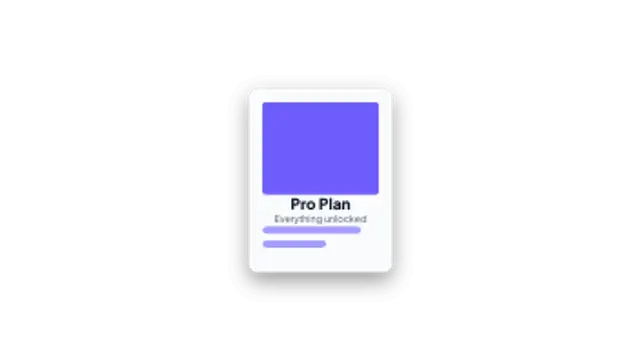
A product card rises and flips from its branded back to reveal the content side. Great for features and offers.
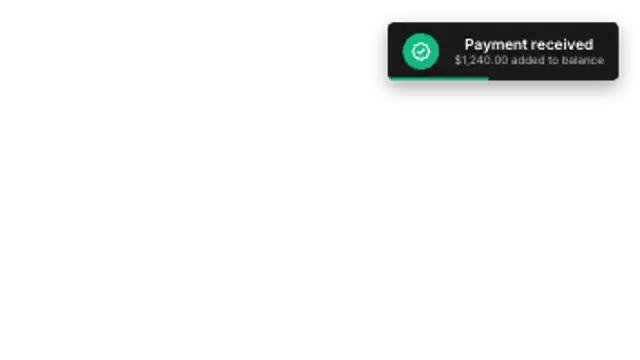
A sleek toast slides in with an icon, message and countdown bar, then glides away on its own.
Use a UI preset: a button press, a toggle, a cursor click, a card flip or a toast. Type your own labels, set your product colors, and export transparent WebM. The interaction reads clearly even when the real app is still in design.
Screen recordings are noisy and date quickly. A clean UI beat shows the same idea in two seconds with your own copy and color, and it never shows a build number you did not mean to ship.
Read the full guide: How to Animate UI Interactions for a Product Demo5 editable presets, including Button Press Success, Toggle Switch, Cursor Click, Card Flip In and Toast Notification. Every one opens in the browser editor, where you change colors, timing and any text before you download.
None of them loop. Every preset in UI Animations plays once, which suits cuts, openers and one-off moments.
MP4 for any editor or platform, WebM with a transparent background for the web, and a PNG sequence with alpha for Premiere Pro, After Effects, DaVinci Resolve and Figma. Every preset exports in 16:9, 9:16, 1:1 and 4:5 from 720p up to 8K, with a commercial license in your name.
Editing and previewing are free. You only spend a credit when the finished file lands on your machine.
5 free HD downloads on a new account · No card required