
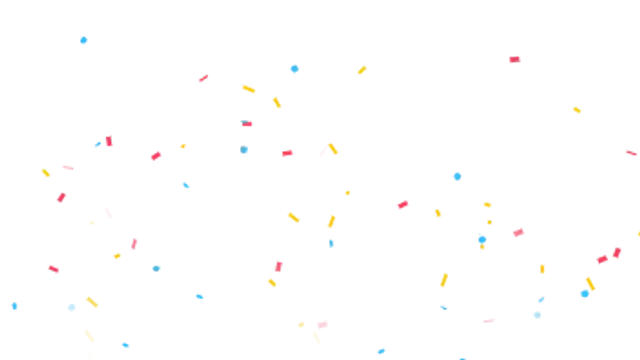
Three cannons fountain tumbling, fluttering confetti across the frame and rain it down in a seamless celebration loop.
Confetti, sparkles and ambient particles for celebration and polish.
Three cannons fountain tumbling, fluttering confetti across the frame and rain it down in a seamless celebration loop.

Glinting four-point stars twinkle across the frame with a soft glow. Adds instant magic to any shot.

Layered snowflakes fall with gentle sway and depth blur for a cozy, seamless winter loop.

Tiny glowing specks drift and shimmer through the air like dust in a sunbeam. Subtle cinematic texture.
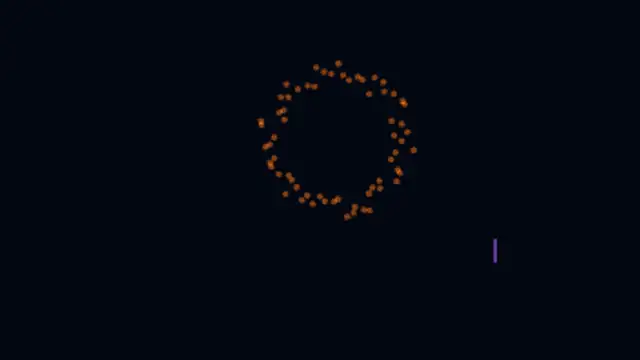
Shells streak into the sky and explode into falling sparks. Great for new year, launches and big wins.
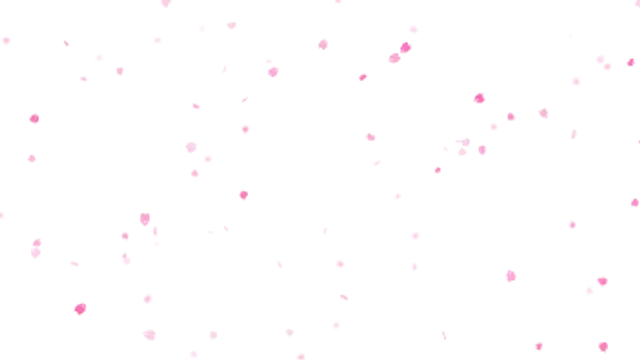
Notched cherry blossom petals flutter down, flipping and rocking on a light breeze. A seamless spring loop.
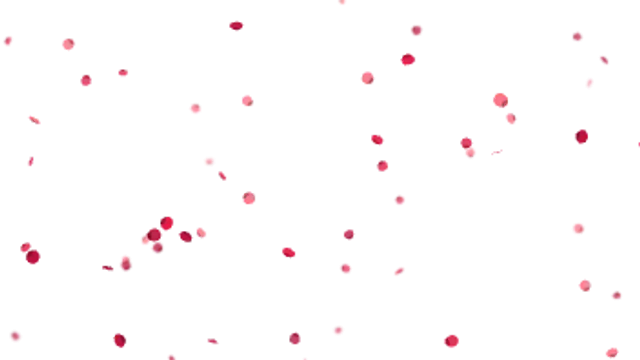
Velvet rose petals drift and curl down in slow tumbles. A romantic seamless loop for weddings and Valentine's.
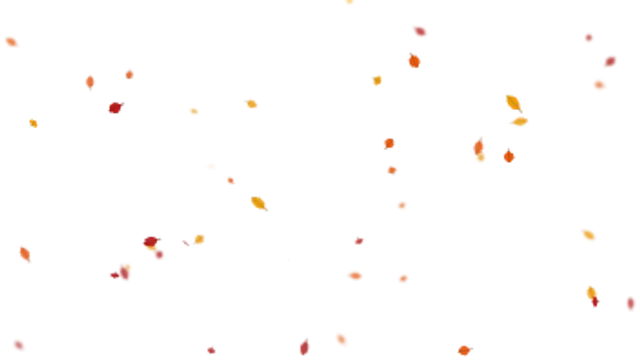
Pointed leaves with a centre rib swing, flip and drift sideways as they fall. A cosy seamless autumn loop.
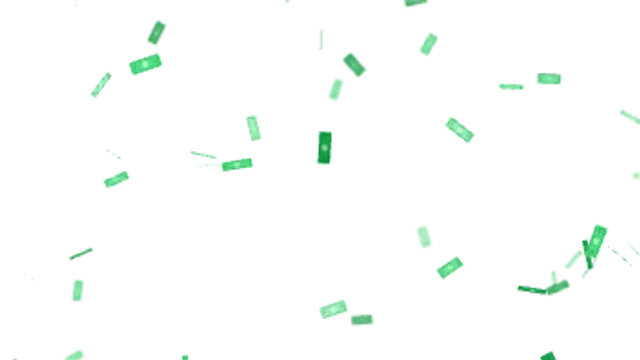
Generic banknotes flutter and flip down the frame. Payday, giveaway and big-win energy with no real currency art.
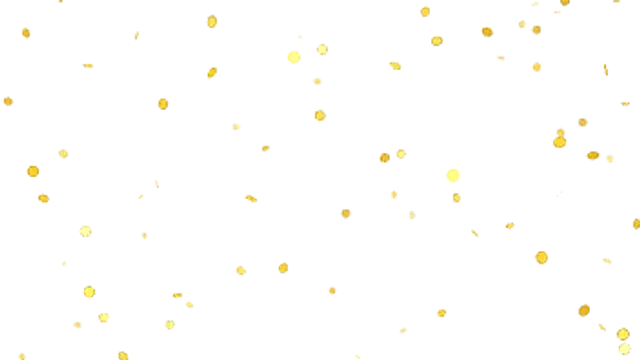
Rimmed gold coins spin edge over face as they drop, catching a bright glint each turn. Seamless jackpot loop.
Tiny hexagon flakes twirl down and flash as they face the light. Party, beauty and holiday sparkle on loop.
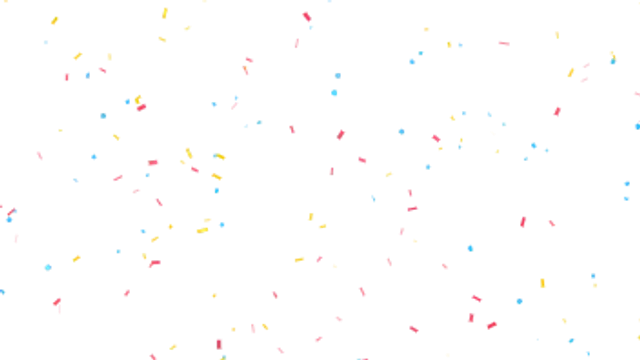
Strips, squares and dots flutter down in an endless shower. A seamless party backdrop for end cards and giveaways.

Irregular grey ash flecks and a few glowing cinders sink and drift. Moody texture for trailers, horror and war scenes.

Soft white feathers rock side to side like a falling leaf. Gentle, angelic and made for weddings and tributes.
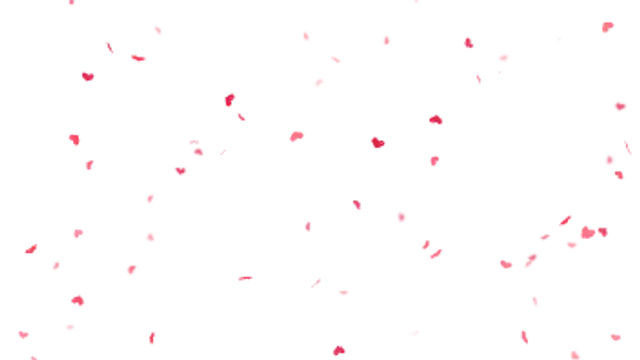
Glossy hearts flutter and turn as they rain down. Seamless love-themed loop for Valentine's, weddings and fan edits.
Glowing embers rise from below, flickering and cooling from white-hot to deep red. A seamless cinematic loop.
A gale of streaking embers tears sideways across the frame. Intense heat for action, battle and hype edits.
Hearts pop in, sway and drift upward before fading out. The classic love and live-stream like overlay, looped.
Glassy, rim-lit bubbles wobble up the frame and pop at the end of their flight. Playful and light as air.
A hot jet of streaking sparks sprays sideways, arcs down and skips off the floor. Industrial, gritty and loopable.
A flickering white-hot arc throws molten sparks down in a wide spray that bounces across the floor.
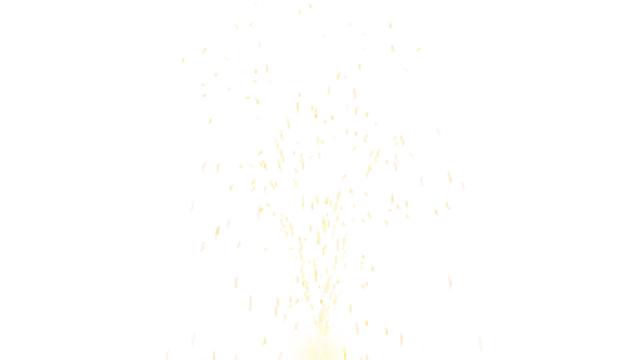
A stage gerb fires a tall column of golden sparks that arc over and rain back down. Concert and wedding sparkle.
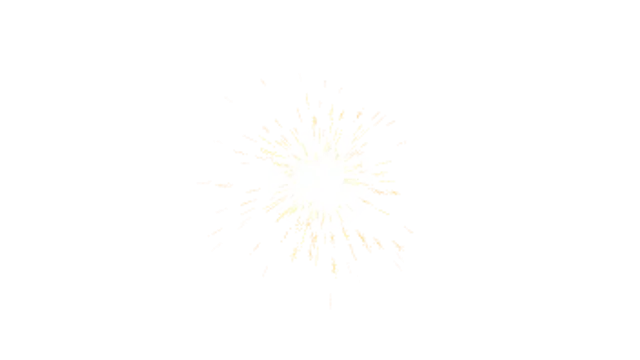
A hand sparkler spits short forking sparks in every direction around a bright flickering core.
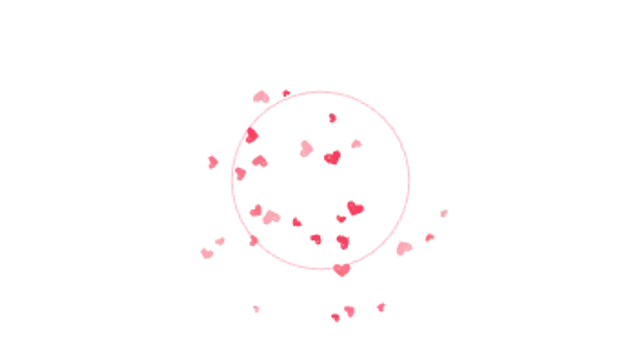
A flash and ring pop open as hearts spray out, spin and drift down. A love reaction for likes and big moments.
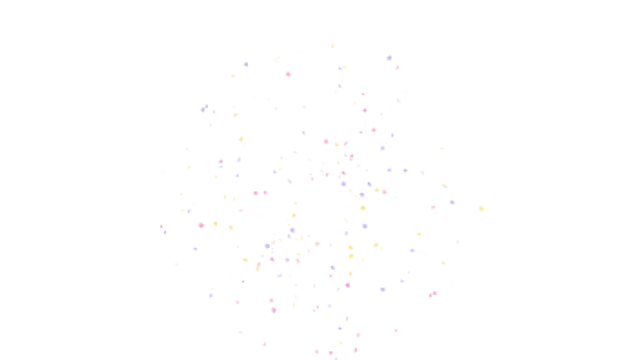
A puff of glitter blasts outward, each flake flipping and flashing as it catches the light before settling.
Soft clouds of coloured powder blast out and bloom into a lingering haze. Festival colour for openers and sport.
An impact flash sends a shock ring racing out as jagged debris flies up, tumbles and falls.
A blinding flash fires streaks of light in every direction behind an expanding ring. Energy for reveals and drops.
A glowing star-head loops through the frame, shedding twinkling dust that drifts and fades. Instant magic.
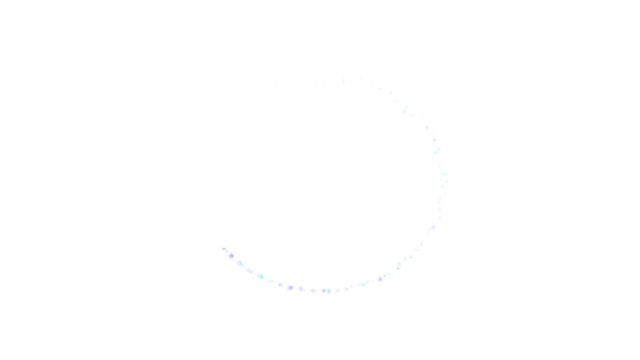
A spark circles the centre of the frame and leaves a lingering ring of glittering dust to frame your subject.

Bright meteors streak diagonally across the sky at random moments, each shedding a fading tail of stardust.
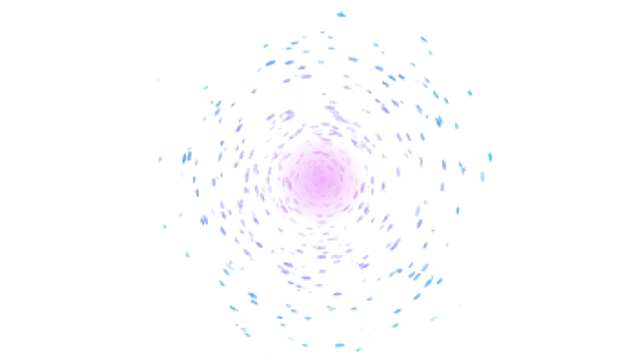
Glowing particles spiral inward faster and faster, streaking into a bright core. Hypnotic suspense and tech energy.
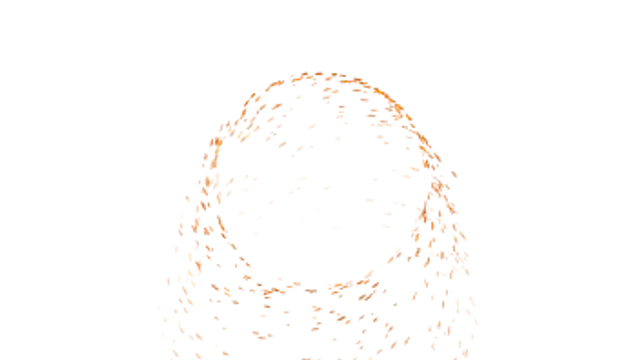
A spinning ring throws off streams of hot sparks that fly out and fall away. A generic sorcery portal, loopable.
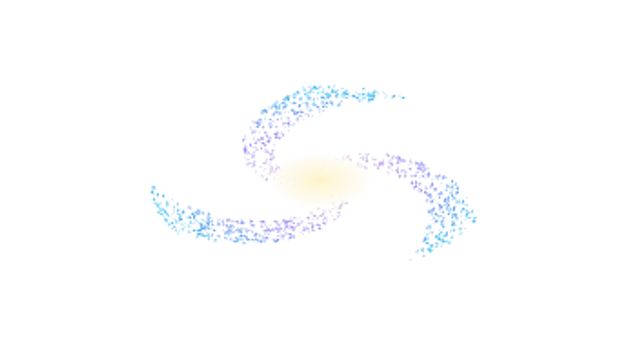
A tilted spiral galaxy of thousands of stars turns slowly around a glowing core. A calm, cosmic loop.
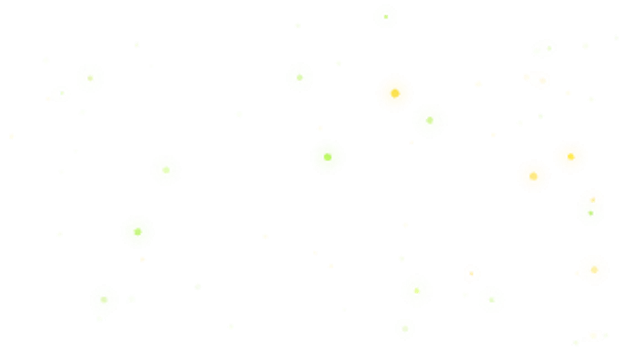
Warm glowing fireflies wander on lazy paths and blink on and off. Night gardens, fantasy and wedding magic.

Layered rain streaks fall at a slight angle with little splashes along the ground. A seamless moody rain loop.
Heavy wind-driven rain lashes sideways in gusts while splashes burst along the ground. Drama on demand.
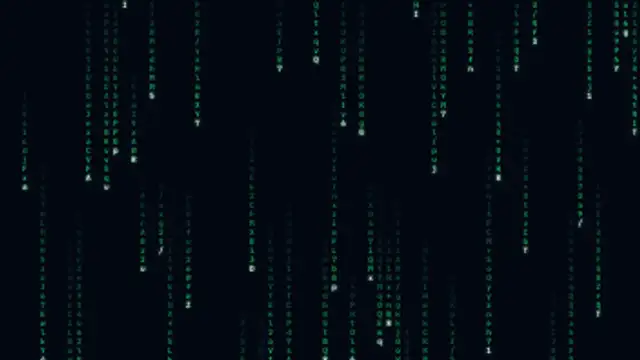
Columns of glowing characters stream down the screen, heads bright and trails fading, glyphs flickering as they fall.
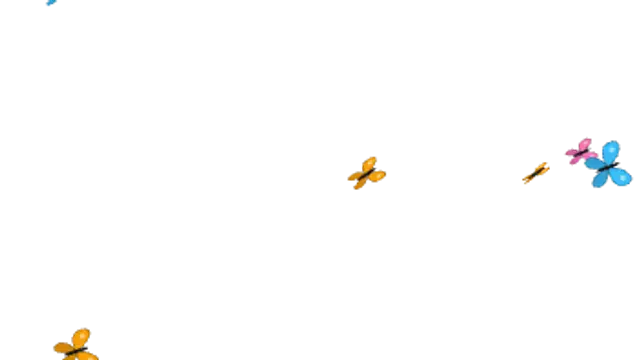
Colourful butterflies flutter across the frame on wandering paths, wings beating at their own rhythm.
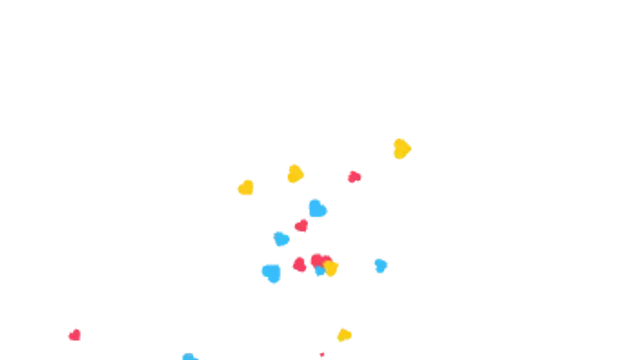
Pick any icon and it fountains up from below, popping in, spinning and arcing back down. Live reactions, looped.
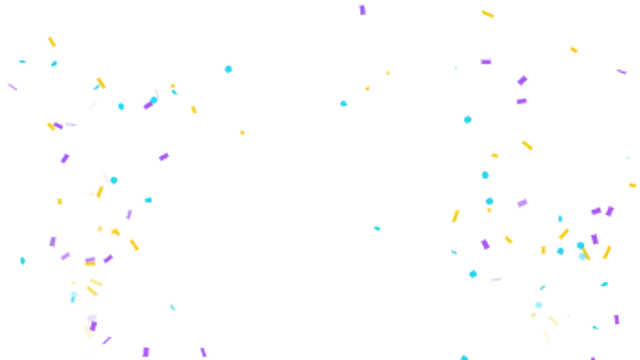
Twin cannons fountain arcing streams of confetti from both corners that tumble and flutter down in a seamless loop. Big-win energy.

Your text crumbles away from one side into drifting dust that blows off on the wind. A dramatic exit for any title.

Drifting dust sweeps in on the wind and settles grain by grain into your text. A soft, dramatic title reveal.
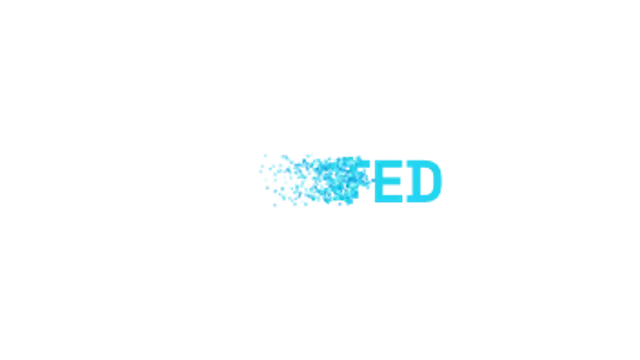
Text breaks apart along a stepped edge into square pixels that scatter away. A crisp digital delete effect.
A glowing burn line eats up through your text, turning it to embers that rise and cool into the dark.
Pick a particle preset, set the colors and density, then export a transparent WebM. Place it on the track above your footage and trim it to the celebration beat. Because the alpha channel is real, no keying or screen blend mode is needed.
Particles sell a moment: a win, a launch, a milestone. These presets burst confetti, twinkle sparkles, drift dust and drop snow, with density, speed and color under your control.
Read the full guide: How to Add Confetti and Particle Effects to a Video45 editable presets, including Confetti Burst, Sparkle Twinkle, Snowfall, Dust Float, Firework Show and Sakura Petals. Every one opens in the browser editor, where you change colors, timing and any text before you download.
32 of the 45 loop seamlessly, including Confetti Burst, Sakura Petals, Rose Petals, Autumn Leaves, Money Rain and Gold Coin Shower. The rest play once from start to finish.
MP4 for any editor or platform, WebM with a transparent background for the web, and a PNG sequence with alpha for Premiere Pro, After Effects, DaVinci Resolve and Figma. Every preset exports in 16:9, 9:16, 1:1 and 4:5 from 720p up to 8K, with a commercial license in your name.
Editing and previewing are free. You only spend a credit when the finished file lands on your machine.
5 free HD downloads on a new account · No card required