
The icon springs out of nowhere with a playful twist and settles with a satisfying bounce.
Animated icons that draw, pop and pulse to support your story.
The icon springs out of nowhere with a playful twist and settles with a satisfying bounce.
Every line of the icon draws itself on like a pen sketch, then lands with a subtle settle.

A bold badge bursts open with a shockwave ring and the icon pops on top. Great for success states.
A living double-beat pulse that makes hearts, likes and health icons feel alive.
The icon drops in with a bounce and rattles for attention, ideal for notifications and warnings.
The icon fades up and turns at a steady, unbroken rate. The plain loading turn every interface already speaks.
A single clean swell in and back out again, over and over. One calm tap on the shoulder, not an alarm.
The icon hangs from its top edge and rocks side to side like a bell clapper, weighted rather than jittery.

The icon winds in from a hard turn, scaling up as it unwinds, and coasts to a stop facing front.
A tight, fast rattle that dies away almost as soon as it starts. The short negative buzz of a blocked action.
The icon widens as it flattens and narrows as it rises, wobbling like set jelly instead of moving as a rigid block.
The turn is broken into eight held steps with no easing between them, so it clicks round like a second hand.
Colour floods up through the outline from the bottom edge until the icon reads solid. The moment a thing gets switched on.

A wavering surface climbs inside the outline, rocking as it rises, so the icon fills like a glass rather than a bar.

Colour blooms out of the centre of the icon and pushes to the edges, filling the shape from the inside out.
The icon turns on its vertical axis like a card, thinning to an edge and thickening as it comes back round to the front.
The icon tips forward over its horizontal axis, squashing flat through the turn before landing face on again.
A bright dot runs ahead of the line, laying the icon down behind it as it goes. Someone is drawing this right now.

The outline lights up section by section like a tube sign warming up, then buzzes and holds at full glow.
A soft band of light travels across the icon on a slow loop. Nothing moves; only the colour crossing it does.
The icon springs in and throws a handful of small shapes outward, each arcing off on its own path before winking out.
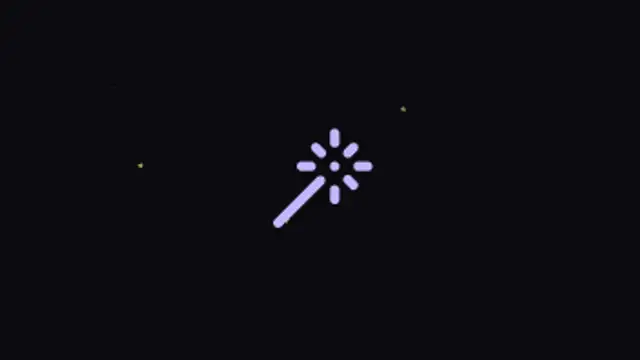
Small shapes circle the icon on a tilted ring, brightening as they pass the front and dimming behind. A quiet premium tell.
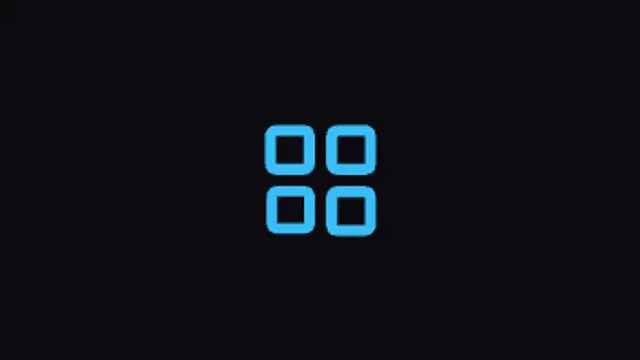
The icon starts as a pressed flat line and opens upward into its full height, each part unfolding a beat after the last.
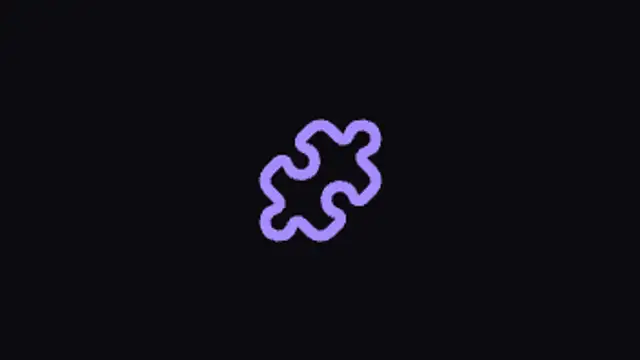
Every piece of the icon flies in from its own direction, spinning as it comes, and locks into place with a springy stop.
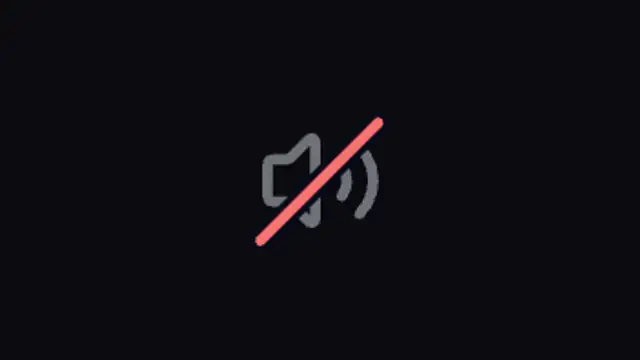
A clean diagonal strikes through the icon and the shape behind it dims, turning any symbol into its switched-off twin.
Choose an icon preset, pick an icon from the built-in library, set its color, size and stroke, then adjust how it draws, pops or pulses. Export a transparent WebM and the icon animates over any slide, app screen or footage without a matte.
An icon that draws itself holds attention far better than a static glyph. These presets animate stroke, scale and badge shapes so a checkmark, bell or rocket becomes a beat in your edit.
Read the full guide: How to Add Animated Icons to a Video25 editable presets, including Pop & Rotate, Stroke Draw, Badge Reveal, Heartbeat Pulse, Shake Alert and Spin Loop. Every one opens in the browser editor, where you change colors, timing and any text before you download.
None of them loop. Every preset in Icon Animations plays once, which suits cuts, openers and one-off moments.
MP4 for any editor or platform, WebM with a transparent background for the web, and a PNG sequence with alpha for Premiere Pro, After Effects, DaVinci Resolve and Figma. Every preset exports in 16:9, 9:16, 1:1 and 4:5 from 720p up to 8K, with a commercial license in your name.
Editing and previewing are free. You only spend a credit when the finished file lands on your machine.
5 free HD downloads on a new account · No card required