
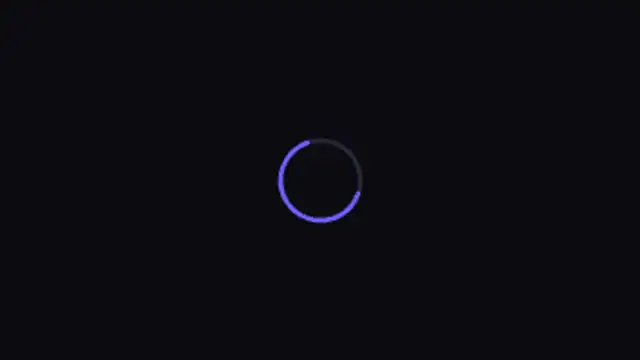
A smooth arc that stretches and contracts as it spins, the modern Material-style loader. Loops seamlessly.
Spinners, dots and progress indicators for apps and videos.
A smooth arc that stretches and contracts as it spins, the modern Material-style loader. Loops seamlessly.
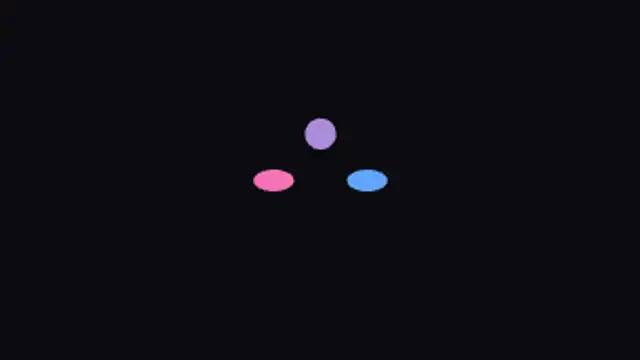
Gradient dots hop in a rolling wave with a playful squash, a friendly wait state that loops forever.
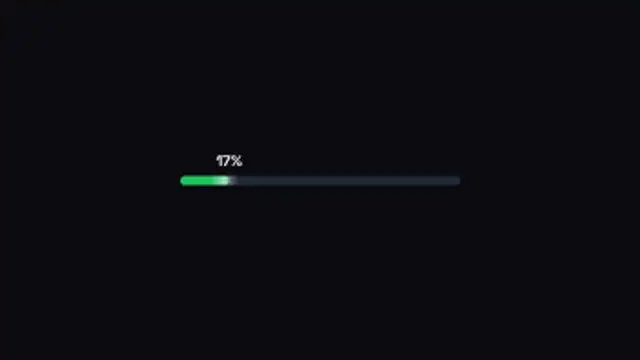
A rounded progress bar fills to 100% with a live percentage and glossy shine. Great for countdowns to launch.
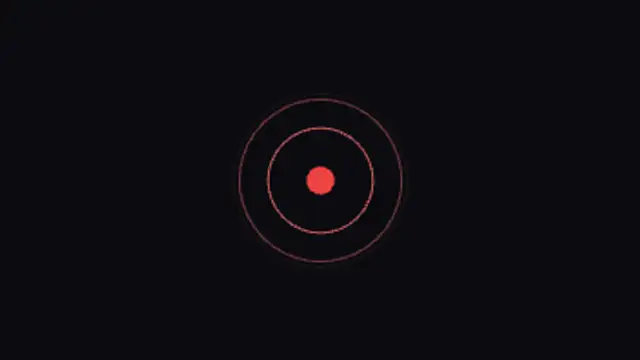
Radar-like rings ripple out from a beating core. Ideal for live indicators, scanning and connecting states.
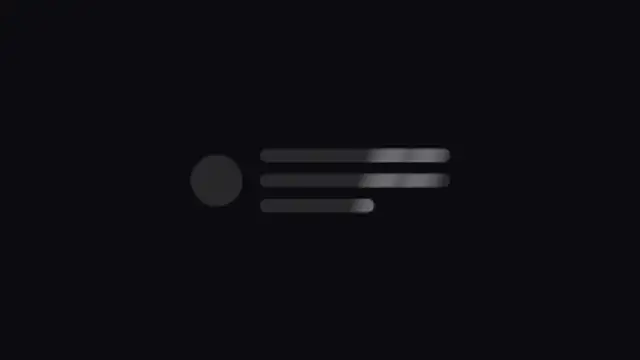
A content placeholder card with a soft shimmering highlight, exactly like modern apps while loading.
A good loader starts instantly, loops seamlessly and suggests progress rather than time. Keep the motion under one and a half seconds per cycle, use a single accent color, and export a transparent WebM so it can sit over any app screen or video.
Loaders are the smallest piece of motion design with the largest reach. These presets sweep arcs, bounce dots, fill pills, pulse rings and shimmer skeletons, and they loop cleanly for as long as you need.
Read the full guide: How to Make a Loading Animation for a Video or Website5 editable presets, including Spinner Arc, Dots Bounce, Progress Pill, Pulse Rings and Skeleton Shimmer. Every one opens in the browser editor, where you change colors, timing and any text before you download.
None of them loop. Every preset in Loading Animations plays once, which suits cuts, openers and one-off moments.
MP4 for any editor or platform, WebM with a transparent background for the web, and a PNG sequence with alpha for Premiere Pro, After Effects, DaVinci Resolve and Figma. Every preset exports in 16:9, 9:16, 1:1 and 4:5 from 720p up to 8K, with a commercial license in your name.
Editing and previewing are free. You only spend a credit when the finished file lands on your machine.
5 free HD downloads on a new account · No card required