velements

Loading Animations

Loading animations: spinners and progress that feel fast

Updated September 18, 20263 min read

What makes a good loading animation?

A good loader starts instantly, loops seamlessly and suggests progress rather than time. Keep the motion under one and a half seconds per cycle, use a single accent color, and export a transparent WebM so it can sit over any app screen or video.

Loaders are the smallest piece of motion design with the largest reach. These presets sweep arcs, bounce dots, fill pills, pulse rings and shimmer skeletons, and they loop cleanly for as long as you need.
Five loading animations presets to start from

Hover any card to play it. Opening one loads it in the editor with every control unlocked.

  • A smooth arc that stretches and contracts as it spins, the modern Material-style loader. Loops seamlessly.

  • Gradient dots hop in a rolling wave with a playful squash, a friendly wait state that loops forever.

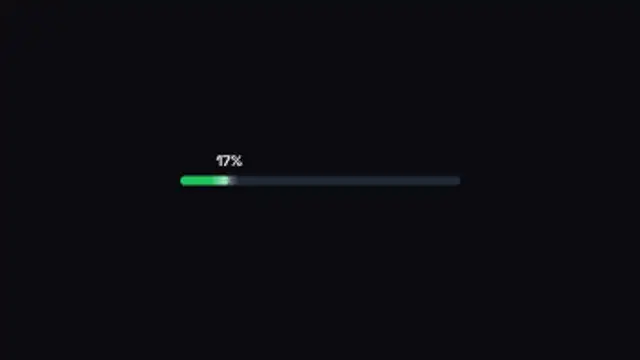
  • A rounded progress bar fills to 100% with a live percentage and glossy shine. Great for countdowns to launch.

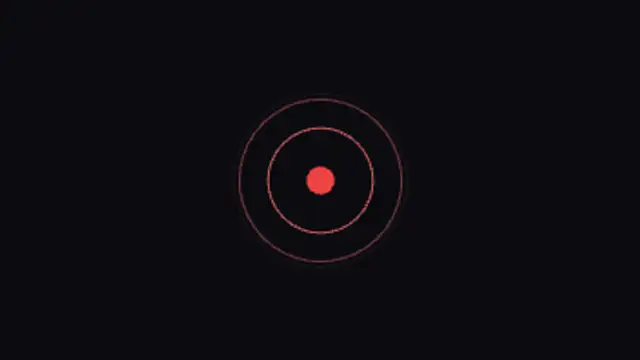
  • Radar-like rings ripple out from a beating core. Ideal for live indicators, scanning and connecting states.

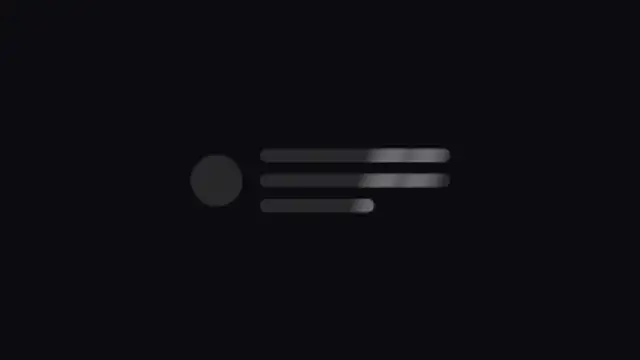
  • A content placeholder card with a soft shimmering highlight, exactly like modern apps while loading.

All loading animations

How to make one in the browser

  1. 01Open a loading animations presetBrowse the Loading Animations category and open the preset closest to what you need. It loads in the editor with every control unlocked.
  2. 02Make it yoursRewrite the text, set your brand colors and font, adjust easing and duration, and switch the aspect ratio for the platform you are posting to.
  3. 03Export the clipChoose MP4 for a normal track or transparent WebM for an overlay, pick a resolution up to 8K, and the file renders on your own machine.

Which format should you export?

Use MP4 when the clip sits on its own track or fills the frame. Use transparent WebM whenever it has to float over your own footage: the alpha channel is real, so no keying or blend mode is needed.

Format
MP4 H.264 · WebM VP9
Alpha
Transparent WebM
Resolution
720p to 8K
Aspect
16:9 · 9:16 · 1:1 · 4:5
License
Commercial use included

Three tips that make it look intentional

  • Loop seamlessly rather than exporting a long clip.
  • Use your product accent color so the wait still feels branded.
  • Skeleton shimmers suit content that will appear; spinners suit actions.

Frequently asked

Do loaders loop without a jump?
Loop presets are built so the last frame matches the first, so repeats are invisible.
Can I use these in an app rather than a video?
Transparent WebM plays in a video tag over any background and weighs far less than an equivalent GIF.
  • UI Animations

    UI animations: product demos without a screen recording

    Use a UI preset: a button press, a toggle, a cursor click, a card flip or a toast. Type your own labels, set your product colors, and export transparent WebM. The interaction reads clearly even when the real app is still in design.

    Read the guide
  • Animated Frames

    Animated frames: borders that focus the shot

    Use a frame when you need to separate inserted content from the main shot: a photo, a quote, a webcam, a product. Corner brackets and chasing borders draw the eye to a region, and a transparent export lets the footage stay visible inside.

    Read the guide
  • Badges & Stickers

    Sale badges: stickers that make an offer land

    Pick a badge preset, type the offer, set the colors, and export a transparent WebM. Drop it in a corner over your product shot and trim it to a couple of seconds. A pop or slam entrance reads better than a fade for anything price related.

    Read the guide