velements

Tessellation Backgrounds

Tessellation backgrounds: patterns your editor cannot generate

Updated September 18, 20263 min read

How do you make a tiling pattern background?

Pick a tessellation preset, set the density and seed, choose two or three colours, then export a seamless loop. The pattern is generated from real geometry each frame, so changing the seed gives a genuinely different tiling rather than a shifted copy of the same one.

Grids and checkerboards are one effect away in any editor. Truchet tiles, Voronoi cells, Delaunay meshes and aperiodic tilings are not: they need algorithms the timeline cannot express. These presets generate the geometry, so you get a pattern rather than a filter.
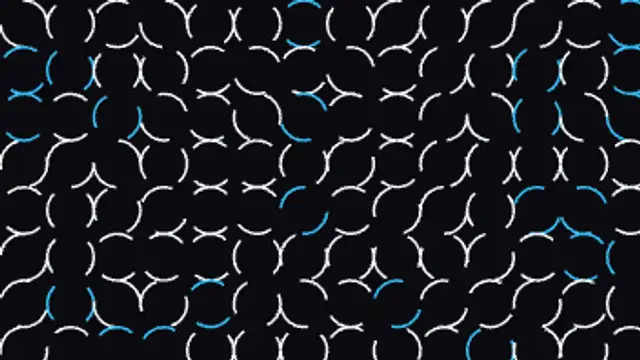
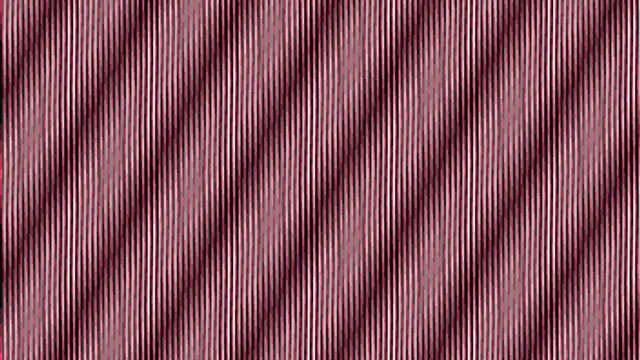
Five tessellation backgrounds presets to start from

Hover any card to play it. Opening one loads it in the editor with every control unlocked.

  • Quarter-circle arcs sit at a random turn in every cell of the grid, and each tile rocks a quarter turn on its own beat so the paths keep rewiring.

  • Two line grids of slightly different pitch sit over one another and one rocks a couple of degrees, so wide interference bands sweep across the frame.

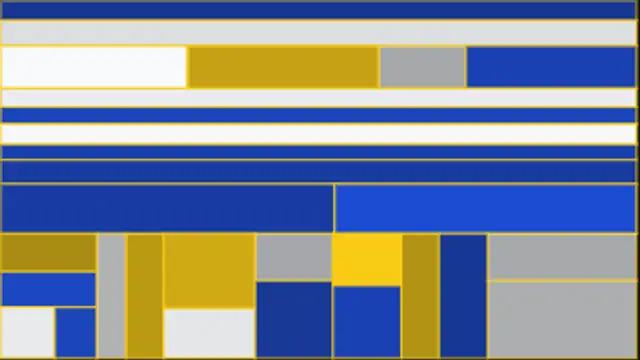
  • The frame halves itself again and again into unequal rectangles, then every panel breathes at its own rate against the grid it belongs to.

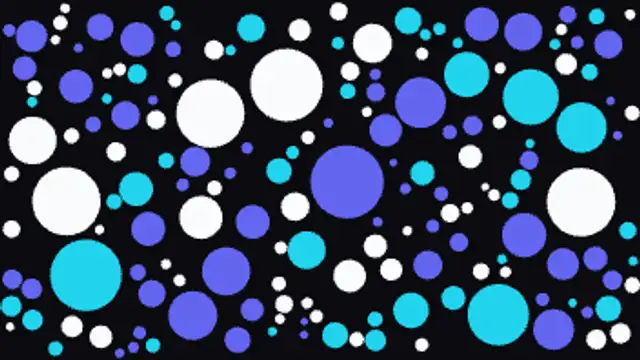
  • Circles drop in at every size that will still fit without touching, filling the frame, then each one pulses gently against its neighbours.

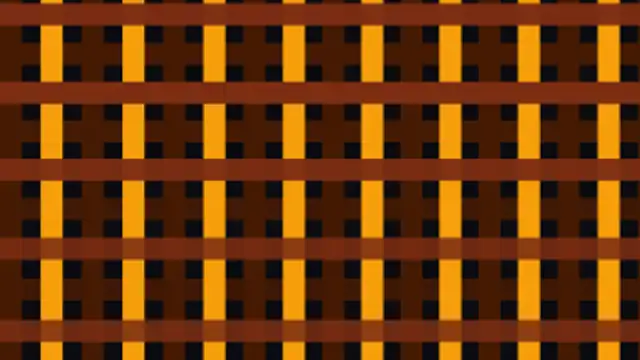
  • Warp and weft ribbons cross in a true over-and-under weave, and every strip slides a little against the cloth so the basket keeps shifting.

All tessellation backgrounds

How to make one in the browser

  1. 01Open a tessellation backgrounds presetBrowse the Tessellation Backgrounds category and open the preset closest to what you need. It loads in the editor with every control unlocked.
  2. 02Make it yoursRewrite the text, set your brand colors and font, adjust easing and duration, and switch the aspect ratio for the platform you are posting to.
  3. 03Export the clipChoose MP4 for a normal track or transparent WebM for an overlay, pick a resolution up to 8K, and the file renders on your own machine.

Which format should you export?

Use MP4 when the clip sits on its own track or fills the frame. Use transparent WebM whenever it has to float over your own footage: the alpha channel is real, so no keying or blend mode is needed.

Format
MP4 H.264 · WebM VP9
Alpha
Transparent WebM
Resolution
720p to 8K
Aspect
16:9 · 9:16 · 1:1 · 4:5
License
Commercial use included

Three tips that make it look intentional

  • Change the seed before the colours: it is the control that makes a preset look like your pattern rather than ours.
  • Keep density low for a title backdrop and high for a full-frame texture; dense tilings fight with type.
  • Export a seamless loop so a short clip can sit under a long scene without a visible jump.

Frequently asked

Will these loop cleanly?
Yes. The motion is driven by periodic functions timed to the clip length, so the last frame hands back to the first without a repeated frame.
Can I match a brand palette?
Every preset takes your primary, secondary and accent colours and builds its palette from them, so the pattern inherits your brand rather than ours.
  • Curve & Field Backgrounds

    Curve backgrounds: Lissajous, spirographs and wave fields

    It is a background drawn from an equation rather than a filter. A Lissajous figure, a spirograph rosette or a Chladni plate is defined by a handful of numbers, so changing one parameter changes the whole shape while the motion stays smooth and loops exactly.

    Read the guide
  • Shape Transitions

    Shape transitions: how to cut between shots without a plugin

    A shape transition is a graphic wipe where a circle, bar or tile grid travels across the frame and hands the shot over to the next one. It hides the cut, carries your brand color and works in any editor once exported as MP4 or transparent WebM.

    Read the guide
  • Text Animations

    Animated text: kinetic typography you can type into

    Pick a text preset, type your line, choose a font and weight, then set the colors, easing and duration. The preview renders the real animation, and the export is an MP4 or a transparent WebM you drop straight onto a track in your editor.

    Read the guide