velements

Paper Cutout

Paper cutout animations: stop-motion charm without a camera

Updated September 18, 20263 min read

What is a paper cutout animation?

It is a style where shapes look torn, layered and slightly imperfect, as if cut from paper and moved by hand. Torn paper transitions, layered parallax scenes and tape labels bring warmth to explainers and craft content that flat vector motion cannot.

Paper has edges and shadows, and those tiny imperfections read as handmade. These presets tear paper across the frame, stack parallax landscapes, pop cutout shapes and stick tape labels over your own text.

Five paper cutout presets to start from

Hover any card to play it. Opening one loads it in the editor with every control unlocked.

  • Layered construction paper sheets with ripped edges slide over the frame, then tear away one by one in choppy stop-motion.

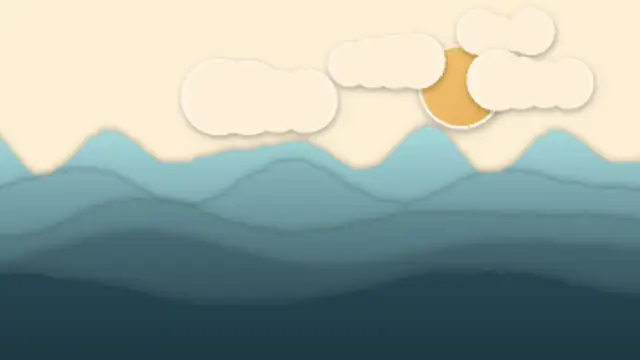
  • Stacked cut-paper hills drift in parallax under paper clouds and a sun, each layer casting a soft shadow on the next.

  • Stars, hearts, arrows and blobs cut from colored paper pop onto the frame with squash, bounce and white sticker borders.

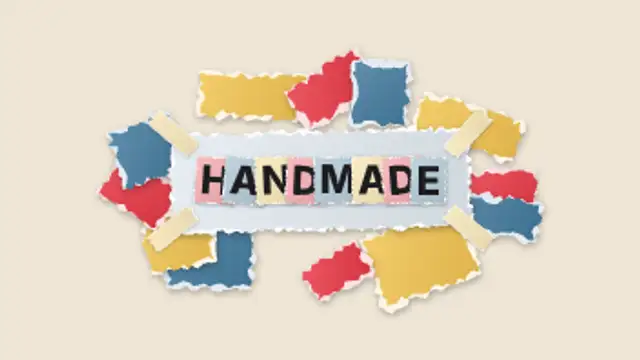
  • Paper scraps fly in to build a handmade collage frame, tape pins the card and ransom-note letters snap into your title.

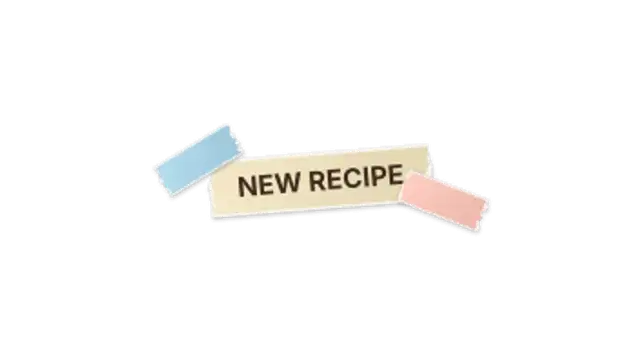
  • A ripped strip of masking tape slaps on with your label, pinned by smaller tape pieces, then peels away at the end.

All paper cutout

How to make one in the browser

  1. 01Open a paper cutout presetBrowse the Paper Cutout category and open the preset closest to what you need. It loads in the editor with every control unlocked.
  2. 02Make it yoursRewrite the text, set your brand colors and font, adjust easing and duration, and switch the aspect ratio for the platform you are posting to.
  3. 03Export the clipChoose MP4 for a normal track or transparent WebM for an overlay, pick a resolution up to 8K, and the file renders on your own machine.

Which format should you export?

Use MP4 when the clip sits on its own track or fills the frame. Use transparent WebM whenever it has to float over your own footage: the alpha channel is real, so no keying or blend mode is needed.

Format
MP4 H.264 · WebM VP9
Alpha
Transparent WebM
Resolution
720p to 8K
Aspect
16:9 · 9:16 · 1:1 · 4:5
License
Commercial use included

Three tips that make it look intentional

  • Keep the motion slightly stepped rather than perfectly smooth.
  • Warm off-white tones read as paper; pure white reads as UI.
  • Use the tape label for a handwritten aside, not for the main title.

Frequently asked

Can I add my own words?
Yes, the collage title and tape label presets take your own text.
Does the torn edge work as a transition?
That is what it is built for: the tear covers the frame and hands over to the next shot.
  • Cybersecurity

    Cybersecurity graphics: locks, scans and breach visuals

    Use the familiar vocabulary: a shield locking, text scrambling into ciphertext, a firewall blocking traffic, a fingerprint scanning, a 2FA code arriving, or an attack map lighting up. Each one gives a security claim something concrete on screen.

    Read the guide
  • Green Energy

    Green energy graphics: turbines, solar and net zero

    Clean line art beats stock photography for sustainability claims. A turbine turning, a battery charging from solar, a recycling loop closing or a net zero chart falling to the line each show a process rather than a mood, and they stay honest about what is being claimed.

    Read the guide
  • Spotlight & Focus

    Spotlight and before-after: direct the viewer's eye

    Use a before-after wipe: place both images or clips in the preset, set the wipe direction and speed, and let the line travel across the frame. A spotlight or magnifier does the same job for a single detail inside one image.

    Read the guide