velements

3D Animations

3D loops: spinning text, logos and isometric scenes

Updated September 18, 20263 min read

Can you make 3D animations in a browser?

Yes, for the kind of 3D that video work actually uses: extruded text, spinning logos, rotating coins, cube grids and isometric stacks. These render on a 2D canvas as clean geometry, loop seamlessly and export as MP4 or transparent WebM.

Most 3D in marketing video is a shape turning on a loop. These presets extrude your text and logo, spin coins and cubes, stack isometric blocks and build wireframe geometry, all seamless so they repeat forever.
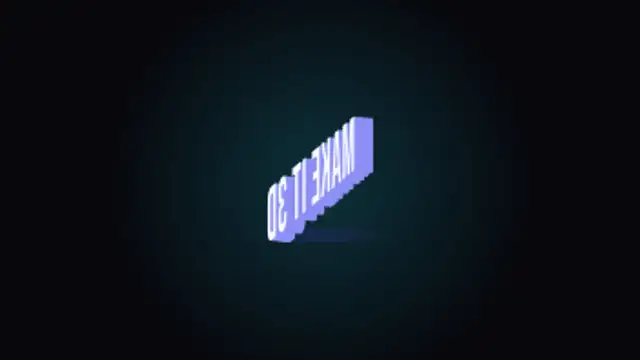
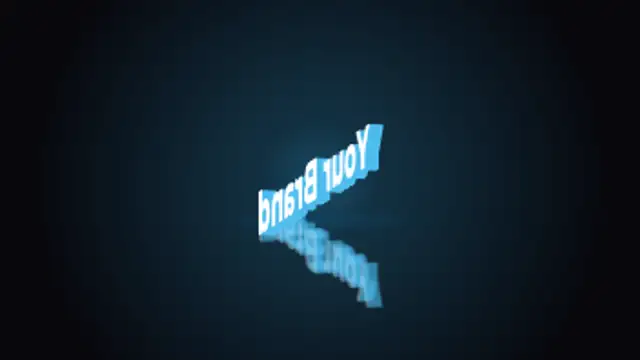
Five 3d animations presets to start from

Hover any card to play it. Opening one loads it in the editor with every control unlocked.

  • Your words as thick extruded 3D letters that turn a full circle with shaded sides, a soft glow and a floor shadow, looping seamlessly.

  • Upload a logo and it turns like a thick 3D badge on a turntable with a glossy floor reflection and glow, in a perfect loop.

  • A metallic coin with a ridged rim and your icon or short label on its face spins on its edge in a seamless loop.

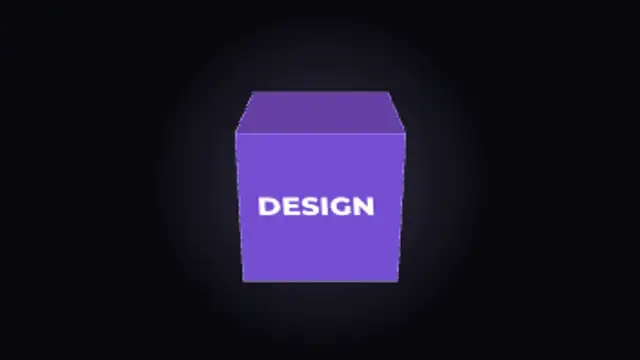
  • A shaded 3D cube turns face by face, showing one short message on each side before it snaps to the next, looping forever.

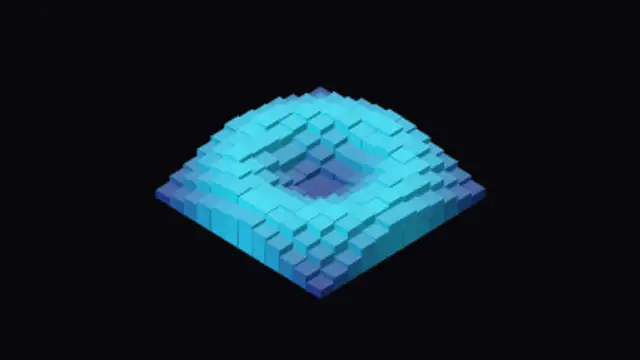
  • An isometric floor of 3D cubes rises and falls in a smooth ripple with color shifting by height, a hypnotic seamless background loop.

All 3d animations

How to make one in the browser

  1. 01Open a 3d animations presetBrowse the 3D Animations category and open the preset closest to what you need. It loads in the editor with every control unlocked.
  2. 02Make it yoursRewrite the text, set your brand colors and font, adjust easing and duration, and switch the aspect ratio for the platform you are posting to.
  3. 03Export the clipChoose MP4 for a normal track or transparent WebM for an overlay, pick a resolution up to 8K, and the file renders on your own machine.

Which format should you export?

Use MP4 when the clip sits on its own track or fills the frame. Use transparent WebM whenever it has to float over your own footage: the alpha channel is real, so no keying or blend mode is needed.

Format
MP4 H.264 · WebM VP9
Alpha
Transparent WebM
Resolution
720p to 8K
Aspect
16:9 · 9:16 · 1:1 · 4:5
License
Commercial use included

Three tips that make it look intentional

  • Seamless loops let a five second export cover a whole scene.
  • Keep the tilt shallow so extruded text stays readable.
  • Transparent exports let a spinning object sit over footage without a matte.

Frequently asked

Is this real 3D rendering?
It is deterministic geometry drawn on canvas, built for clean loops rather than photoreal lighting.
Do the loops repeat cleanly?
Yes, the last frame matches the first and the export never repeats a frame.
  • Live Stream Overlays

    Stream overlays: BRB screens, alerts and goal bars

    Four cover most streams: a be-right-back screen, a webcam frame, an alert for new followers, and a goal bar. Export the alert and frame as transparent WebM so they sit over gameplay, and keep the BRB screen as a looping full-frame MP4.

    Read the guide
  • Gaming FX

    Gaming FX: level ups, achievements and health bars

    Use gaming presets as overlays: a level-up burst on a win, an achievement plaque for a milestone, a health bar for tension, a combo counter for a streak. Export transparent WebM and place them over gameplay footage on the beat of the action.

    Read the guide
  • Reactions & Memes

    Reaction graphics: emoji pops, censor bars and meme captions

    Use a caption block preset, type the line, and place it at the top or bottom of the frame. Pair it with an emoji reaction pop or an impact stamp on the punchline, and export transparent WebM so the joke lands over your own footage.

    Read the guide