Food & Drink

How to Add Animated Steam and Recipe Cards to Food Videos

By the velements teamUpdated November 14, 20263 min read
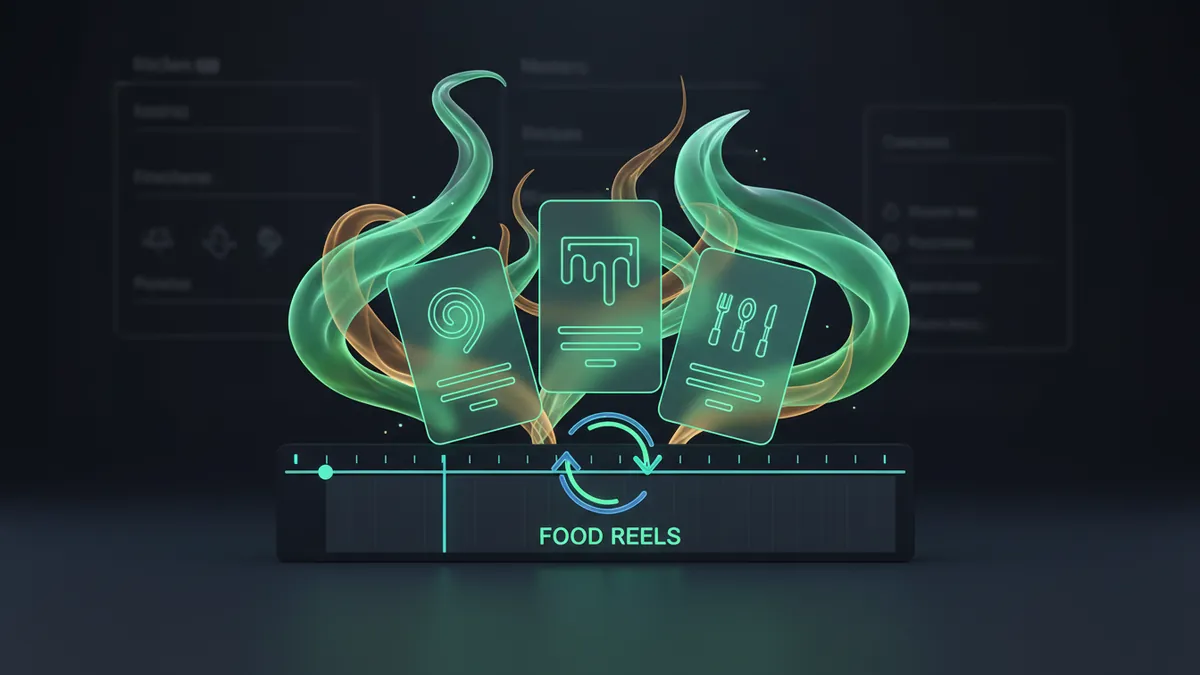
How to Add Animated Steam and Recipe Cards to Food Videos

How do you animate steam and pouring drinks for food videos?

Pick a preset, set the vessel and palette, then let it generate the motion. Steam and pours are simulated from seeded maths every frame rather than dragged in as a stock overlay, so they match your colours and loop without a visible cut.

Food footage sells the dish; the graphics sell the menu. Steam that keeps curling, a drink that fills with a real settle wobble, a drizzle that traces its own path, an ingredient list that reflows around whatever you type. None of these are one effect away in an editor.
Five food & drink presets to start from

Hover any card to play it. Opening one loads it in the editor with every control unlocked.

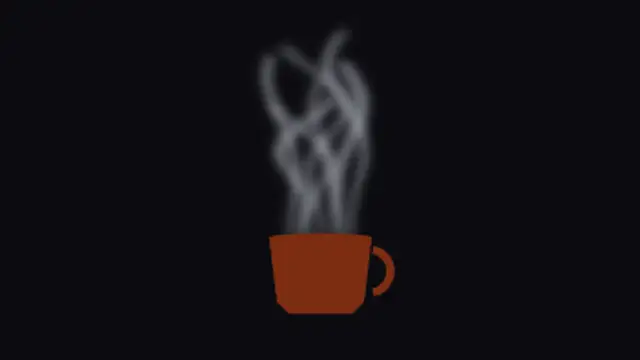
  • Steam Curl Rise

    Ribbons of steam lift off the rim, each seeded with its own sway, width and travel so no two curls ever repeat the same shape.

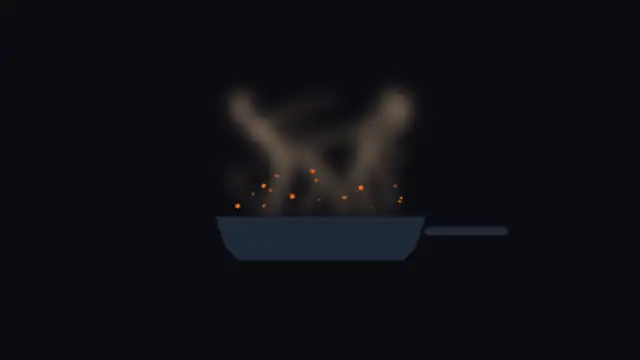
  • Sizzle Shimmer Pan

    Heat wavers off a hot pan while oil sparks pop and fade above it, every spark seeded to its own height and beat.

  • Broth Bowl Steam

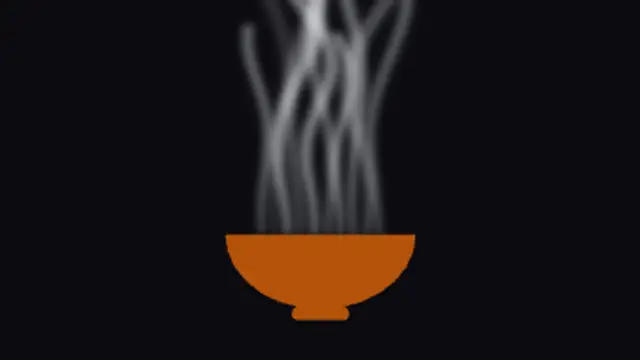
    A wide bowl breathes slow, heavy steam that leans and thins as it climbs, built for soups, ramen and anything served hot.

  • Pour Fill Glass

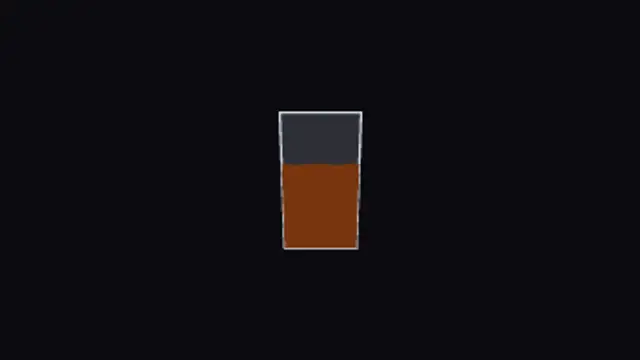
    A stream arcs into the glass and the level climbs behind it, then the surface rocks and settles the way a real pour does.

  • Espresso Shot Fill

    A tight dark stream drops straight into a short glass, building crema at the surface as the level rises and steadies.

All food & drink

Step by step

  1. Separate overlays from cards

    Steam Curl Rise and Broth Bowl Steam go over footage of a hot dish, with Broth Bowl Steam giving heavier, slower vapour. Pour Fill Glass is a short standalone drink moment. Recipe Card Build, Numbered Recipe Steps and Nutrition Label Build are information cards for the part of the video that lists things.

  2. Fill in the ingredients or tune the vapour

    On Recipe Card Build, put ingredient names in Labels, quantities in Values and measures in Units, then name the dish in Title. The steam presets have no text: Intensity, Scale, Speed and Variation shape the vapour, and Primary, Secondary and Accent tint it to suit the shot.

  3. Place it on the dish and pick a length

    Use Position to put steam over the bowl or cup rather than mid-frame. Five of the 12 presets loop, including the steam, fizz and spice clips, so they can run under a long shot. Pour Fill Glass and Espresso Shot Fill play once in 4 and 3.5 seconds, so cut to them.

  4. Choose alpha for overlays, MP4 for cards

    Steam, sparks and spice need to sit on your footage, so set Background to Transparent. Export a PNG sequence for Premiere Pro and After Effects, or WebM with alpha for CapCut and Resolve. Recipe and nutrition cards fill the frame, so plain MP4 is the easier file to handle.

  5. Composite it over the shot

    In CapCut, add the WebM as an overlay on the bowl shot and resize it so the steam starts at the rim. For a recipe card, cut the MP4 in as its own shot. In Premiere Pro, import the first PNG frame with Image Sequence ticked and stack it above the clip.

Where it is used

  • Recipe videos

    An ingredients card builds on screen after the finished-dish shot, ticking off each quantity, so viewers can screenshot one clean frame instead of pausing through several clips of the cook measuring things.

  • Restaurant menu screens

    A cafe's in-store display loops Steam Curl Rise above a photographed coffee, or Fizz Bubble Rise behind a soft drink, adding movement to a menu that would otherwise be still images.

  • Food product ads

    A sauce brand opens on Sauce Drizzle Trace with the product name in Title, then cuts to the Nutrition Label Build where the rows count in, keeping a short ad visual through its factual part.

Presets
12, of which 5 loop
Default length
3.5 to 10 seconds
Best export
PNG sequence or WebM for steam, MP4 for cards
Aspect ratios
16:9, 9:16, 1:1, 4:5

Which format should you export?

WebM with alpha when the steam, sparks or drizzle sit over your own footage. MP4 for full-frame recipe cards and menu boards.

Format
MP4 · WebM · PNG sequence
Alpha
WebM or PNG sequence
Resolution
720p to 8K
Aspect
16:9 · 9:16 · 1:1 · 4:5
Works with
Premiere Pro · After Effects · DaVinci Resolve · Final Cut Pro · CapCut · Figma
License
Commercial use included
Cost
Free · no account · no watermark

Three tips that make it look intentional

  • Match the steam colour to your highlights rather than pure white; it sits into the shot instead of floating over it.
  • Recipe and nutrition cards lay themselves out from your list, so add or remove a row and the spacing fixes itself.
  • Slow the rate down for ambient loops behind a menu, and raise it for a punchy social cut.

Three things people get wrong

  • Stacking a stock steam clip on a screen blend and fighting its colour cast. Generate it in your palette instead.
  • Typing a long ingredient name into a card built for short ones. These reflow, so let them.
  • Running the sizzle at full intensity for the whole shot. Keep it under the cut where the heat actually reads.

Frequently asked

Can I put steam over my own footage?

Yes. Export WebM with alpha and the vessel, steam and sparks composite straight over your shot with no blend mode needed.

Do the recipe cards handle any number of ingredients?

Yes. The rows are laid out from your list each time, so the card resizes and re-spaces itself around what you type.

  • How to Make a News Ticker for a Video

    News & Broadcast

    How to Make a News Ticker for a Video

    Use a ticker preset, enter your headlines, set the scroll speed and colors, and export. A breaking news banner and a headline bar cover the rest of a bulletin look, and transparent exports let them sit over your own footage or a studio plate.

    Read the guide
  • How to Animate DNA and Cells for a Science Video

    Science & Medical

    How to Animate DNA and Cells for a Science Video

    Instead of licensing stock, edit a preset: a DNA helix, an ECG monitor, a beating heart, dividing cells or a lab flask. You set the colors, speed and labels, and export MP4 or transparent WebM with a commercial license included.

    Read the guide
  • How to Make an Animated Holiday Greeting Video

    Holidays & Celebrations

    How to Make an Animated Holiday Greeting Video

    Choose a seasonal preset, type your greeting, set the colors to your brand, and export. Lanterns, diyas, candles and garlands work as a backdrop for a message, and a transparent export lets the decoration sit around your own footage.

    Read the guide
Ready to create?

Make your next clip in the next five minutes

Editing, previewing and downloading are free. No account, no watermark, every format and resolution.