
A stream arcs into the glass and the level climbs behind it, then the surface rocks and settles the way a real pour does.
Espresso Shot Fill
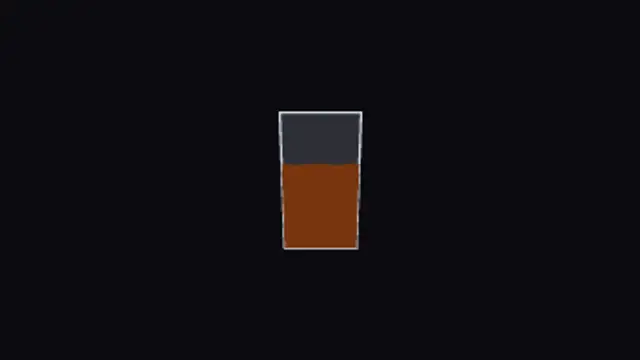
A tight dark stream drops straight into a short glass, building crema at the surface as the level rises and steadies.
Pour an espresso shot into a glass with crema building at the surface. Edit colours, fill level and speed, then export for cafe and menu videos.
Part of Food & Drink. New to this kind of graphic? Read How to Add Animated Steam and Recipe Cards to Food Videos.
Transparent exports and editor imports are explained in the transparent video guide, and every download is free under the commercial license.
Style: background, primary, secondary and accent. Layout: aspect ratio, scale and position. Motion: duration, speed, intensity and variation.
Espresso Shot Fill runs 3.5 seconds by default, and you can set any length up to 30 seconds before you export. It plays once.
Espresso Shot Fill fits a coffee subscription ad, a barista training clip or the loading moment of a cafe ordering screen. The crema forming at the top is the detail coffee drinkers look for, so it reads as espresso rather than any dark liquid.
A stream arcs into the glass and the level climbs behind it, then the surface rocks and settles the way a real pour does.

Carbonation climbs the frame, each bubble seeded to its own size, wander and speed, swelling slightly as it nears the top.
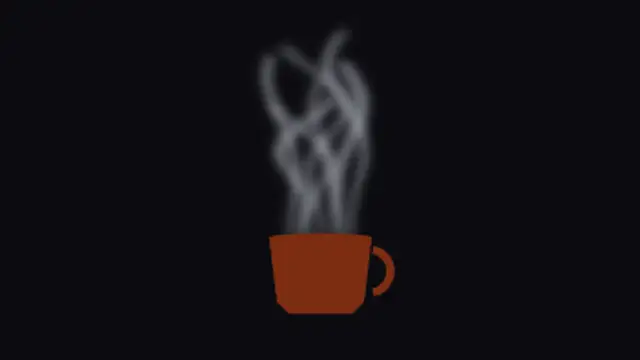
Ribbons of steam lift off the rim, each seeded with its own sway, width and travel so no two curls ever repeat the same shape.
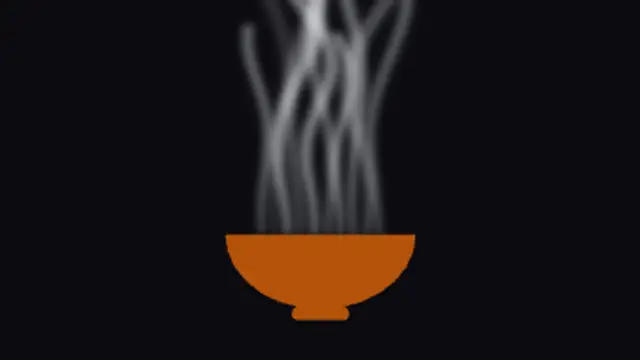
A wide bowl breathes slow, heavy steam that leans and thins as it climbs, built for soups, ramen and anything served hot.
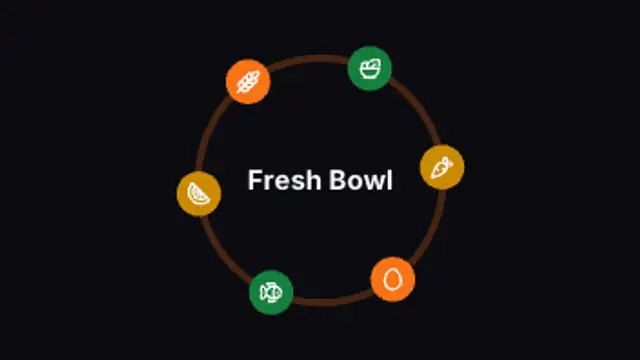
Ingredient icons swing out from the centre and settle evenly around a ring, each arriving on its own beat with a soft overshoot.
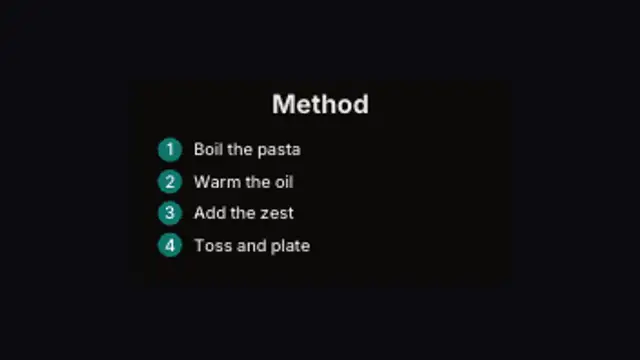
Method steps stack in one at a time, each numbered in its own disc, so a long instruction reflows instead of running off the card.
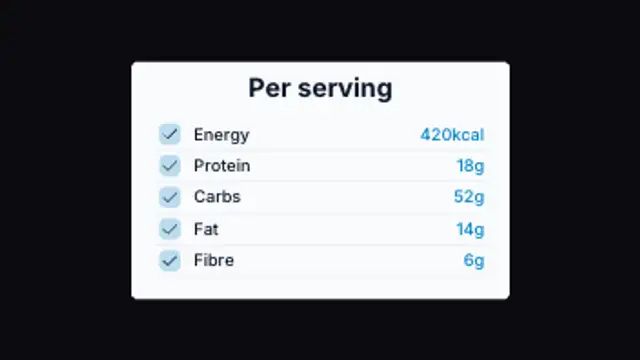
Nutrition rows count in against their own units and rule off as they land, sized to whatever set of values you enter.
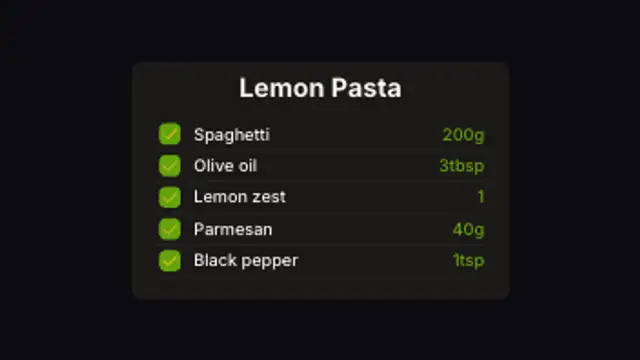
The card sizes itself to however many ingredients you type, then ticks each row in with its own check as the list assembles.