velements

Podcast & Talk Show

Podcast graphics: the overlays a show needs every single episode

Updated September 18, 20263 min read

What graphics does a video podcast need?

A video podcast repeats the same four beats every episode: an episode title card at the top, an on air sign while you record, topic markers between segments, and a follow prompt at the end. Set your show name and colors once, then change the episode number and topic each week.

Podcasts are the most repetitive format in video, and that is their advantage. Build the pack once and every episode inherits it. These presets cover the recurring beats, plus a pull quote card for cutting vertical clips out of a long episode.

Five podcast & talk show presets to start from

Hover any card to play it. Opening one loads it in the editor with every control unlocked.

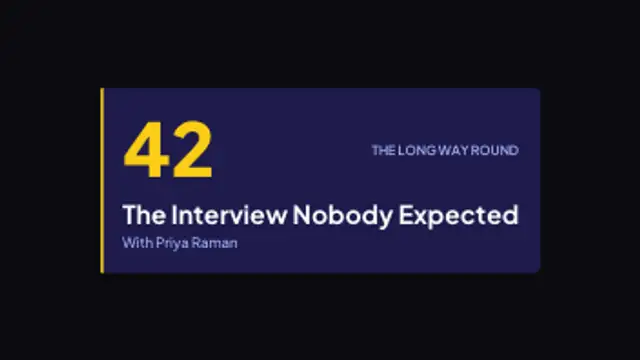
  • A wide plate wipes open on an accent rule, drops the episode number in beside the title, and signs off with the show name.

  • A studio sign springs on, breathes at a steady rate and runs a row of bulbs underneath that twinkle out of step with each other.

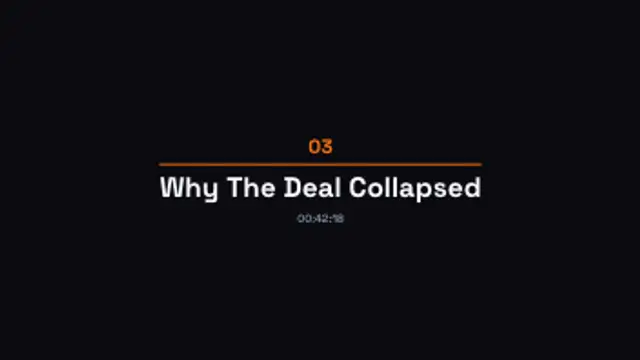
  • A two digit segment number lifts in, a rule draws out beneath it, and the topic and timestamp settle underneath in turn.

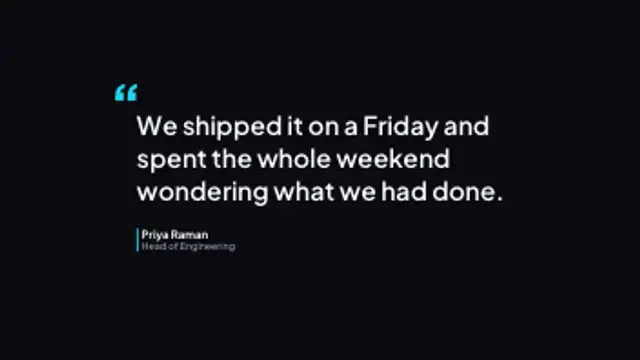
  • A quotation mark drops in, the line wraps on line by line, and a coloured rule brings the speaker's name and role up beside it.

  • A closing line and release cadence rise into place, then a follow button pops in and keeps a slow pulse to the last frame.

All podcast & talk show

How to make one in the browser

  1. 01Open a podcast & talk show presetBrowse the Podcast & Talk Show category and open the preset closest to what you need. It loads in the editor with every control unlocked.
  2. 02Make it yoursRewrite the text, set your brand colors and font, adjust easing and duration, and switch the aspect ratio for the platform you are posting to.
  3. 03Export the clipChoose MP4 for a normal track or transparent WebM for an overlay, pick a resolution up to 8K, and the file renders on your own machine.

Which format should you export?

Use MP4 when the clip sits on its own track or fills the frame. Use transparent WebM whenever it has to float over your own footage: the alpha channel is real, so no keying or blend mode is needed.

Format
MP4 H.264 · WebM VP9
Alpha
Transparent WebM
Resolution
720p to 8K
Aspect
16:9 · 9:16 · 1:1 · 4:5
License
Commercial use included

Three tips that make it look intentional

  • Set the show name, font and brand color once, then only the episode number and topic change each week.
  • Cut pull quotes at 9:16 so a single episode yields a week of short clips.
  • Export the on air sign as a transparent WebM so it sits over your camera feed without a background.

Frequently asked

Will these work for an audio-only podcast?
Yes. Render them over a static cover image or a waveform clip to turn an audio episode into something you can post on YouTube or Reels.
Can I match my show branding?
Every preset exposes the fonts, colors and corner radius, so you can set your exact show palette and reuse it across the whole pack.
  • Real Estate & Property

    Real estate graphics: the overlays that sell a listing video

    A listing video needs four things on screen: the price and key numbers, a status banner like just listed or sold, room labels during the walkthrough, and your contact details at the end. Set your brand colours once and change the address and numbers per property.

    Read the guide
  • Weddings & Events

    Wedding graphics: save the dates, monograms and invitations

    Pick a save the date preset, type both names and the date, choose a font and your palette, then export. The result is a short clip you can send in a message, post to a feed or drop at the head of a wedding film.

    Read the guide
  • Worship & Faith

    Church graphics: the slides a service needs every week

    A weekly service repeats the same set: a welcome slide before it starts, a sermon series title, scripture verses on screen during the message, a giving prompt, and an ambient background behind the words. Set the palette once and change the verse and title each week.

    Read the guide