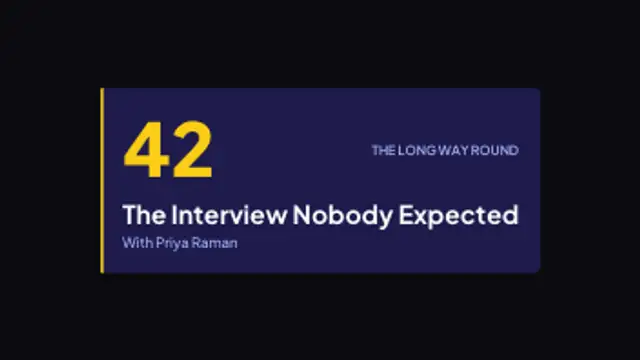
A wide plate wipes open on an accent rule, drops the episode number in beside the title, and signs off with the show name.
Topic Marker
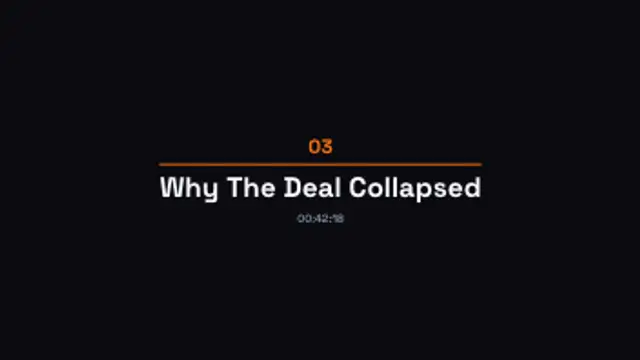
A two digit segment number lifts in, a rule draws out beneath it, and the topic and timestamp settle underneath in turn.
Part of Podcast & Talk Show. New to this kind of graphic? Read How to Add Episode Titles to a Video Podcast.
A two digit segment number lifts in, a rule draws out beneath it, and the topic and timestamp settle underneath in turn. It belongs to the Podcast & Talk Show category on velements, where you edit it in the browser and download it as a finished video file.
Every control in the editor, grouped the same way there. Content: title, subtitle and from. Typography: font, weight and size. Style: background, text color, primary, secondary, accent and thickness. Layout: aspect ratio, corner radius and position. Motion: duration. Each change appears in the live preview straight away, and editing is free.
Topic Marker runs 3 seconds by default, and you can set any length up to 30 seconds before you export. It plays once from start to finish, so it drops straight onto a cut or an opening.
Yes. Set the background to Transparent, then export a PNG sequence for Premiere Pro, After Effects, DaVinci Resolve, Final Cut Pro or Figma: import the first frame as an image sequence and it drops onto a track above your footage with a straight alpha channel. Export WebM with a VP9 alpha channel for the web and for CapCut. MP4 has no alpha channel, so it keeps a solid color or image behind the animation.
Yes. Each download comes with a perpetual commercial license in your name for client work, ads and products, and you may sell the edited clip on stock footage sites. Reselling the preset itself as an editable template is not allowed.
A wide plate wipes open on an accent rule, drops the episode number in beside the title, and signs off with the show name.
A closing line and release cadence rise into place, then a follow button pops in and keeps a slow pulse to the last frame.
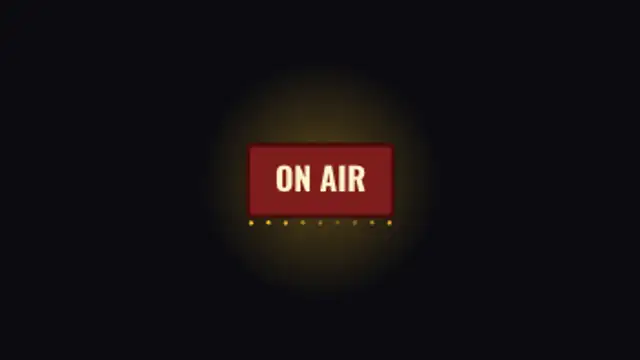
A studio sign springs on, breathes at a steady rate and runs a row of bulbs underneath that twinkle out of step with each other.
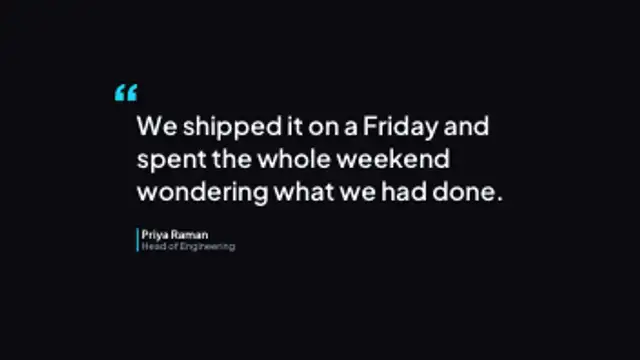
A quotation mark drops in, the line wraps on line by line, and a coloured rule brings the speaker's name and role up beside it.
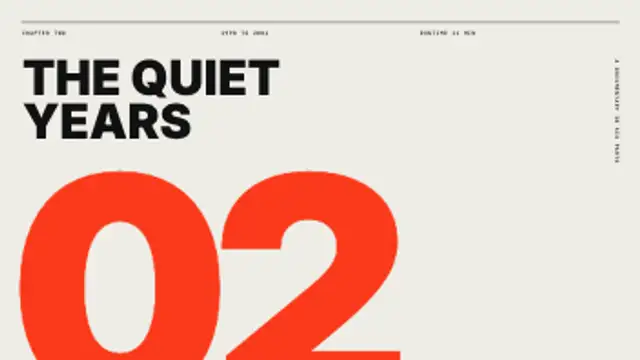
A giant chapter numeral rises and stays cropped by the frame edge while a mono meta strip, the title and a side label set the section.
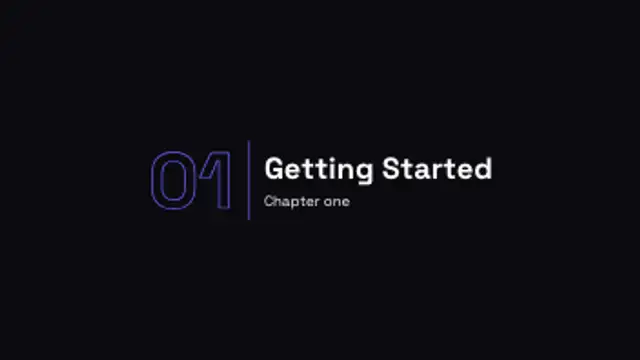
A big outlined chapter number lands next to your section title with a crisp divider line.
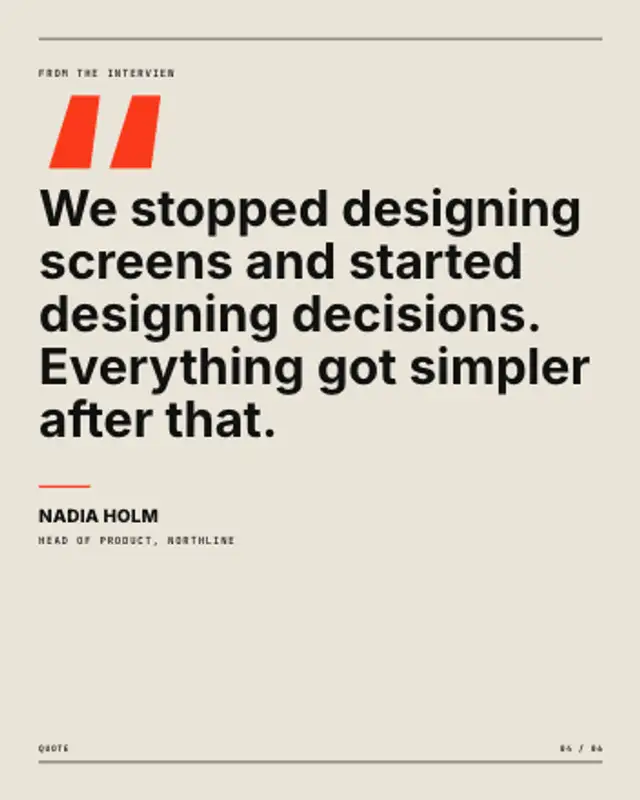
An oversized quote mark drops in, the quote reflows and rises line by line, then a short rule underlines the name and role.

Concentric rings ripple out from a softly pulsing core and fade away, a calm focal backdrop for logos, podcasts and live screens.