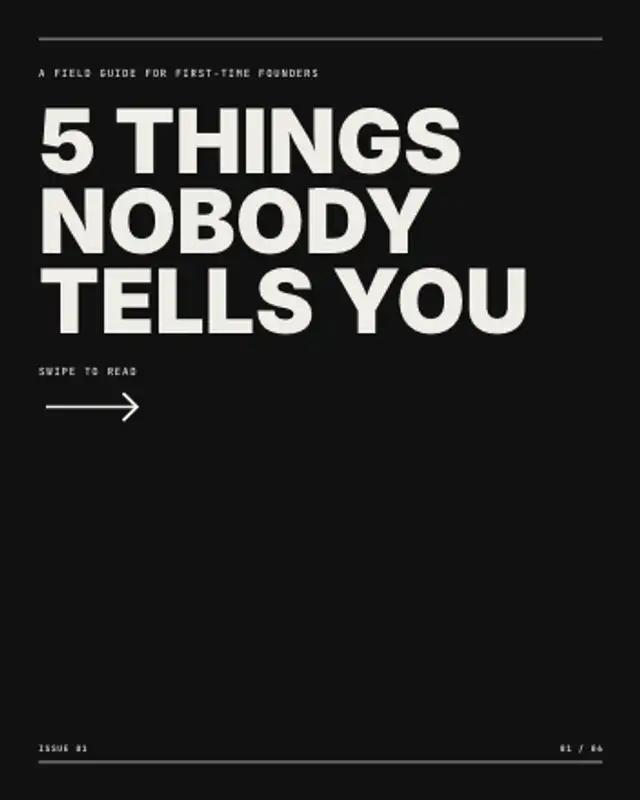
The cover slide of a carousel: an ink panel sweeps in, the hook stacks up line by line and a swipe arrow keeps nudging.
Pull Quote Slide

An oversized quote mark drops in, the quote reflows and rises line by line, then a short rule underlines the name and role.
Animate a pull quote with an oversized quote mark, line-by-line reveal and attribution rule. Paste any length of quote and export video.
Part of Editorial Typography. New to this kind of graphic? Read How to Make an Animated Carousel Post as a Video.
Transparent exports and editor imports are explained in the transparent video guide, and every download is free under the commercial license.
Content: text, title, subtitle, eyebrow, label, page and page count. Typography: font, weight, size and label font. Style: background, text color, primary and accent. Layout: aspect ratio. Motion: duration and easing.
Pull Quote Slide runs 6 seconds by default, and you can set any length up to 30 seconds before you export. It plays once.
Feature a line from an interview, a customer conversation or a keynote with Pull Quote Slide. It belongs in the middle of a carousel video or between chapters of a case study, where a voice other than the narrator's adds weight.
The cover slide of a carousel: an ink panel sweeps in, the hook stacks up line by line and a swipe arrow keeps nudging.
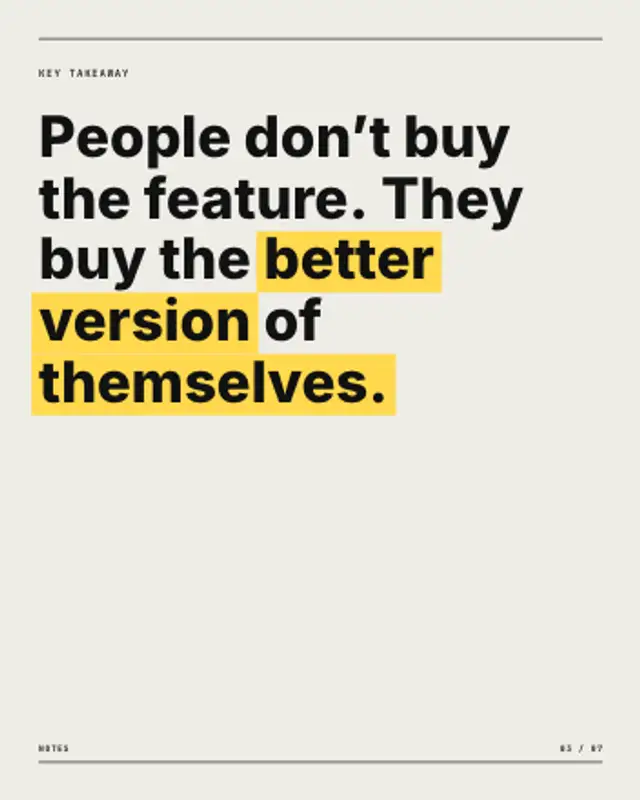
Your takeaway rises line by line, then a marker sweeps behind the words you starred, even where the sentence wraps.
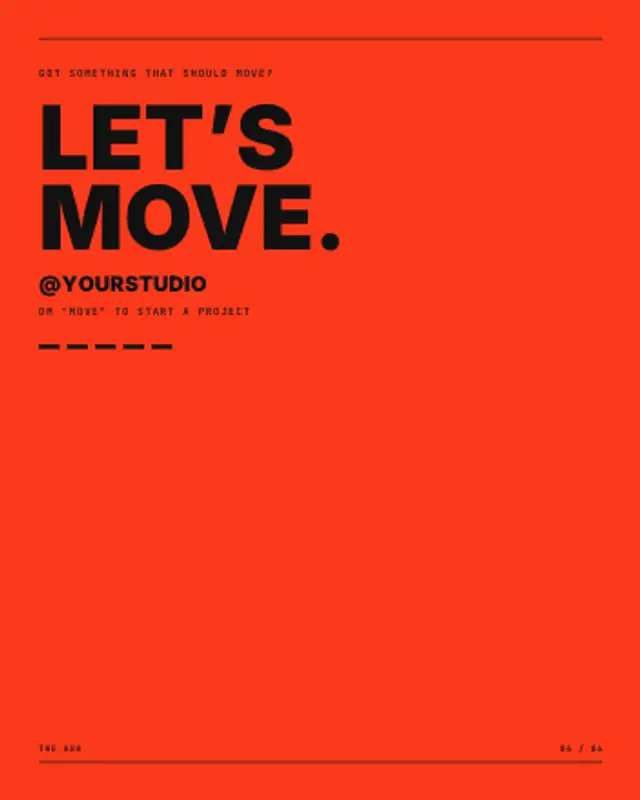
A colour panel rises, hairlines draw and a heavy headline climbs out of its masks before your handle and call to action land.

A review card rises in with an avatar, name, verified tick and meta line, stars pop and fill to the rating, and the quote rises line by line.

A big pull quote rises line by line under an oversized quote mark, a marker sweeps across the phrase that matters, then stars and the reviewer land.
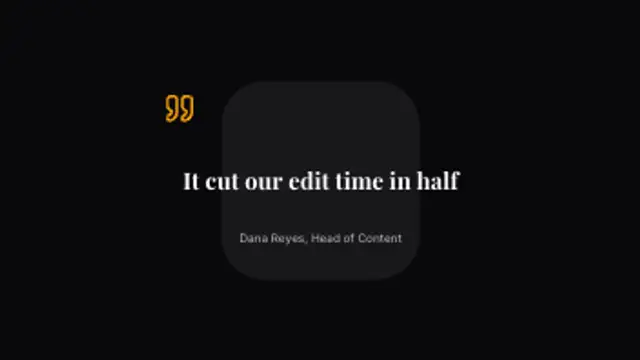
A testimonial sets word by word on a dark card with an attribution line. Type a real quote and name to make it yours.
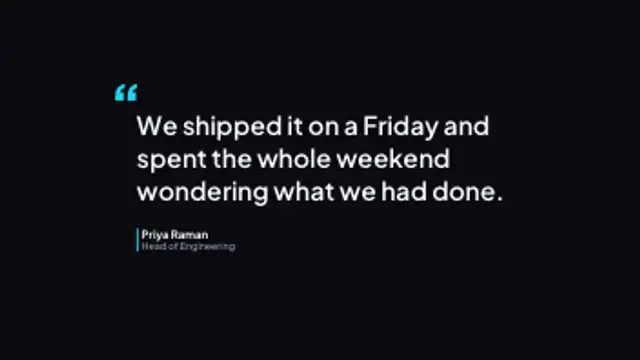
A quotation mark drops in, the line wraps on line by line, and a coloured rule brings the speaker's name and role up beside it.

A card slides in, avatar pops, name and role rise, stars pop in one by one, then the quote reveals line by line — the social-proof moment for DTC and service ads.