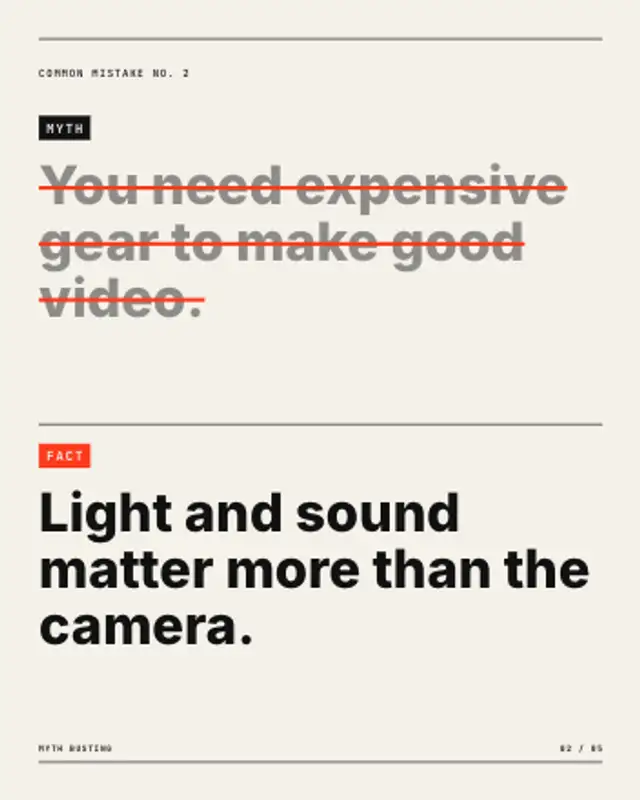
The myth rises, a strike-through draws across every line and dims it, then the fact rises underneath under an accent tag.
Key Takeaway Highlight
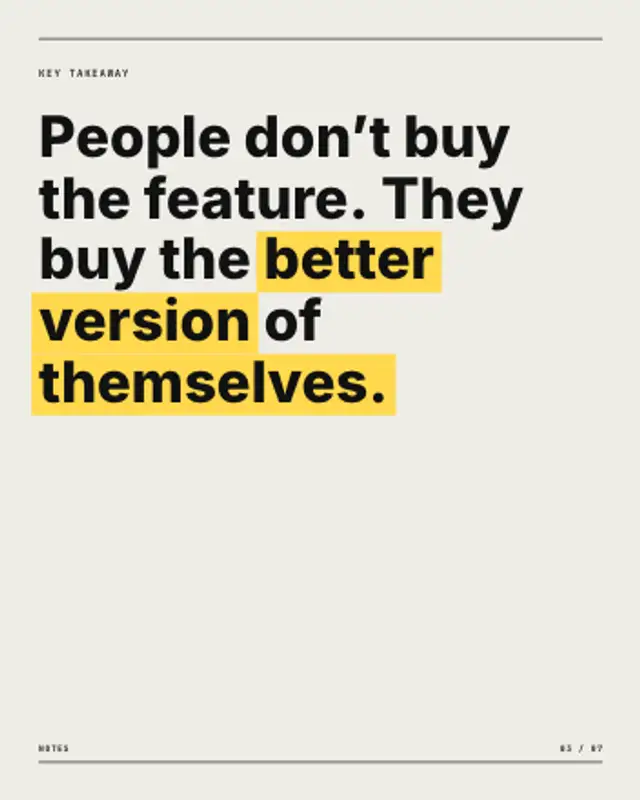
Your takeaway rises line by line, then a marker sweeps behind the words you starred, even where the sentence wraps.
Star the words that matter and a marker sweeps behind them as the sentence rises. Wraps with your text. Export for carousels and Reels.
Part of Editorial Typography. New to this kind of graphic? Read How to Make an Animated Carousel Post as a Video.
Transparent exports and editor imports are explained in the transparent video guide, and every download is free under the commercial license.
Content: text, eyebrow, label, page and page count. Typography: font, weight, size and label font. Style: background, text color, primary and accent. Layout: aspect ratio. Motion: duration and easing.
Key Takeaway Highlight runs 6 seconds by default, and you can set any length up to 30 seconds before you export. It plays once.
Sum up a lesson, a podcast episode or a webinar segment with Key Takeaway Highlight. The marker follows the starred words even across a line break, so you can highlight a long phrase without worrying about where the sentence wraps.
The myth rises, a strike-through draws across every line and dims it, then the fact rises underneath under an accent tag.
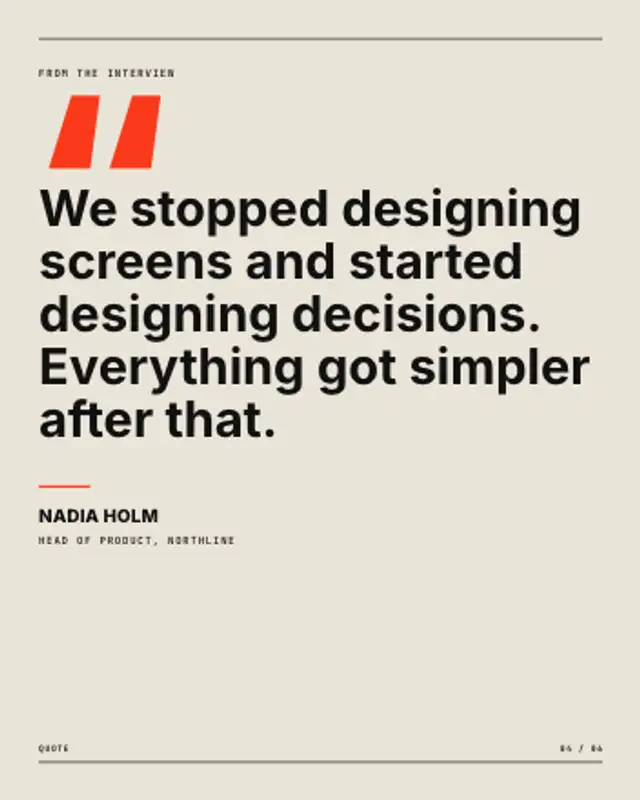
An oversized quote mark drops in, the quote reflows and rises line by line, then a short rule underlines the name and role.
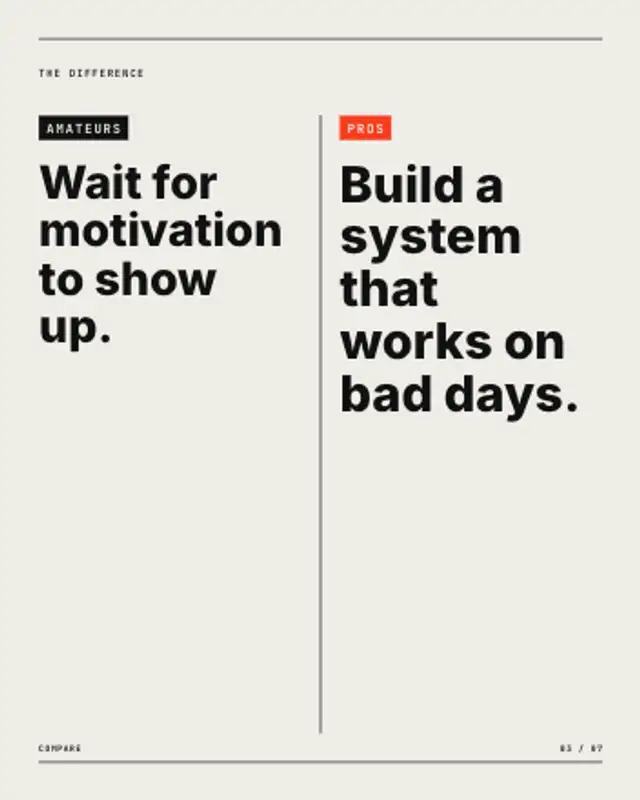
Two tagged columns face off across a centre rule that draws between them, each statement rising in turn. Stacks in portrait.
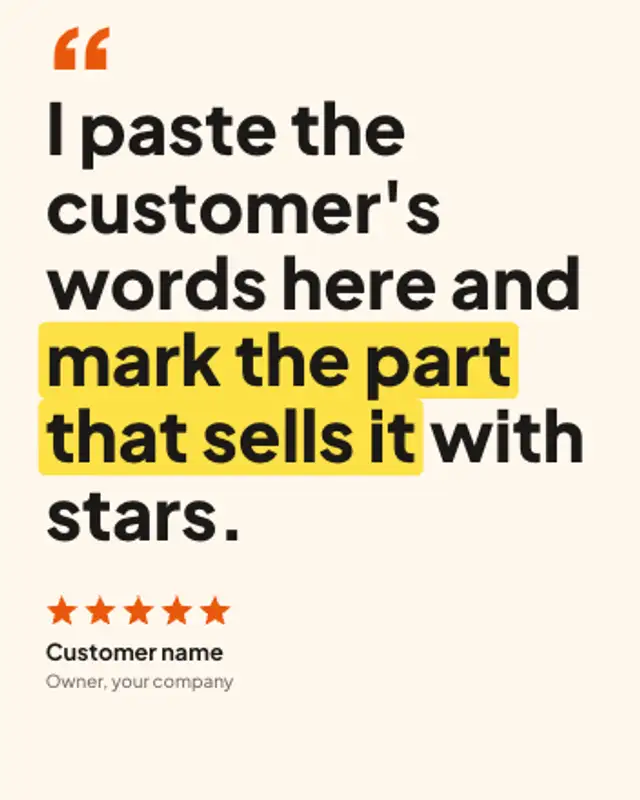
A big pull quote rises line by line under an oversized quote mark, a marker sweeps across the phrase that matters, then stars and the reviewer land.
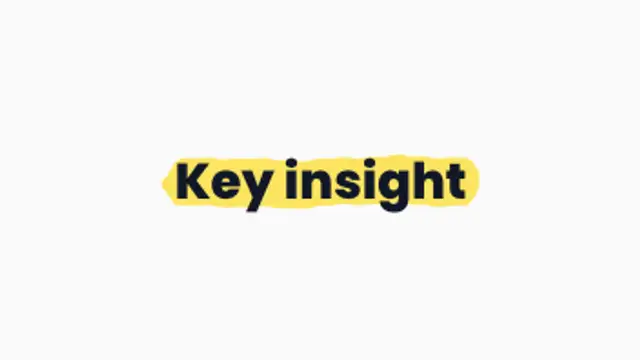
A chunky highlighter sweeps behind your words like a real marker, perfect for emphasizing key phrases.
A loose marker-style loop circles the key detail like a presenter sketching on screen.
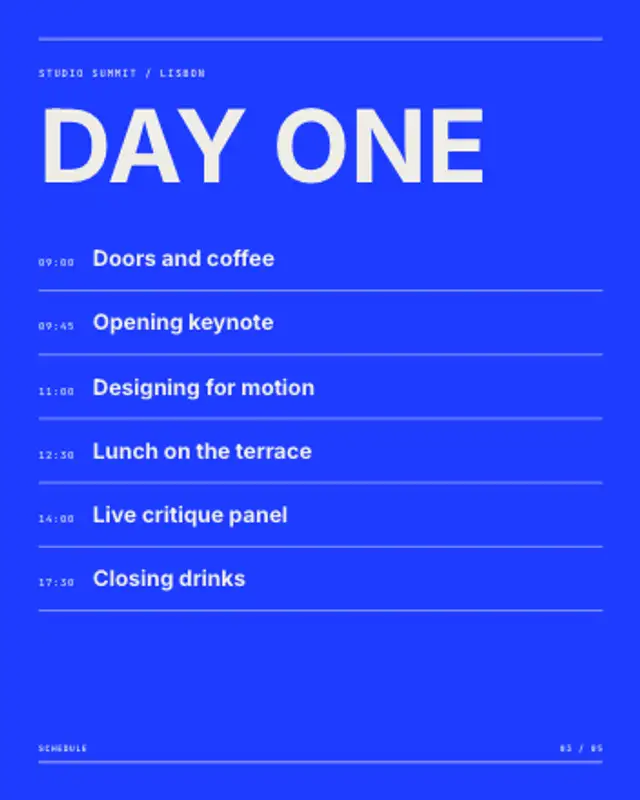
A time column and session titles build row by row under the event name, with hairlines ruling off each slot.
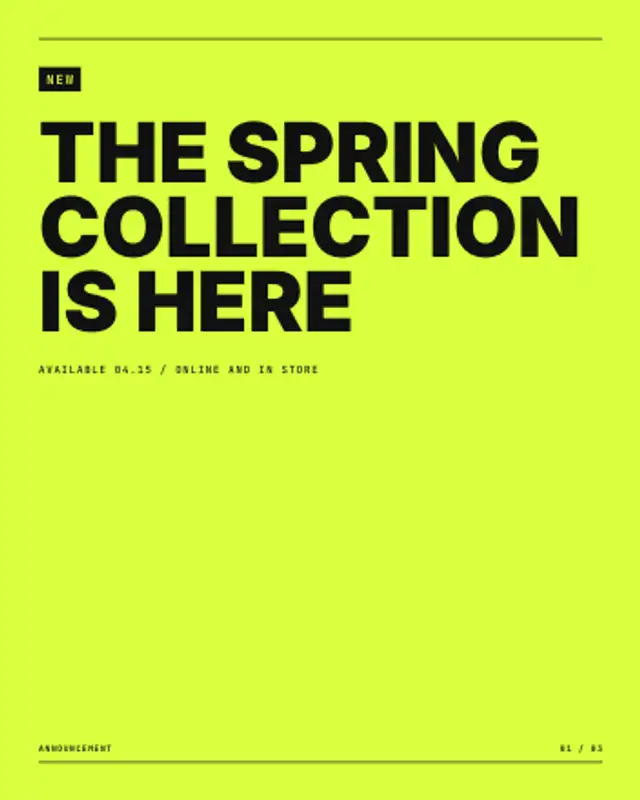
A tag box grows around the label, the panel lifts and the announcement rises into place with its date line underneath.