
Your launch line slams in word by word, each word sized to the full column, then the product drops in with a bounce.
Announcement Drop

A tag box grows around the label, the panel lifts and the announcement rises into place with its date line underneath.
Announce a launch, drop or feature with a bold typographic slide: auto-sized tag, masked headline and date line. Export for social.
Part of Editorial Typography. New to this kind of graphic? Read How to Make an Animated Carousel Post as a Video.
Transparent exports and editor imports are explained in the transparent video guide, and every download is free under the commercial license.
Content: text, handle, subtitle, eyebrow, label, page and page count. Typography: font, weight, size and label font. Style: background, text color, primary and accent. Layout: aspect ratio. Motion: duration and easing.
Announcement Drop runs 5 seconds by default, and you can set any length up to 30 seconds before you export. It plays once.
Announce a collection, a feature release, a tour date or a store opening with Announcement Drop. The tag box, headline and date line arrive in the order people need them: that it is news, what it is and when it happens.
Your launch line slams in word by word, each word sized to the full column, then the product drops in with a bounce.

Your product springs onto a colour disc and floats while the headline, price and button stack in beside your logo.
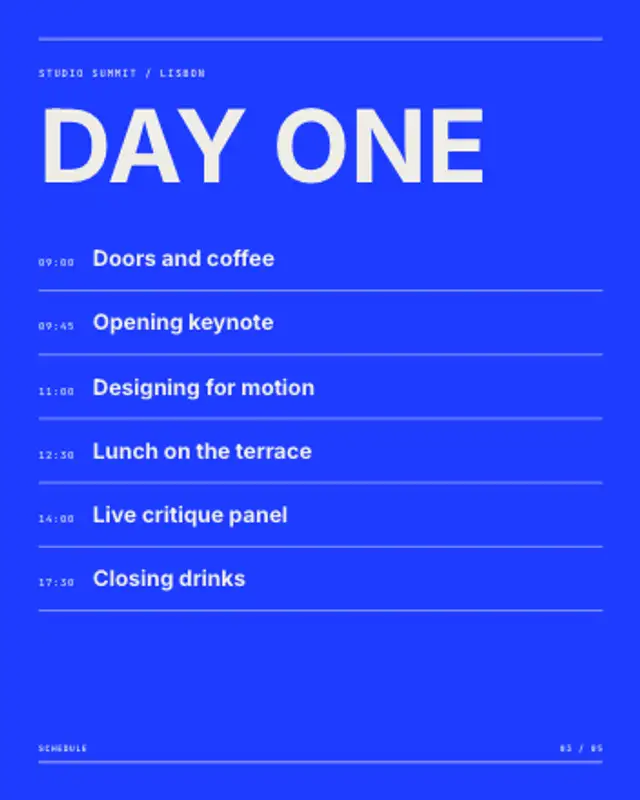
A time column and session titles build row by row under the event name, with hairlines ruling off each slot.

Kicker, headline and deck rise in order, the byline rules off, and the body typesets itself in columns behind a drop cap.
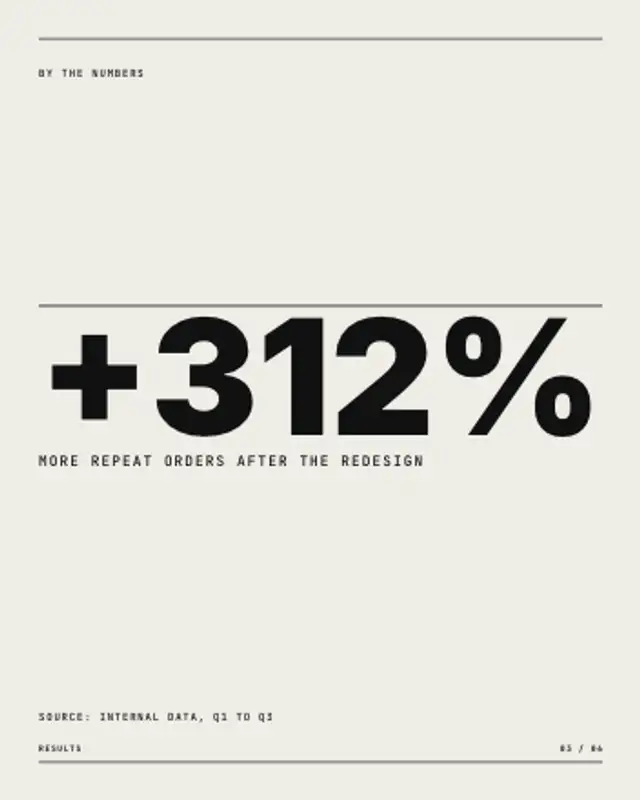
One number fills the width and counts up from zero, a hairline draws above it, and the label and source line settle underneath.
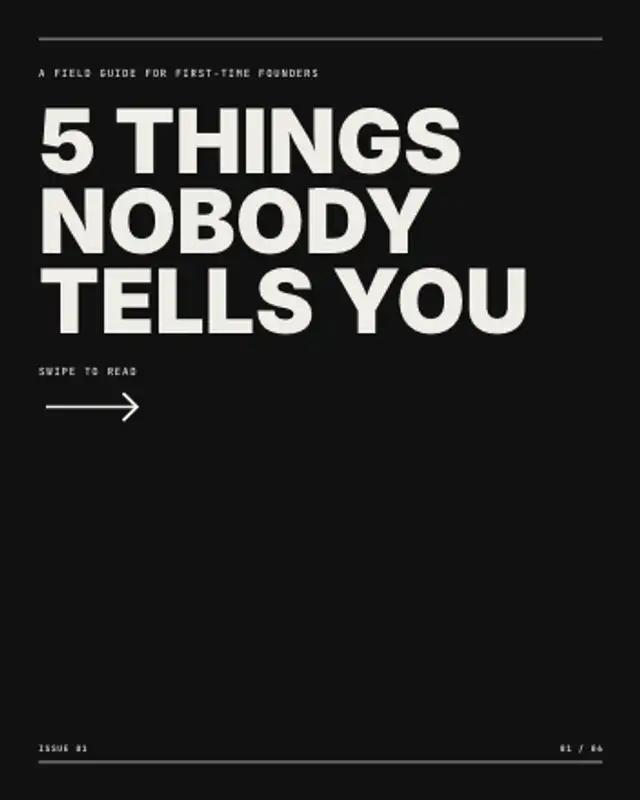
The cover slide of a carousel: an ink panel sweeps in, the hook stacks up line by line and a swipe arrow keeps nudging.
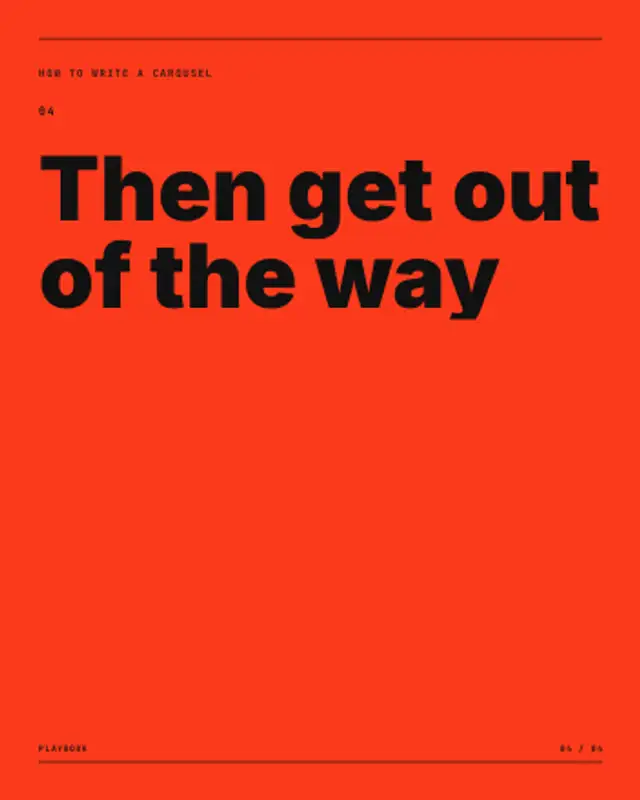
A whole carousel as one video: each headline gets its own slide, the pager ticks up and every slide pushes the next one in.

A giant chapter numeral rises and stays cropped by the frame edge while a mono meta strip, the title and a side label set the section.