How to stream GTA 6: overlays, alerts and safe audio
By the velements team·Updated November 20, 2026·4 min read
How do you set up a GTA 6 stream on Twitch or YouTube?
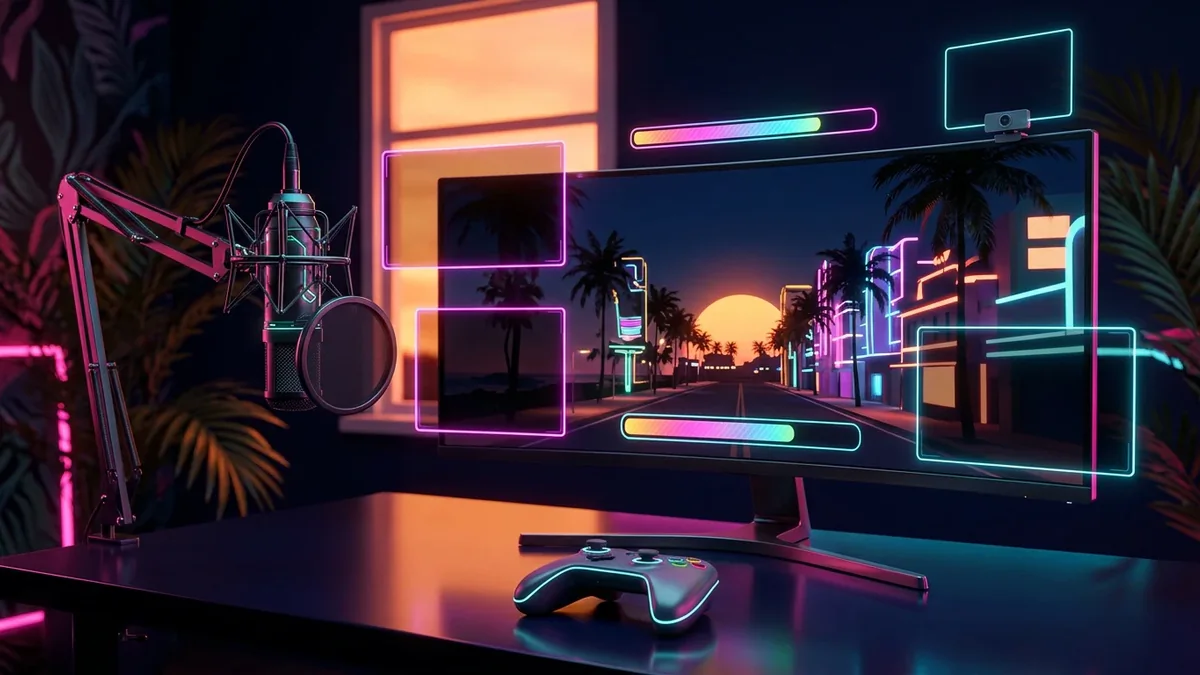
Send the console to OBS through a capture card, or stream straight from the PS5 or Xbox. In OBS, add a starting screen, a webcam frame, alerts and a goal bar as transparent WebM overlays, keep the centre of the frame clear, and turn the in-game radio off so recordings are not muted.
GTA 6 is filling Twitch and YouTube with new streams, and most of them look identical: full-screen gameplay, a webcam in the corner, nothing else. A simple, consistent overlay set is the cheapest way to look like a channel rather than a console broadcasting. This is a setup that works for a game that, for now, only runs on PlayStation 5 and Xbox Series X|S.
Two ways to stream a console game
The quick way is the console itself. Both PlayStation 5 and Xbox Series X|S can broadcast to Twitch or YouTube from the system menu with a webcam and a headset. You get almost no control over layout, scenes or alerts, but you can be live in two minutes.
The flexible way is a capture card. The console's HDMI output goes into the card, the card goes into a computer, and OBS Studio or a similar app builds the stream. Everything in the rest of this guide assumes this setup, because it is the one that supports overlays.
If you use a capture card on PlayStation 5, turn off HDCP in the system settings first, or the card receives a black picture.
The five overlays a stream needs
A starting-soon screen with a countdown gives viewers a reason to stay while the stream fills up. A be-right-back screen covers breaks. An ending screen points to where you post clips. These three are full-screen and can loop.
A webcam frame and an alert animation sit on top of the gameplay. A goal bar for followers or subscribers is the optional sixth piece, and it gives chat something to push towards.
All of these exist as presets in the velements stream category. Change the text and the colours to match your channel, export each one as a transparent WebM, and you have a matching set without opening a design app or creating an account.
Add the overlays in OBS
In OBS, add a Media Source for each overlay, pick the WebM file and tick Loop for anything that should repeat. Transparent WebM keeps its alpha channel in OBS, so the gameplay shows through wherever the overlay is empty.
Build one scene per state: starting, live, break and ending. Put the capture card in the live scene at the bottom of the source list, then the webcam, then the frame and the alerts above it.
For follower and subscriber alerts, upload the same WebM to your alert service as the alert's video and let the service trigger it. Keep alert clips under five seconds so they do not stack up during a busy stream.
Keep the game's interface visible
Open-world games use the corners. The minimap sits in one, health, weapons and money in others, and mission text appears along the bottom. Before going live, play for a minute with your layout on and check that the webcam and the goal bar cover none of it.
Keep overlays thin and close to the edges, and leave the centre alone. A heads-up-display style frame or a single accent colour taken from your channel art is enough to make the layout feel designed.
Protect your audio from DMCA mutes
Twitch mutes parts of recordings when it detects copyrighted music, and can remove clips that contain it. In Grand Theft Auto, that music comes from the car radio. Streamers of earlier games in the series have reported takedown notices over radio songs.
Rockstar had not confirmed a streamer mode for GTA 6 at launch. Look in the game's audio settings for an option that filters licensed music, and if there is none, set the radio to off and play music you are cleared to use from your computer instead.
For extra safety, route music to a separate audio track in OBS so it is heard live but left out of the recording. Twitch's own documentation explains how to exclude a track from the saved video.
Turn the stream into clips
Mark good moments while you play, with a hotkey or a chat command, so you are not scrubbing through six hours afterwards. Each marked moment is a Short.
Recut each clip as 9:16 with the webcam stacked above the gameplay, add word-by-word captions and a hook line, and post it the same day with a pointer to the next stream. During a launch this big, clips find more new viewers than the stream does.
Presets for this guide
Every preset in these categories is free to edit and export, with no account.
Yes. PlayStation 5 and Xbox Series X|S can broadcast directly to Twitch or YouTube from the console. You give up custom scenes, alerts and most overlays, which need OBS or similar software on a computer fed by a capture card.
What file format do stream overlays need?
Transparent WebM for anything animated, because OBS and Streamlabs play it with its alpha channel intact and at a small file size. Use PNG for static frames. MP4 has no transparency, so only use it for full-screen scenes such as a starting-soon screen.
Ready to create?
Try the workflow this describes
Open a preset, put your own text and colors in it, and export the file. Editing, previewing and downloading cost nothing.
Record more than you need, cut to one story per video, open on the best moment, then add captions, sound and a few transparent overlays such as impact effects, callouts and a subscribe prompt. Keep the first seven seconds free of graphic violence if you want ads to run.
Make Shorts that answer one question or show one moment: can you do this, what happens if, then versus now, a detail nobody noticed, or a challenge with a counter. Open on the result, caption every word, keep it under 40 seconds and turn the winners into a numbered series.
Usually yes. YouTube's advertiser guidelines let unedited gameplay violence earn ad revenue when it comes after the first seven seconds, and gameplay with your own commentary and editing is widely monetized. The risks are licensed radio music, graphic thumbnails, spoilers and reuploaded cutscenes.