Blueprint & Technical Drawing

How to Animate a Floor Plan Drawing Itself

By the velements teamUpdated November 14, 20264 min read
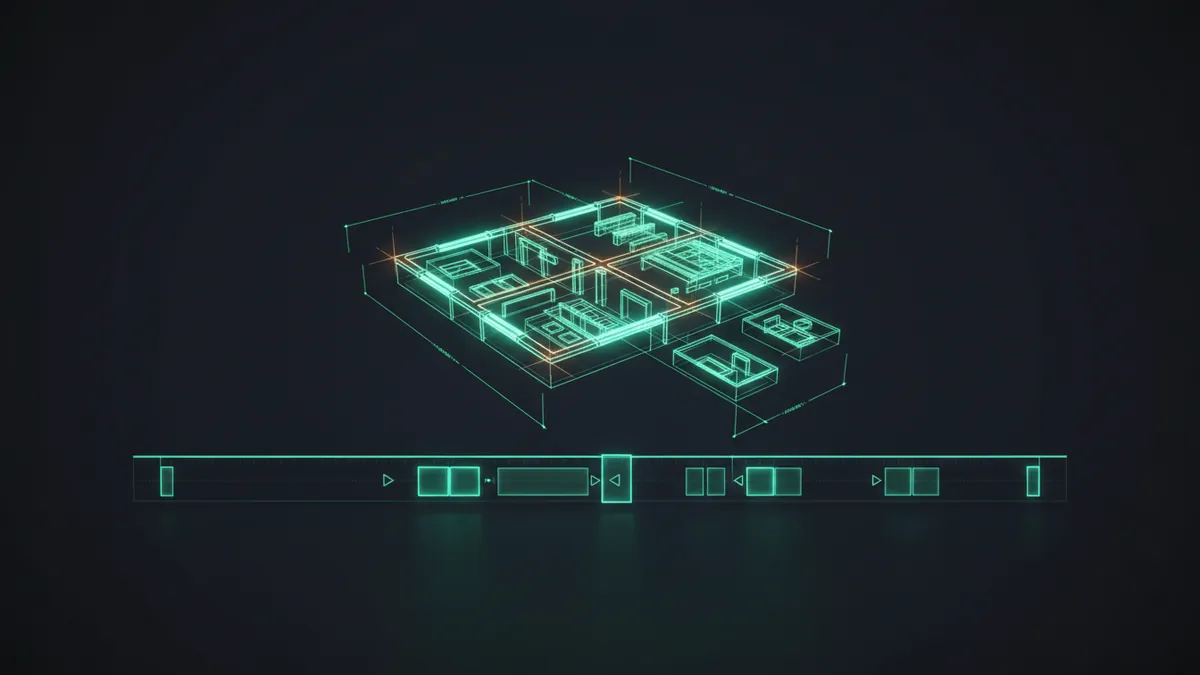
How to Animate a Floor Plan Drawing Itself

How do you animate an architectural plan or a technical drawing without keyframing every single line?

You describe the drawing, not the keyframes. The rooms, walls, dimension chains and hatch fills are generated from the labels and numbers you type, then a single ordered pen pass inks them in the right sequence. Rename a room or change a span and the geometry is rebuilt, not re-keyed.

Drafting motion is the classic time sink. In After Effects every wall is its own shape layer with its own trim path, so a plan with forty walls means forty layers hand-offset by eye, and dimension lines with correct witness lines and upright text do not exist as an effect at all. Premiere, Resolve and CapCut have nothing for it. That is why architecture and engineering studios buy these rather than build them.
Five blueprint & technical drawing presets to start from

Hover any card to play it. Opening one loads it in the editor with every control unlocked.

  • Floor Plan Draw-On

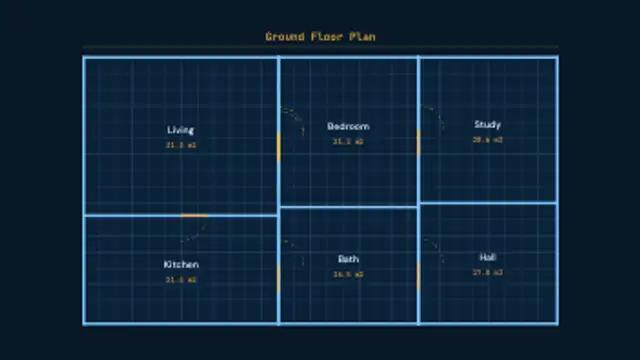
    Walls ink themselves wall by wall in one ordered pen pass, doors swing open on dashed arcs, and every room takes its name and its own calculated area.

  • Dimension Chain

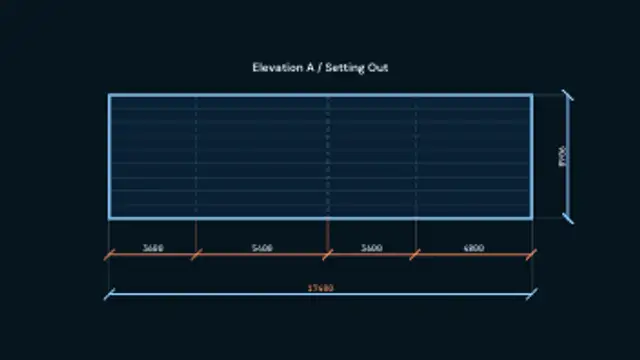
    A running chain of drafting dimensions builds bay by bay: witness lines, ticked dimension lines and measurements that stay upright and step outside a span too tight to hold them.

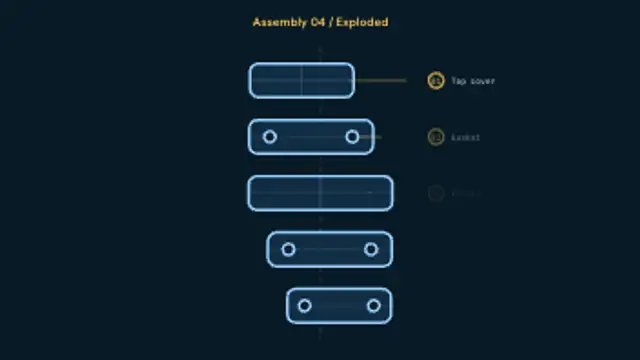
  • Exploded View Assembly

    Stacked parts drift apart along the assembly axis, each one picking up a numbered bubble and a leader line, then settle back together on the return.

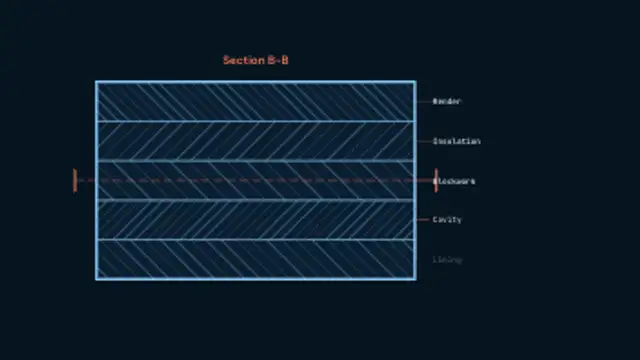
  • Section Cut Hatch

    A cut plane sweeps across the section and every material band fills behind it with its own generated hatch, angled and spaced to tell one layer from the next.

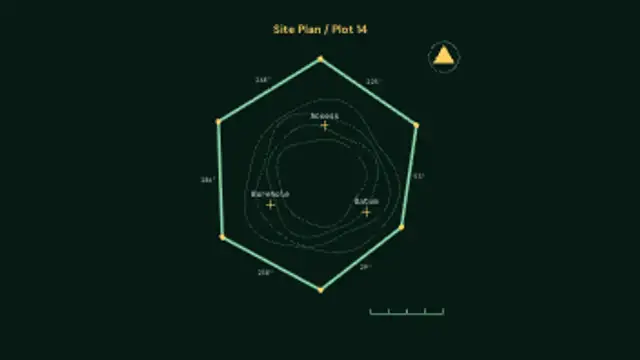
  • Site Plan Survey

    A survey plot draws its boundary peg to peg with bearings at every run, then contour rings ripple inward and the north arrow and scale bar drop into the corner.

All blueprint & technical drawing

Step by step

  1. Pick the drawing type

    Floor Plan Draw-On is for interiors and property, with walls inking themselves in over 9 seconds. Exploded View Assembly suits a product or machine, with numbered parts drifting apart. Site Plan Survey fits landscape and land work, and Tower Crane Lift gives a 12 second loop for construction companies.

  2. Type the rooms and the area

    On Floor Plan Draw-On, each entry in Labels becomes a room, and Title names the sheet. The first number in Values sets the total floor area, shared across the rooms, and Suffix carries the unit. Thickness sets the line weight, Label font the annotation type, and Variation redraws the layout.

  3. Time it to the drawing's complexity

    Defaults run 7 to 12 seconds, and Duration goes up to 20 if a narrator is walking through each room. Use 16:9 for presentations and practice reels, since a plan reads best with width. Try 9:16 for property posts and confirm the room labels stay readable on a phone.

  4. Export to suit the backdrop

    The default sheet colour already looks like a drawing, so MP4 works for most uses. When the lines must sit on a render or site photo, set Background to Transparent and export a PNG sequence for Premiere Pro and After Effects, or WebM with alpha for CapCut and Resolve.

  5. Line it up with the render

    In After Effects, choose File > Import, select the first frame and tick PNG Sequence, then set its rate in Interpret Footage. Place the layer above the finished render and fade it out as the drawing completes, so the plan appears to turn into the real building.

Where it is used

  • Property marketing

    An estate agent's listing video opens on Floor Plan Draw-On with the actual room names, so buyers understand the layout before the walkthrough footage moves from room to room.

  • Architecture practice reels

    A studio's portfolio film moves from Plan to Axonometric Extrude into its finished render, showing how a project goes from drawing to building within a single sequence.

  • Engineering and tender videos

    A manufacturer's product film uses Exploded View Assembly with its own part names in Labels, and a contractor's bid shows Construction Phase Build to set out the order of works.

Presets
20, of which 2 loop
Default length
7 to 12 seconds
Best export
MP4 on the sheet background
Aspect ratios
16:9, 9:16, 1:1, 4:5

Which format should you export?

MP4 at 16:9 for practice reels, tender videos and site presentations, 9:16 for property and construction social posts. WebM with alpha when the drawing has to sit over a render, a photo or a site video.

Format
MP4 · WebM · PNG sequence
Alpha
WebM or PNG sequence
Resolution
720p to 8K
Aspect
16:9 · 9:16 · 1:1 · 4:5
Works with
Premiere Pro · After Effects · DaVinci Resolve · Final Cut Pro · CapCut · Figma
License
Commercial use included
Cost
Free · no account · no watermark

Three tips that make it look intentional

  • Let the content drive the layout. The number of room names you type is the number of rooms in the plan, so add or remove one and the whole plan re-subdivides.
  • Keep line weight low. Drafting reads as precise because the strokes are thin; heavy lines make a plan look like a diagram.
  • Change the Variation value to reseed the plan or the survey boundary without touching anything else.

Three things people get wrong

  • Too many rooms. Past about eight the labels and areas start fighting for space, so split the plan across two clips instead.
  • Real client drawings pasted behind the animation. These presets generate their own geometry, and a scanned plan under them reads as two drawings, not one.
  • Treating the dimensions as survey data. The numbers are yours to type, so they are only as accurate as what you enter.

Frequently asked

Are the room areas calculated?

Yes. You give the total floor area and each room reports its own share, derived from the area it actually occupies in the generated plan, so the numbers always add up.

Can the dimension text handle a very short span?

Yes. When a measurement will not fit between its witness lines, the label steps outside the run and the dimension line grows a stub to point at it, which is exactly what a drafter would do by hand.

  • How to Make a News Ticker for a Video

    News & Broadcast

    How to Make a News Ticker for a Video

    Use a ticker preset, enter your headlines, set the scroll speed and colors, and export. A breaking news banner and a headline bar cover the rest of a bulletin look, and transparent exports let them sit over your own footage or a studio plate.

    Read the guide
  • How to Animate DNA and Cells for a Science Video

    Science & Medical

    How to Animate DNA and Cells for a Science Video

    Instead of licensing stock, edit a preset: a DNA helix, an ECG monitor, a beating heart, dividing cells or a lab flask. You set the colors, speed and labels, and export MP4 or transparent WebM with a commercial license included.

    Read the guide
  • How to Make an Animated Holiday Greeting Video

    Holidays & Celebrations

    How to Make an Animated Holiday Greeting Video

    Choose a seasonal preset, type your greeting, set the colors to your brand, and export. Lanterns, diyas, candles and garlands work as a backdrop for a message, and a transparent export lets the decoration sit around your own footage.

    Read the guide
Ready to create?

Make your next clip in the next five minutes

Editing, previewing and downloading are free. No account, no watermark, every format and resolution.