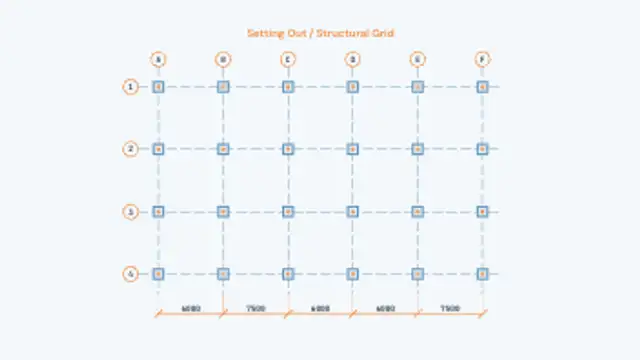
Setting-out lines rule themselves across the sheet, lettered and numbered grid bubbles pop onto their ends, columns land on every intersection and the bay dimensions close it out.
Exploded View Assembly
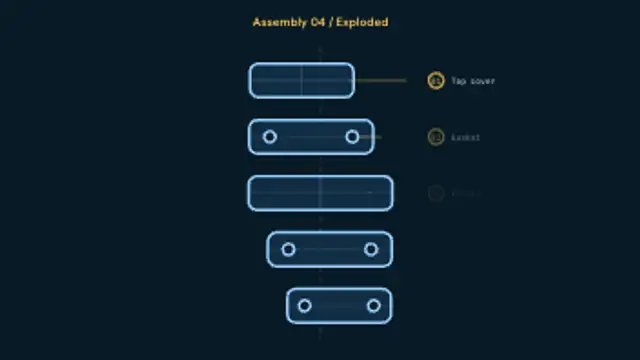
Stacked parts drift apart along the assembly axis, each one picking up a numbered bubble and a leader line, then settle back together on the return.
An exploded assembly that separates along its axis with numbered leader callouts and reassembles. Name your parts and set colors, then export MP4.
Part of Blueprint & Technical Drawing. New to this kind of graphic? Read How to Animate a Floor Plan Drawing Itself.
Transparent exports and editor imports are explained in the transparent video guide, and every download is free under the commercial license.
Content: title and labels. Typography: font and label font. Style: background, text color, primary, secondary, accent and thickness. Layout: aspect ratio. Motion: duration, easing and variation.
Exploded View Assembly runs 10 seconds by default, and you can set any length up to 20 seconds before you export. It plays once.
Exploded View Assembly suits a product teardown, a spare-parts guide or a crowdfunding video that shows what is inside a device. The numbered bubbles let the narrator refer to parts by number while they hang apart on the axis.
Setting-out lines rule themselves across the sheet, lettered and numbered grid bubbles pop onto their ends, columns land on every intersection and the bay dimensions close it out.
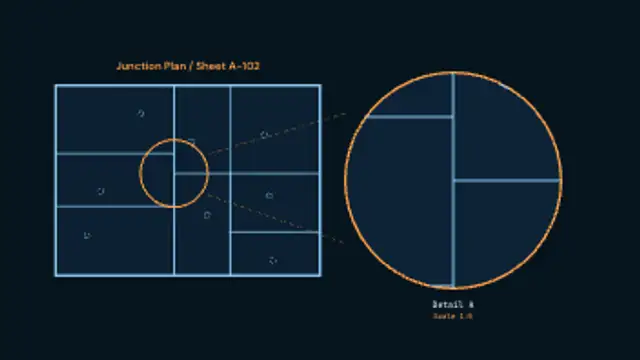
A drawing inks itself in, a detail circle closes around one junction, and tangent leaders carry it out to an enlarged bubble carrying its own detail reference and scale.
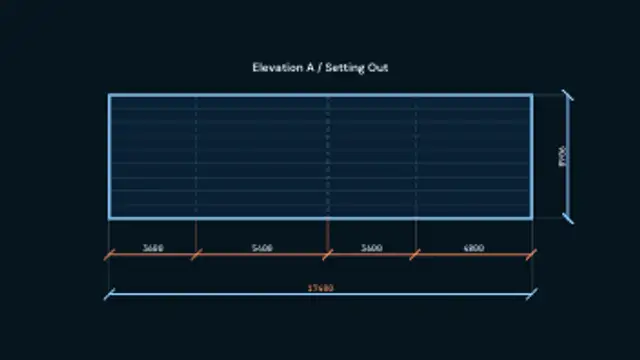
A running chain of drafting dimensions builds bay by bay: witness lines, ticked dimension lines and measurements that stay upright and step outside a span too tight to hold them.
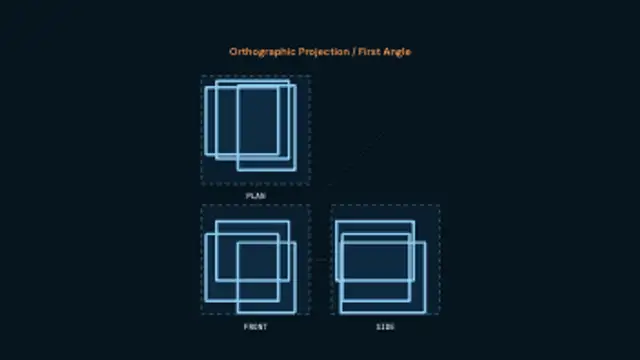
Plan, front and side slide in from the directions they were projected from, snap onto their frames, ink their outlines and tie themselves together with projector lines.
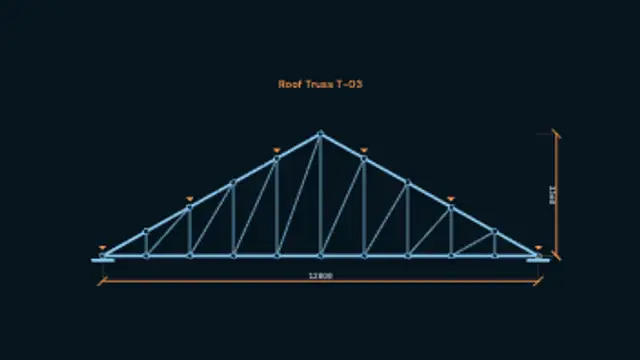
A roof truss assembles member by member, chords first and then the webs between them, joints pin themselves on, point loads drop onto the top chord and the span and rise get dimensioned.
A drafting sheet rules itself up, registration crops snap to the corners, and the headline resolves letter by letter out of its own construction boxes beside a filling title block.

The cutter rapids in on a dashed lead, then walks contour-offset passes around the part one stepover at a time while the readout calls the program, depth and feed.
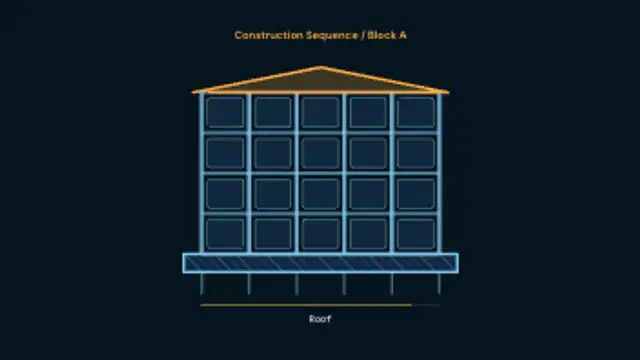
A building goes up in named phases: piles and a hatched foundation, then columns growing off the slab, beams, cladding panels and finally the roof, with a phase bar tracking below.