
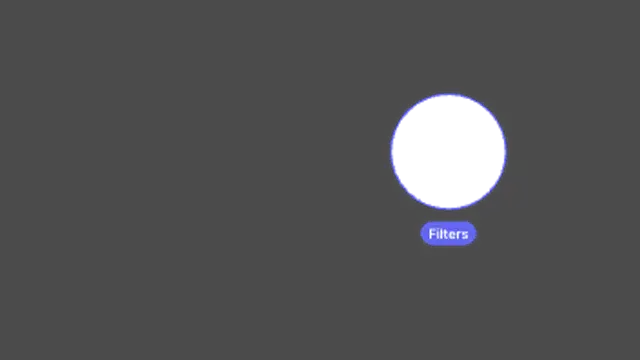
The screen dims and a circular spotlight glides between points you choose, labelling each stop. Ideal for product walkthroughs.
Spotlights, hotspots and comparisons that point viewers at what matters.
The screen dims and a circular spotlight glides between points you choose, labelling each stop. Ideal for product walkthroughs.
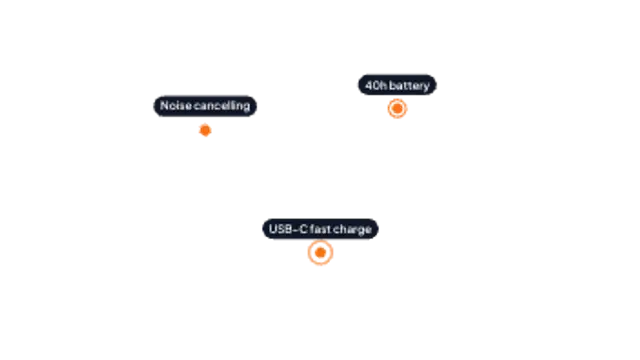
Pulsing dots ping at each feature and label chips pop in one by one. Great for product shots and UI callouts.
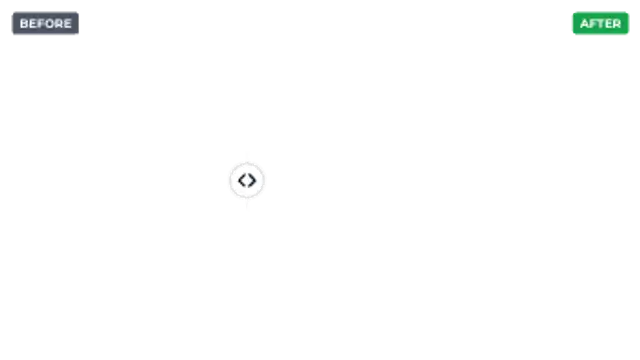
A comparison divider with a draggable-style handle swings across the frame under Before and After labels.
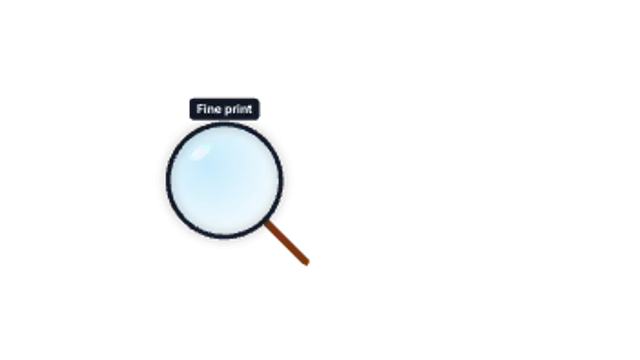
A magnifying glass pops in and inspects each point in turn with a caption above the lens.

Features slide in and get ticked one by one with a drawn check mark. Clean for pricing, launches and recaps.
Use a before-after wipe: place both images or clips in the preset, set the wipe direction and speed, and let the line travel across the frame. A spotlight or magnifier does the same job for a single detail inside one image.
Attention is the product. These presets spotlight a region, drop hotspots on a layout, magnify a detail and wipe between before and after states, with your own labels.
Read the full guide: How to Add a Spotlight Effect to a Product Video5 editable presets, including Spotlight Tour, Hotspots, Before / After, Magnifier and Feature Checklist. Every one opens in the browser editor, where you change colors, timing and any text before you download.
None of them loop. Every preset in Spotlight & Focus plays once, which suits cuts, openers and one-off moments.
MP4 for any editor or platform, WebM with a transparent background for the web, and a PNG sequence with alpha for Premiere Pro, After Effects, DaVinci Resolve and Figma. Every preset exports in 16:9, 9:16, 1:1 and 4:5 from 720p up to 8K, with a commercial license in your name.
Editing and previewing are free. You only spend a credit when the finished file lands on your machine.
5 free HD downloads on a new account · No card required