
Your logo emerges from a soft blur, settles into focus and gets a premium light shine sweep.
Professional intros that reveal your logo with style.
Your logo emerges from a soft blur, settles into focus and gets a premium light shine sweep.
Angled accent blades sweep across and uncover your logo behind them. Sharp, modern and fast.

Shockwave rings and colorful shards burst outward as your logo pops into place with a springy bounce.
Horizontal slices of your logo fly in from alternating sides and lock together into the full mark.
Your logo spins in like a coin with a warm glow behind it and lands facing the camera.
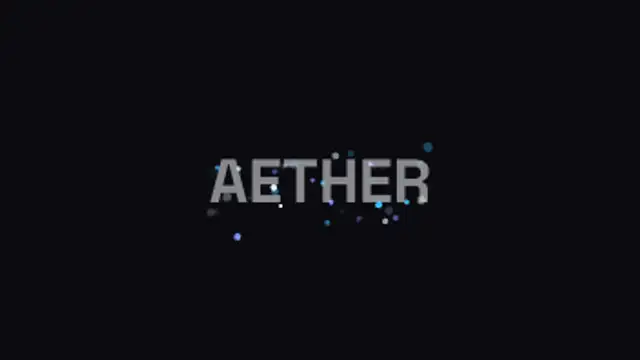
Sparks stream in from every edge, curving as they come, and gather on the mark until it settles into focus behind them.
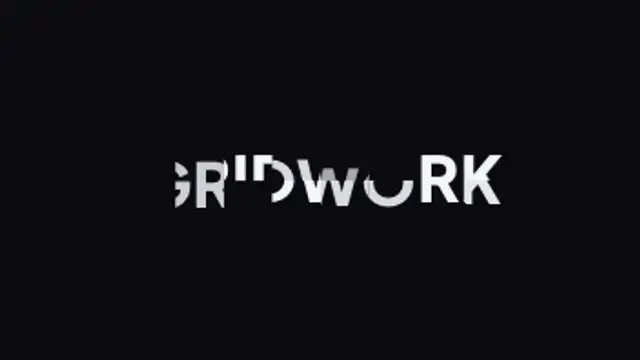
The frame is split into a grid and each tile lifts its piece of the mark into place on its own beat until the whole thing reads.
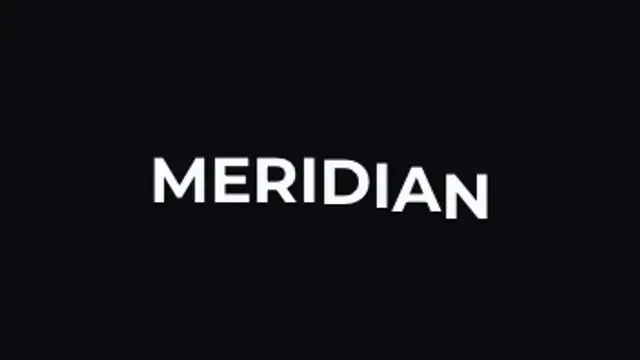
Each character rises into place a beat after the one before it, so the wordmark reads itself left to right and then holds.
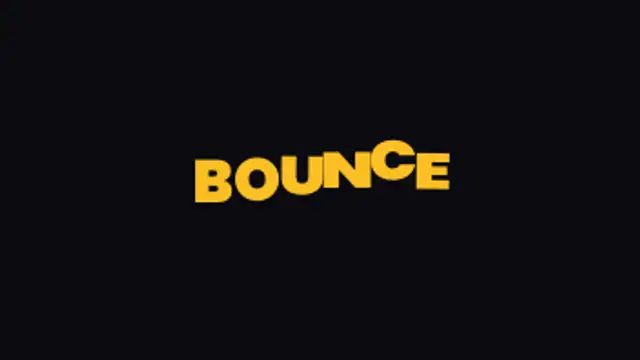
Characters fall in from above, squash flat as they land and rock back upright, each one a beat behind the last.
The mark lands as a flat silhouette, then brand colour washes across it from one edge to the other until it reads in full.
Light builds behind the mark until its edge burns bright, then the face lifts out of shadow into full colour.
Ink soaks outward from a few points at once, each ragged blot spreading until together they carry the whole mark.
One loaded brush stroke sweeps across the frame, thin at both ends and thick through the middle, uncovering the mark as it passes.
A fat rolling body of liquid surges across the frame, its leading edge bulging and settling, and leaves the mark behind it.
The mark is cut into triangles that scatter off screen, then each one flies back on its own line and snaps into the whole.
A wedge opens out from the centre like a hand sweeping round a dial, uncovering the mark as it goes and ringing out once at the end.
The mark rushes at the camera from far too close, smeared with speed, and brakes hard into place with a flash on the landing.
The mark arrives stretched wide and paper thin, then springs back to its true proportions and wobbles briefly before holding.
The mark arrives already torn in two, the halves sliding in from opposite sides until the seam closes and the word reads whole.
Two solid panels sit closed over the frame, then draw back from the middle to leave the lit mark standing behind them.
A film of fine dust lies over the mark until an unseen hand brushes across, the grains lifting and drifting off as it clears.
The mark lies creased into flat panels that hinge open one after another, each one catching a little less shadow as it lands.
Every character churns through junk letters at speed, then locks to the real one left to right until the name resolves.
Characters tumble like a departure board, each panel snapping through faces with no easing until it stops on the right letter.
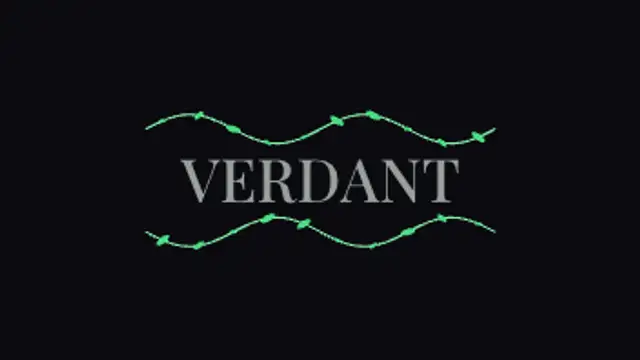
A thin stem creeps out above and below the mark, sprouting leaves as it travels, and the name fades up inside the frame it makes.
Open a logo reveal preset in the browser, upload your logo as a PNG, set the background and accent colors, choose a duration and export. The clip renders on your own machine as MP4 or transparent WebM, so no plugin, template file or render queue is involved.
A logo sting is the one piece of motion every brand needs and the one most people pay for twice. These presets mask, slice, spin and burst your own logo, and the file never leaves your browser while it renders.
Read the full guide: How to Make a Logo Reveal Without After Effects25 editable presets, including Fade Scale Reveal, Mask Wipe Reveal, Shape Burst Reveal, Slice Assemble, Spin In and Particle Converge. Every one opens in the browser editor, where you change colors, timing and any text before you download.
None of them loop. Every preset in Logo Reveals plays once, which suits cuts, openers and one-off moments.
MP4 for any editor or platform, WebM with a transparent background for the web, and a PNG sequence with alpha for Premiere Pro, After Effects, DaVinci Resolve and Figma. Every preset exports in 16:9, 9:16, 1:1 and 4:5 from 720p up to 8K, with a commercial license in your name.
Editing and previewing are free. You only spend a credit when the finished file lands on your machine.
5 free HD downloads on a new account · No card required