

Viewfinder-style brackets glide in from the corners and breathe gently around your shot.
Borders, brackets and frames that focus the composition.
Viewfinder-style brackets glide in from the corners and breathe gently around your shot.
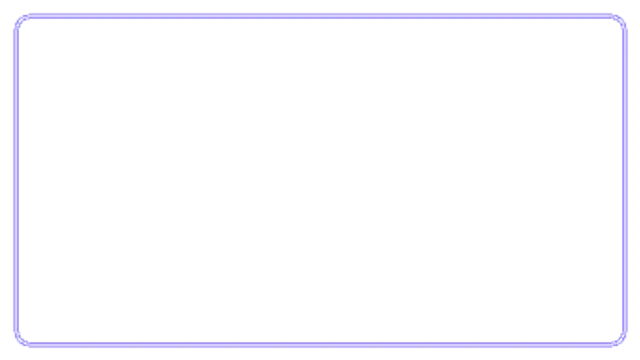
Two strokes race around the frame edge, one bold and one fine, drawing a clean rounded border.
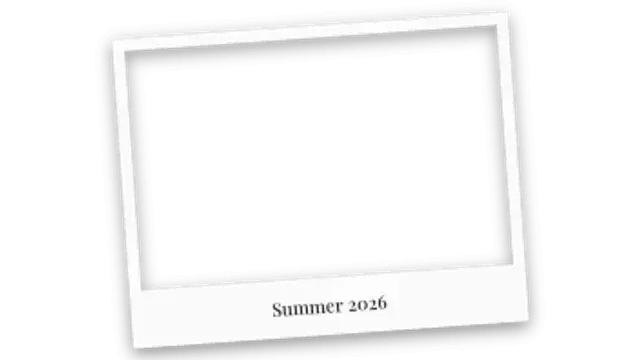
An instant photo frame drops and settles at a casual tilt with a handwritten-style caption.
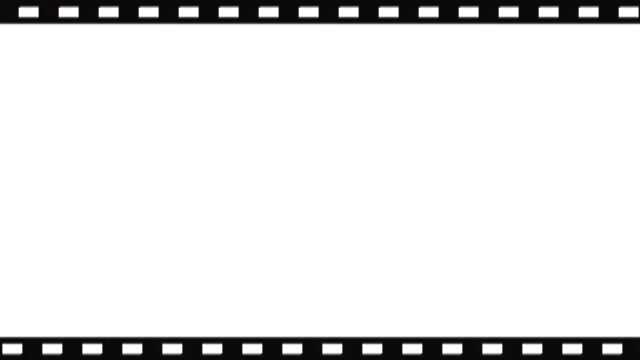
Sprocketed film edges slide in and roll continuously for a nostalgic analog cinema frame.
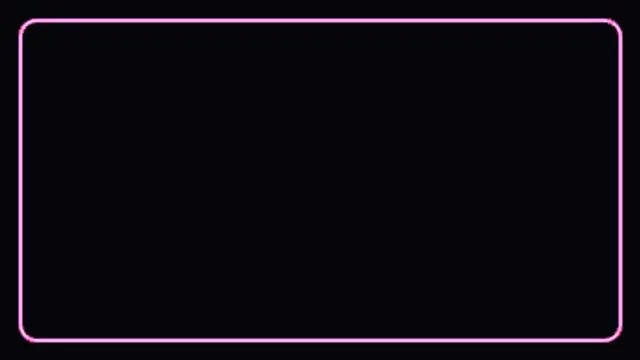
A neon tube border flickers to life and pulses between two colors with a soft electric glow.
Use a frame when you need to separate inserted content from the main shot: a photo, a quote, a webcam, a product. Corner brackets and chasing borders draw the eye to a region, and a transparent export lets the footage stay visible inside.
A border is a quiet instruction to look here. These presets snap brackets in, chase a line around the edge, drop a polaroid and glow a neon outline, all sized to your aspect ratio.
Read the full guide: How to Add an Animated Border to a Video5 editable presets, including Corner Brackets, Border Chase, Polaroid Drop, Film Strip and Neon Outline. Every one opens in the browser editor, where you change colors, timing and any text before you download.
None of them loop. Every preset in Animated Frames plays once, which suits cuts, openers and one-off moments.
MP4 for any editor or platform, WebM with a transparent background for the web, and a PNG sequence with alpha for Premiere Pro, After Effects, DaVinci Resolve and Figma. Every preset exports in 16:9, 9:16, 1:1 and 4:5 from 720p up to 8K, with a commercial license in your name.
Editing and previewing are free. You only spend a credit when the finished file lands on your machine.
5 free HD downloads on a new account · No card required