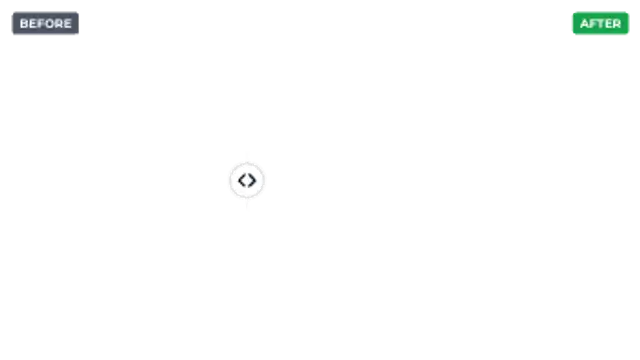
Before / After
7.5sA comparison divider with a draggable-style handle swings across the frame under Before and After labels.
Magnifier
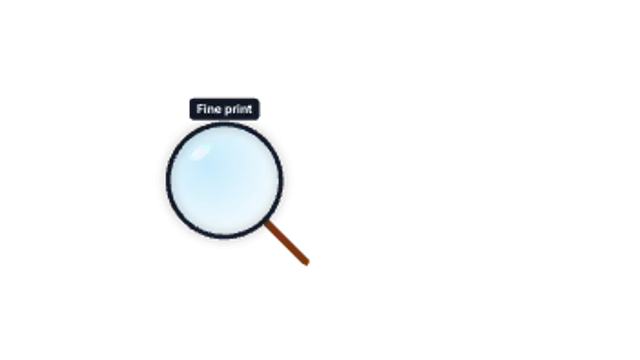
A magnifying glass pops in and inspects each point in turn with a caption above the lens.
Part of Spotlight & Focus. New to this kind of graphic? Read How to Add a Spotlight Effect to a Product Video.
A magnifying glass pops in and inspects each point in turn with a caption above the lens. It belongs to the Spotlight & Focus category on velements, where you edit it in the browser and download it as a finished video file.
Every control in the editor, grouped the same way there. Content: labels and points (x %, y %). Typography: font, weight and size. Style: background, text color, primary, secondary, accent and thickness. Layout: aspect ratio and corner radius. Motion: duration. Each change appears in the live preview straight away, and editing is free.
Magnifier runs 7.5 seconds by default, and you can set any length up to 60 seconds before you export. It plays once from start to finish, so it drops straight onto a cut or an opening.
Yes. Set the background to Transparent, then export a PNG sequence for Premiere Pro, After Effects, DaVinci Resolve, Final Cut Pro or Figma: import the first frame as an image sequence and it drops onto a track above your footage with a straight alpha channel. Export WebM with a VP9 alpha channel for the web and for CapCut. MP4 has no alpha channel, so it keeps a solid color or image behind the animation.
Yes. Each download comes with a perpetual commercial license in your name for client work, ads and products, and you may sell the edited clip on stock footage sites. Reselling the preset itself as an editable template is not allowed.
A comparison divider with a draggable-style handle swings across the frame under Before and After labels.

Features slide in and get ticked one by one with a drawn check mark. Clean for pricing, launches and recaps.
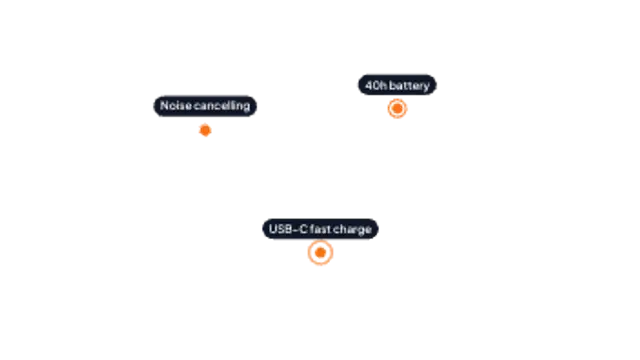
Pulsing dots ping at each feature and label chips pop in one by one. Great for product shots and UI callouts.
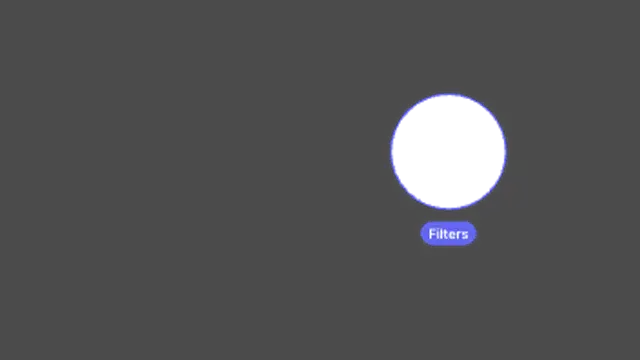
The screen dims and a circular spotlight glides between points you choose, labelling each stop. Ideal for product walkthroughs.
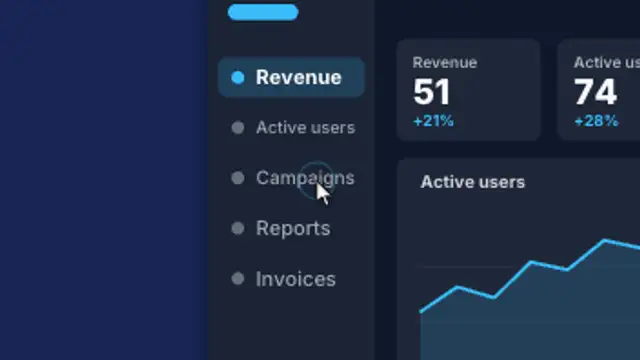
A cursor glides across your website screenshot and clicks each point while the view smoothly zooms in on every click, then eases back out.
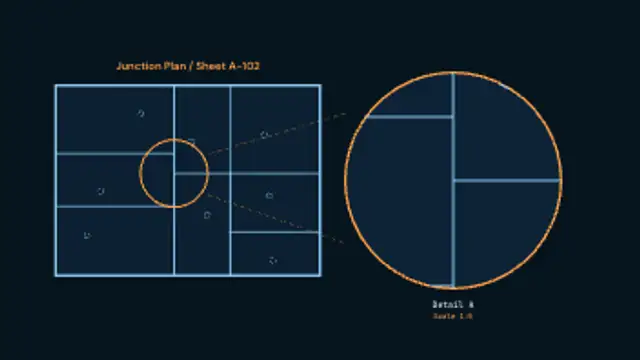
A drawing inks itself in, a detail circle closes around one junction, and tangent leaders carry it out to an enlarged bubble carrying its own detail reference and scale.
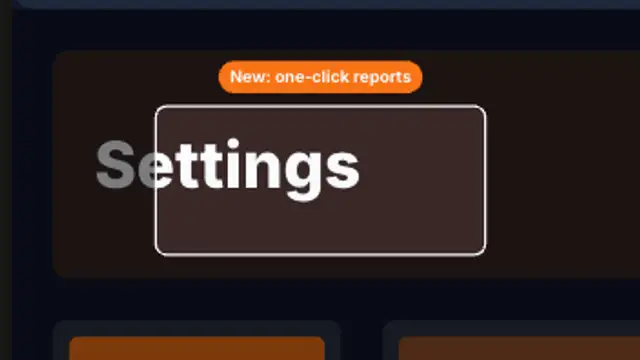
A browser window holds, then the view pushes into one feature, rings it with a highlight and pops a label before pulling back out.
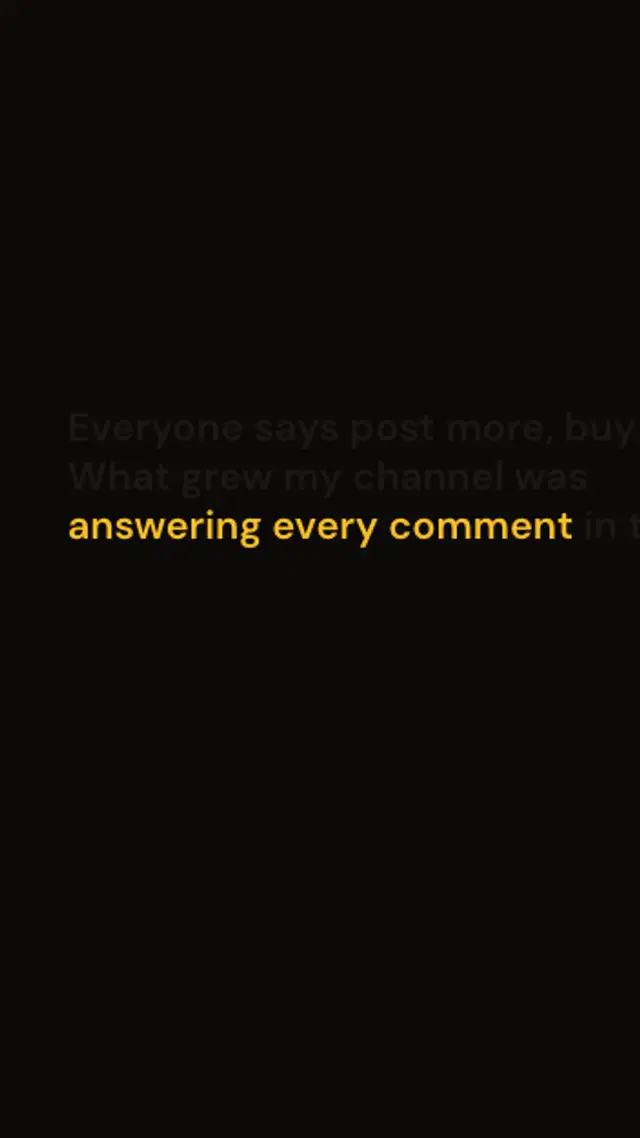
A dense paragraph fills the frame, then the camera pushes in on the one phrase that matters while every other word fades into the dark.