velements

Flags & Banners

Flag animations: waving flags, bunting and banners

Updated September 18, 20263 min read

How do you make a waving flag animation?

Pick a flag preset and set the colors of the bands or upload your own artwork where supported. The wave is simulated per frame, so the cloth keeps moving naturally for as long as you need, and a seamless loop avoids a visible restart.

Flags, bunting and ribbon banners carry national, team and event identity in one frame. These presets wave cloth, run garlands and unfurl ribbons in colors you set.
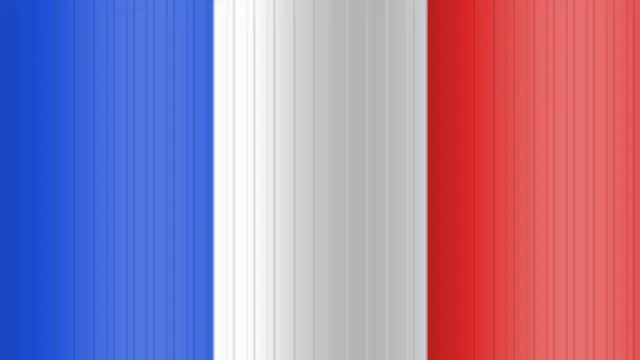
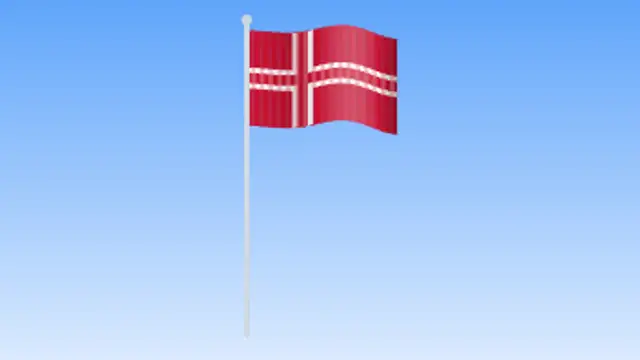
Five flags & banners presets to start from

Hover any card to play it. Opening one loads it in the editor with every control unlocked.

  • A full-frame flag ripples in a travelling wave with lit crests and shaded troughs, recolored to any nation or team.

  • A flag flutters from a tall metal pole against a soft sky gradient with rippling light and shadow in a seamless loop.

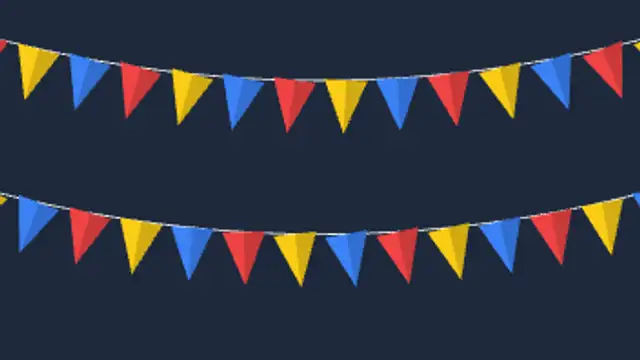
  • Strings of triangular pennants sag across the frame and sway in a breeze with alternating festive colors.

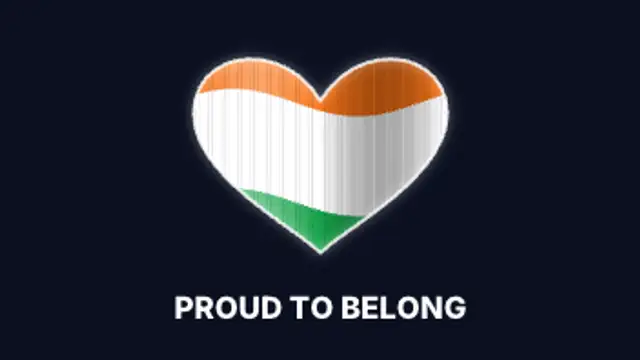
  • A waving flag texture fills a glowing heart, circle or shield emblem that floats above an editable title.

  • A ribbon banner unrolls from its center, drops folded tails and waves gently with your title riding the ripple.

All flags & banners

How to make one in the browser

  1. 01Open a flags & banners presetBrowse the Flags & Banners category and open the preset closest to what you need. It loads in the editor with every control unlocked.
  2. 02Make it yoursRewrite the text, set your brand colors and font, adjust easing and duration, and switch the aspect ratio for the platform you are posting to.
  3. 03Export the clipChoose MP4 for a normal track or transparent WebM for an overlay, pick a resolution up to 8K, and the file renders on your own machine.

Which format should you export?

Use MP4 when the clip sits on its own track or fills the frame. Use transparent WebM whenever it has to float over your own footage: the alpha channel is real, so no keying or blend mode is needed.

Format
MP4 H.264 · WebM VP9
Alpha
Transparent WebM
Resolution
720p to 8K
Aspect
16:9 · 9:16 · 1:1 · 4:5
License
Commercial use included

Three tips that make it look intentional

  • Loop a short clip rather than exporting a long one.
  • Slow the wave down for a formal tone and speed it up for sport.
  • Check the colors against the official palette before publishing.

Frequently asked

Can I recreate a specific country's flag?
Set the band colors and proportions to match the flag you need, then export at any resolution.
Do the flags loop?
Yes, the waving presets are built to loop without a jump.
  • Networks & AI

    AI and network graphics: neural nets, pipelines and servers

    Show structure rather than magic: a neural network firing layer by layer, a prompt streaming into tokens, an agent graph routing a task, a data pipeline moving records, or a rack serving requests. Each one gives narration something concrete to point at.

    Read the guide
  • Weather Graphics

    Weather graphics: forecasts, radar and alerts

    Use a forecast preset: enter the days, temperatures and conditions, set your colors, and export. Storm fronts, rain radar sweeps and severe weather alert bars cover the rest of a bulletin, and everything adapts to vertical for social clips.

    Read the guide
  • Paper Cutout

    Paper cutout animations: stop-motion charm without a camera

    It is a style where shapes look torn, layered and slightly imperfect, as if cut from paper and moved by hand. Torn paper transitions, layered parallax scenes and tape labels bring warmth to explainers and craft content that flat vector motion cannot.

    Read the guide