Promo & Ad Animations

How to Make a Promo Video Ad From Short Animated Clips

By the velements teamUpdated November 14, 20264 min read

How to Make a Promo Video Ad From Short Animated Clips

How do you build the kinetic hooks, social-proof inserts and brand stings that make a short commercial feel professional without spending hours in After Effects?

You pick the building block, type your copy, and the geometry is computed from the text. Word-slam clips measure each word and build a per-word clip mask; stat bursts calculate ray angles from the count; brand stings compute geometry endpoints from the frame size. Change the words or the count and everything reflows, not re-keys.

Every 30-second commercial is assembled from repeating parts: a kinetic hook that stops the scroll, a feature list or social-proof insert in the middle, and a brand sting or CTA end card at the close. Building those parts in After Effects means a per-word track-matte rig for the slam, a radial expression for the burst rays, and a spring-physics rig for the CTA rings — each one 20-40 minutes of expression engineering before you have touched the content. Premiere, Resolve and CapCut have nothing equivalent. That is why commercial editors buy these rather than rebuild them for every client.
Five promo & ad animations presets to start from

Hover any card to play it. Opening one loads it in the editor with every control unlocked.

  • Kinetic Word Slam

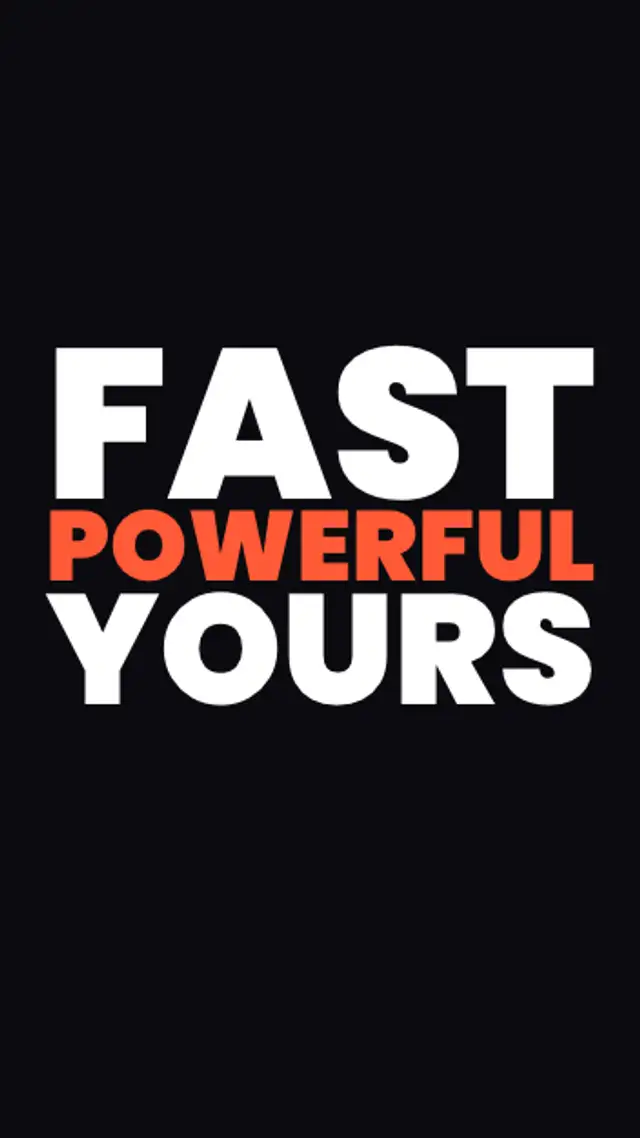
    Each word slams in from below through a clip mask with a spring-overshoot impact — built for ad hooks, product launches and short-form promos.

  • Neon Word Slam

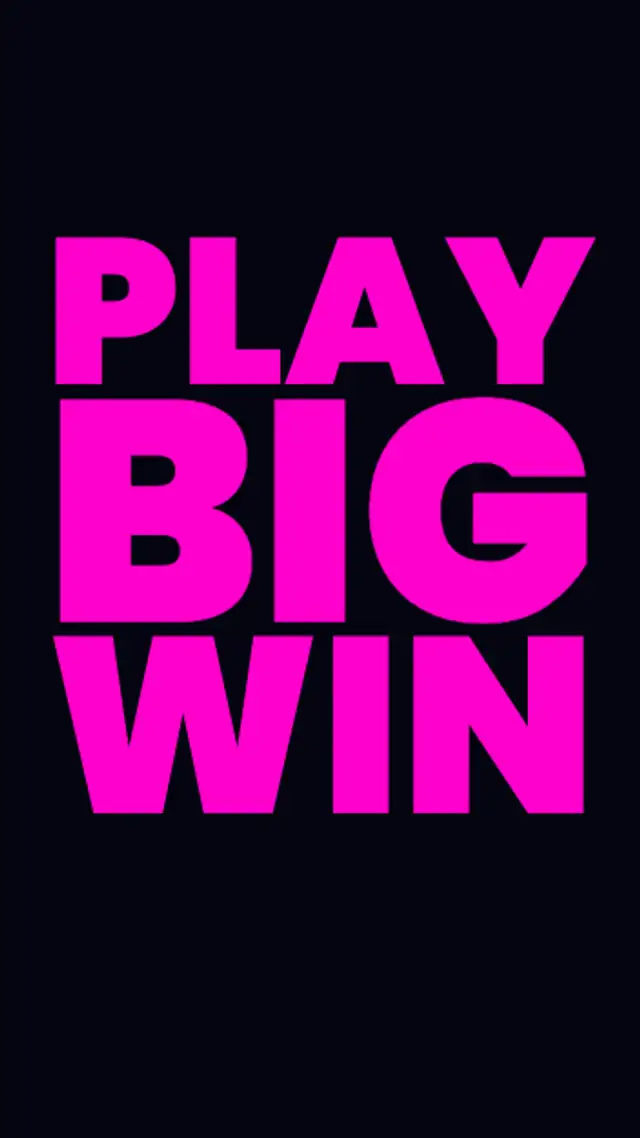
    Bold neon-colored words slam in one by one with spring overshoot — the electric hook for nightlife, gaming and energy brand promos.

  • Milestone Stat Burst

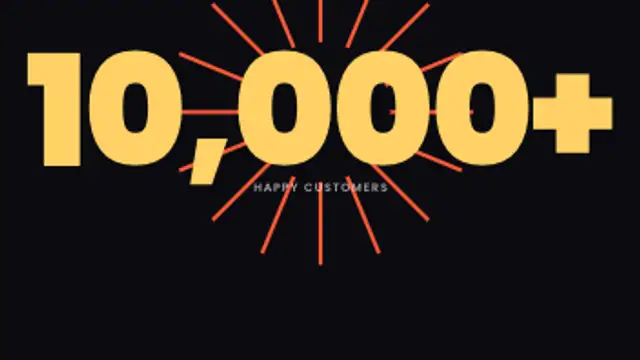
    A large number counts up to your milestone then ray lines burst outward from the center — the social-proof hero for SaaS, service and DTC ads.

  • CTA Pulse End Card

    Headline and tagline rise in, then your call-to-action button springs into the center surrounded by expanding pulse rings — the universal ad closer.

  • Geometric Brand Sting

    Corner brackets converge toward your brand name from outside the frame, then the name rises through a clip mask and a tagline appears — the polished ad closer.

All promo & ad animations

Step by step

  1. Plan the ad as parts

    Pick one clip for each job. Kinetic Word Slam or Milestone Stat Burst opens the ad at 3 to 3.5 seconds. Benefit Bullets or Price Comparison Bars carries the middle at around 5 seconds. CTA Pulse End Card or Geometric Brand Sting closes it, depending on whether you are asking for a click or only leaving a name.

  2. Write short copy per clip

    Kinetic Word Slam reads Text one word at a time, so keep it to a few short words on separate lines. Benefit Bullets takes a heading in Text and each benefit in Headlines. CTA Pulse End Card has Text, Subtitle, Button and Logo image, and Milestone Stat Burst uses To, Prefix, Suffix and Label.

  3. Keep the set consistent

    Use the same Font, Primary and Accent in every clip and the same Aspect ratio across the whole ad, so the cuts read as one piece. All 10 presets run 2.5 to 5 seconds by default, so a three-clip spot lands near 13 seconds before you add any footage between them.

  4. Export MP4 for each clip

    Each part carries its own background and will be cut hard against the next, so MP4 suits the job. Choose a transparent export only for a piece that overlays your product footage: a PNG sequence for Premiere Pro or After Effects, or WebM with alpha for CapCut or Resolve.

  5. Cut the parts together

    In Final Cut Pro, import the three MP4s and place them in order on the primary storyline, with your product footage between the opener and the end card. Lay music underneath, then trim each clip so its hit falls on a beat in the track.

Where it is used

  • Pre-roll spots

    A small brand builds a short ad from Kinetic Word Slam, Benefit Bullets and CTA Pulse End Card, stating its promise first because viewers may skip after the opening seconds.

  • Product launch announcements

    A startup marks launch day with Neon Word Slam for the product name, then Geometric Brand Sting with the logo, keeping the announcement short enough to post in a feed.

  • Milestone posts

    A company marks a real anniversary or customer milestone with Milestone Stat Burst, the number counting up to the figure before rays burst from it, then ends on a thank-you card.

Presets
10
Default length
2.5 to 5 seconds
Best export
MP4 cut end to end
Aspect ratios
16:9, 9:16, 1:1, 4:5

Which format should you export?

MP4 at 16:9 for pre-roll, YouTube mid-roll and display. 9:16 for Instagram Reels, TikTok and YouTube Shorts. 1:1 for Facebook and Instagram feed. WebM with alpha when the clip has to overlay product footage or a branded background.

Format
MP4 · WebM · PNG sequence
Alpha
WebM or PNG sequence
Resolution
720p to 8K
Aspect
16:9 · 9:16 · 1:1 · 4:5
Works with
Premiere Pro · After Effects · DaVinci Resolve · Final Cut Pro · CapCut · Figma
License
Commercial use included
Cost
Free · no account · no watermark

Three tips that make it look intentional

  • Treat the clips as a sequence, not standalone assets. A word-slam opener, a feature-list body, and a CTA end card cut together in 30 seconds already feel like a finished spot.
  • Let the spring do the emphasis. The back.out overshoot on the slam and the ring pulse on the CTA draw the eye without needing louder colors or a bigger font.
  • Keep copy short. These animations are built for ads, so every word earns its place. A three-word slam lands harder than a six-word one.

Three things people get wrong

  • Too many words in the slam. Past four or five words the stagger timing stretches the clip and the impact of each word lands softer.
  • Matching accent color to background. The spring overshoot needs visual contrast to read; an accent on a same-value background loses the pop.
  • Forgetting to cut to silence before the brand sting. The sting is the full stop of the ad; if dialogue or music carries under it the brand identity weakens.

Frequently asked

Can I combine clips from this category in one video?

Yes, and that is the intended use. Export the word slam, the stat burst and the CTA end card separately, then assemble them on your timeline with your footage between them.

Do the animations loop or play once?

The CTA pulse and the review ticker loop seamlessly. The rest play once from start to finish, which is the standard behaviour for ad building blocks.

  • How to Add a Subscribe Button Animation to a Video

    Social Media Animations

    How to Add a Subscribe Button Animation to a Video

    Put the prompt where the viewer has already got value, usually after the first payoff rather than in the opening seconds. Keep it under three seconds, use a transparent export so it sits in a corner, and pair it with a spoken line for the biggest lift.

    Read the guide
  • How to Make an Audio Visualizer for a Podcast Clip

    Audio Visualizers

    How to Make an Audio Visualizer for a Podcast Clip

    Export an audio visualizer preset, place it over your artwork or video, and lay your audio underneath in your editor. Spectrum bars, waveforms and pulsing orbs give a static episode clip the movement social platforms reward.

    Read the guide
  • How to Add a Price Drop Animation to a Product Ad

    Shop & Ecommerce

    How to Add a Price Drop Animation to a Product Ad

    Three beats do most of the work: the price drop, the social proof, and the call to action. An add-to-cart animation, a star rating and a promo code give a viewer the reason, the reassurance and the next step in under ten seconds.

    Read the guide
Ready to create?

Make your next clip in the next five minutes

Editing, previewing and downloading are free. No account, no watermark, every format and resolution.