velements

Curve & Field Backgrounds

Curve backgrounds: Lissajous, spirographs and wave fields

Updated September 18, 20263 min read

What is a parametric curve background?

It is a background drawn from an equation rather than a filter. A Lissajous figure, a spirograph rosette or a Chladni plate is defined by a handful of numbers, so changing one parameter changes the whole shape while the motion stays smooth and loops exactly.

These are the backgrounds you cannot drag an effect onto. Each preset evaluates its own equation every frame, which is why the curves stay sharp at any resolution and why the loop closes rather than cross-fading.
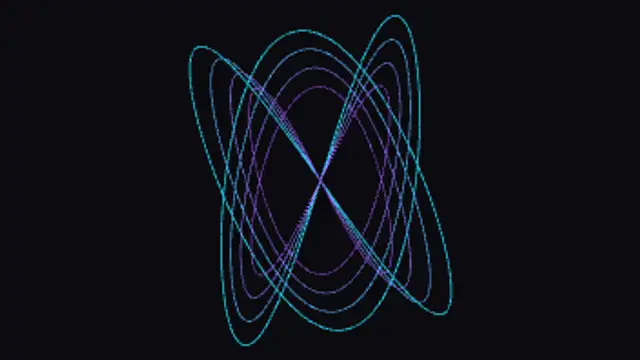
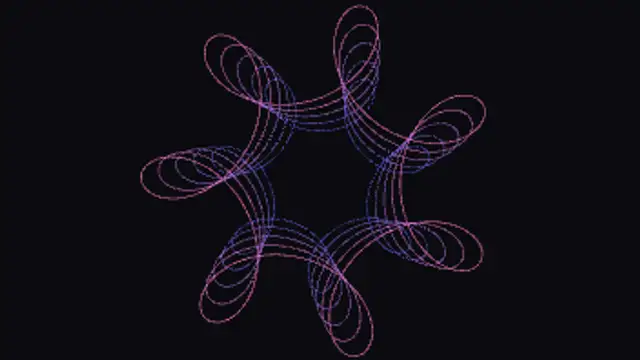
Five curve & field backgrounds presets to start from

Hover any card to play it. Opening one loads it in the editor with every control unlocked.

  • Two perpendicular oscillations at whole-number frequencies weave a closed ribbon, and the phase between them drifts so the knot keeps retying itself.

  • A small wheel rolls inside a larger one and the pen offset slides in and out, so the rosette opens and closes without ever breaking its loop.

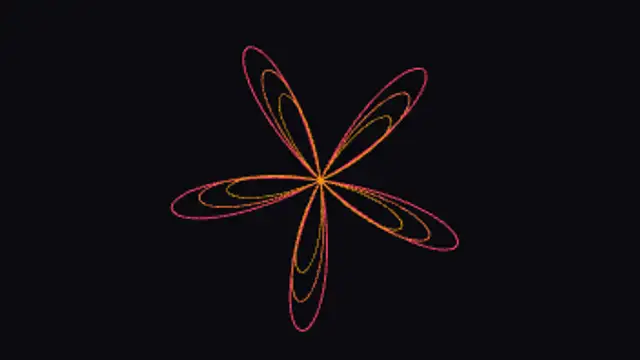
  • A single polar equation sweeps a petal at a time around the centre, and the phase rotation walks the petals round without the shape ever changing size.

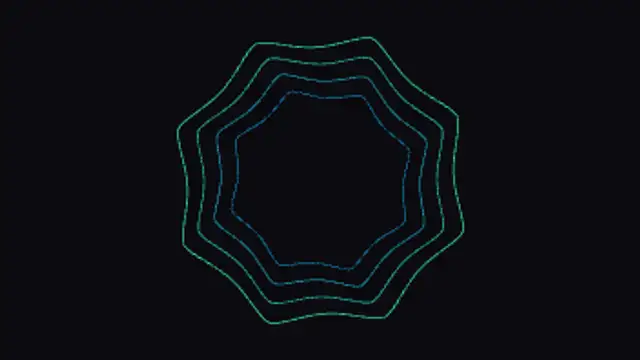
  • One polar equation with seven numbers walks from a rounded blob to a spiked star and back, drawing whatever shape lies between them on the way.

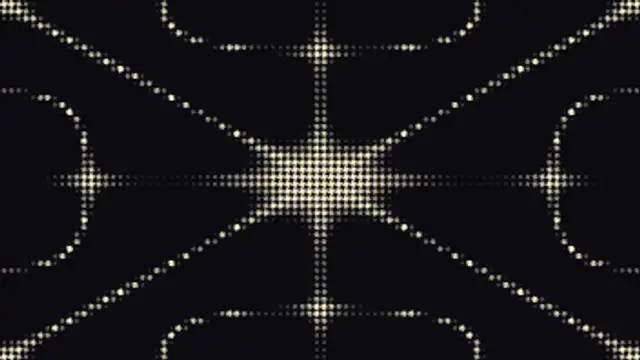
  • Sand settles along the still lines of a vibrating plate, and as the driving mode swings through zero the whole nodal figure inverts and reforms.

All curve & field backgrounds

How to make one in the browser

  1. 01Open a curve & field backgrounds presetBrowse the Curve & Field Backgrounds category and open the preset closest to what you need. It loads in the editor with every control unlocked.
  2. 02Make it yoursRewrite the text, set your brand colors and font, adjust easing and duration, and switch the aspect ratio for the platform you are posting to.
  3. 03Export the clipChoose MP4 for a normal track or transparent WebM for an overlay, pick a resolution up to 8K, and the file renders on your own machine.

Which format should you export?

Use MP4 when the clip sits on its own track or fills the frame. Use transparent WebM whenever it has to float over your own footage: the alpha channel is real, so no keying or blend mode is needed.

Format
MP4 H.264 · WebM VP9
Alpha
Transparent WebM
Resolution
720p to 8K
Aspect
16:9 · 9:16 · 1:1 · 4:5
License
Commercial use included

Three tips that make it look intentional

  • Frequency ratio is the strongest control on a Lissajous or spirograph: small whole-number changes redraw the figure completely.
  • Longer trails read as light painting, shorter trails read as a moving object; pick one and commit.
  • These sit well behind titles because the motion is continuous and never flashes.

Frequently asked

Why do these loop so cleanly?
Most are periodic by construction: with whole-number frequency ratios the curve closes on itself, so the clip returns to its exact starting state.
Can I slow them right down?
Yes. Every preset exposes speed separately from shape, so you can hold the same figure and let it drift as slowly as you like.
  • Shape Transitions

    Shape transitions: how to cut between shots without a plugin

    A shape transition is a graphic wipe where a circle, bar or tile grid travels across the frame and hands the shot over to the next one. It hides the cut, carries your brand color and works in any editor once exported as MP4 or transparent WebM.

    Read the guide
  • Text Animations

    Animated text: kinetic typography you can type into

    Pick a text preset, type your line, choose a font and weight, then set the colors, easing and duration. The preview renders the real animation, and the export is an MP4 or a transparent WebM you drop straight onto a track in your editor.

    Read the guide
  • Icon Animations

    Animated icons: small motion that explains a lot

    Choose an icon preset, pick an icon from the built-in library, set its color, size and stroke, then adjust how it draws, pops or pulses. Export a transparent WebM and the icon animates over any slide, app screen or footage without a matte.

    Read the guide