velements

Worship & Faith

Church graphics: the slides a service needs every week

Updated September 18, 20263 min read

What graphics does a church service need?

A weekly service repeats the same set: a welcome slide before it starts, a sermon series title, scripture verses on screen during the message, a giving prompt, and an ambient background behind the words. Set the palette once and change the verse and title each week.

Church media is the most relentless schedule in video: the same slides, new content, every seven days. These presets cover the recurring set so a volunteer team only has to retype the verse and the series name.
Five worship & faith presets to start from

Hover any card to play it. Opening one loads it in the editor with every control unlocked.

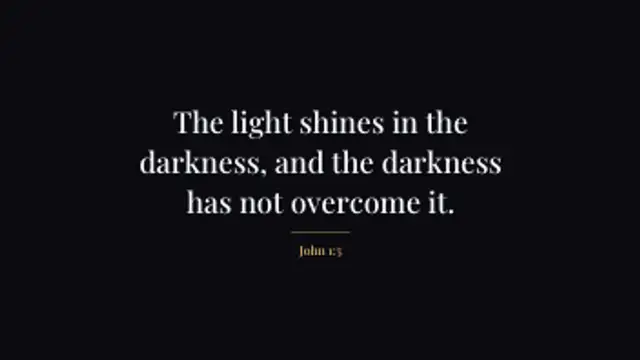
  • Scripture arrives a line at a time, each one settling as the next begins, and the reference fades up under a short centred rule.

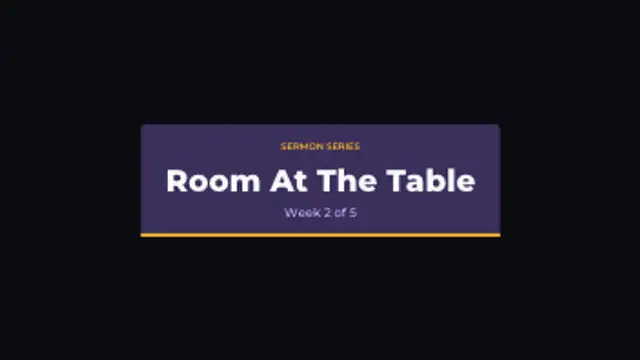
  • A title plate wipes open, a small kicker names the series, and the message title lifts into place above the week it belongs to.

  • Panes of coloured glass turn slowly around a leaded rose window, each one brightening and dimming out of step with its neighbours.

  • A calm plate fades up with the ask and a short line of context, then the way to give pops in and keeps a slow pulse to the end.

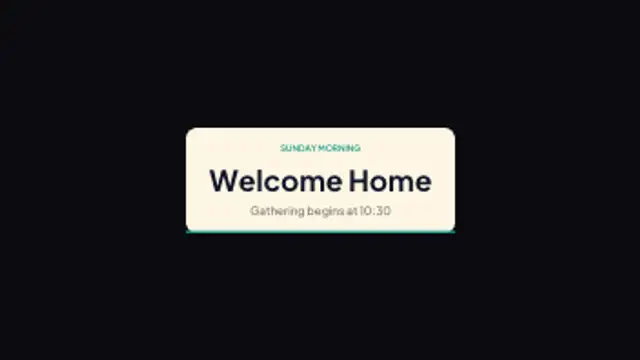
  • A wide welcome plate opens before the service starts, naming the gathering and the time it begins beneath a quiet kicker line.

All worship & faith

How to make one in the browser

  1. 01Open a worship & faith presetBrowse the Worship & Faith category and open the preset closest to what you need. It loads in the editor with every control unlocked.
  2. 02Make it yoursRewrite the text, set your brand colors and font, adjust easing and duration, and switch the aspect ratio for the platform you are posting to.
  3. 03Export the clipChoose MP4 for a normal track or transparent WebM for an overlay, pick a resolution up to 8K, and the file renders on your own machine.

Which format should you export?

Use MP4 when the clip sits on its own track or fills the frame. Use transparent WebM whenever it has to float over your own footage: the alpha channel is real, so no keying or blend mode is needed.

Format
MP4 H.264 · WebM VP9
Alpha
Transparent WebM
Resolution
720p to 8K
Aspect
16:9 · 9:16 · 1:1 · 4:5
License
Commercial use included

Three tips that make it look intentional

  • Keep verse text short enough to read from the back row: split long passages across two cards.
  • Run the ambient loop behind lyrics rather than under text you need people to read quickly.
  • Export loops as seamless MP4 so presentation software can repeat them without a visible jump.

Frequently asked

Will these work in ProPresenter or EasyWorship?
Yes. Export MP4 for backgrounds and slides, or transparent WebM when you want a lower third to sit over a camera feed.
Can we match our church branding?
Fonts, colours and corner radius are editable on every preset, so you can set your palette once and reuse it across the whole service.
  • Tessellation Backgrounds

    Tessellation backgrounds: patterns your editor cannot generate

    Pick a tessellation preset, set the density and seed, choose two or three colours, then export a seamless loop. The pattern is generated from real geometry each frame, so changing the seed gives a genuinely different tiling rather than a shifted copy of the same one.

    Read the guide
  • Curve & Field Backgrounds

    Curve backgrounds: Lissajous, spirographs and wave fields

    It is a background drawn from an equation rather than a filter. A Lissajous figure, a spirograph rosette or a Chladni plate is defined by a handful of numbers, so changing one parameter changes the whole shape while the motion stays smooth and loops exactly.

    Read the guide
  • Shape Transitions

    Shape transitions: how to cut between shots without a plugin

    A shape transition is a graphic wipe where a circle, bar or tile grid travels across the frame and hands the shot over to the next one. It hides the cut, carries your brand color and works in any editor once exported as MP4 or transparent WebM.

    Read the guide