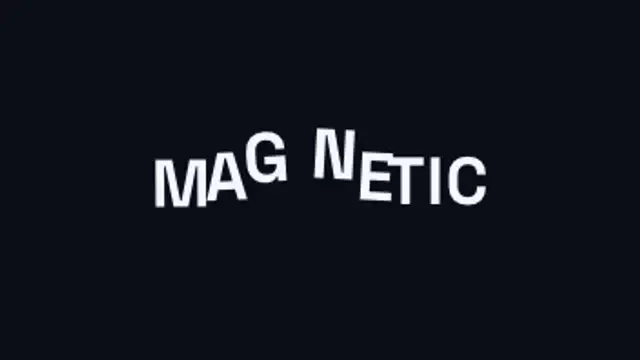
An invisible magnet sweeps through the headline and every letter flees it, dragging its neighbours along on an elastic chain before the whole line springs back into place.
Velocity Shear Snap

Your text flies in fast and shears, stretches and smears in exact proportion to its own velocity, then snaps back on a spring that overshoots and settles.
Text flies in and shears, stretches and smears in proportion to its own velocity, then snaps back on a spring. Type your words, set the shear and export.
Part of Text Animations. New to this kind of graphic? Read How to Animate Text in a Video.
Transparent exports and editor imports are explained in the transparent video guide, and every download is free under the commercial license.
Content: text. Typography: font, weight, size, letter spacing, line height and align. Style: background, text color, primary, secondary and accent. Layout: aspect ratio. Motion: duration, easing and variation.
Velocity Shear Snap runs 2.6 seconds by default, and you can set any length up to 15 seconds before you export. It plays once.
Use Velocity Shear Snap for a sports highlight title, a fast product feature call-out or the first word of a hype edit. The text arrives at speed and snaps upright, landing hard on a beat.
An invisible magnet sweeps through the headline and every letter flees it, dragging its neighbours along on an elastic chain before the whole line springs back into place.

One shared word stays pinned in place while the rest of the line cuts away and reforms around it, so the whole chain reads as a single moving object.

A container measures every headline and springs to hug it exactly, re-flowing wider, narrower or taller as the wording changes.

A sentence keeps one live slot word: as it swaps, the highlight marker stretches to the new word's width, the rest of the line reflows around it and letters the two words share glide to their new place.
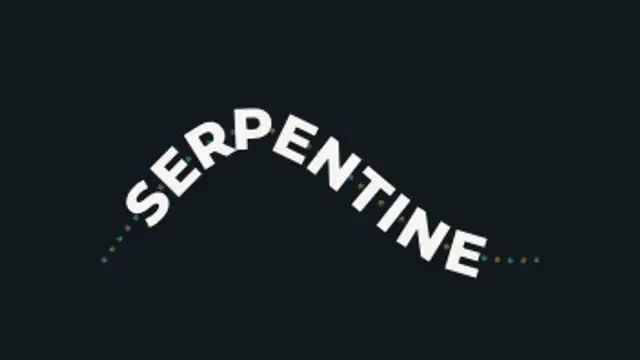
Oversized lettering rides an S-curve that pulls taut and springs back, every letter re-solving its position and tilt as the path deforms.
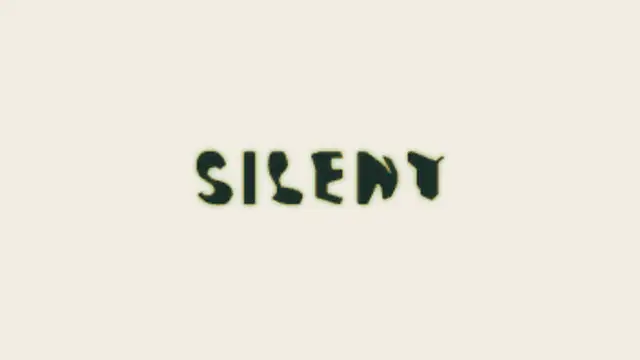
Two words made of the same letters trade places: each letterform travels to its new position and reshapes on the way, so one phrase becomes the other without a cut.
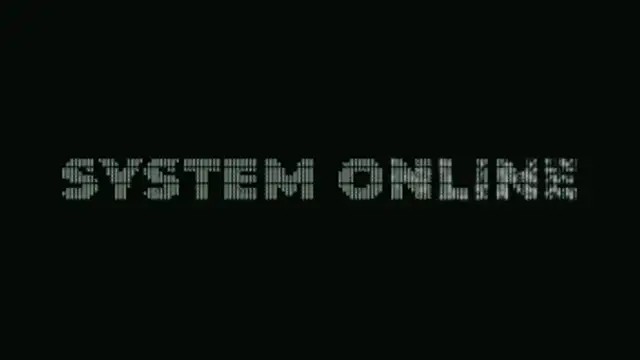
Your title is rebuilt from a grid of ASCII characters that flicker through random symbols, then lock into dense marks that trace the real letter shapes.

Letters sharpen out of a dreamy blur from the center outward for elegant, cinematic titles.