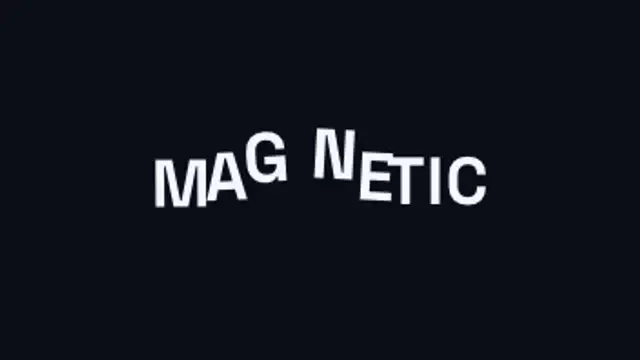
An invisible magnet sweeps through the headline and every letter flees it, dragging its neighbours along on an elastic chain before the whole line springs back into place.
Refit Text Box

A container measures every headline and springs to hug it exactly, re-flowing wider, narrower or taller as the wording changes.
A container that measures your text and springs to hug it exactly, re-fitting as the words change. Type your phrases, pick colors and export.
Part of Text Animations. New to this kind of graphic? Read How to Animate Text in a Video.
Transparent exports and editor imports are explained in the transparent video guide, and every download is free under the commercial license.
Content: headlines. Typography: font, weight, size and letter spacing. Style: background, text color, primary and secondary. Layout: aspect ratio and corner radius. Motion: duration and easing.
Refit Text Box runs 6 seconds by default, and you can set any length up to 15 seconds before you export. It plays once.
Use Refit Text Box for rotating feature names in an app advert, changing topics in a news rundown or a list of services on a website banner. The box resizes to each phrase, so mixed lengths still look deliberate.
An invisible magnet sweeps through the headline and every letter flees it, dragging its neighbours along on an elastic chain before the whole line springs back into place.

Letters slide together until their real letterform edges touch, compress against each other, then spring out to their final spacing.

One shared word stays pinned in place while the rest of the line cuts away and reforms around it, so the whole chain reads as a single moving object.
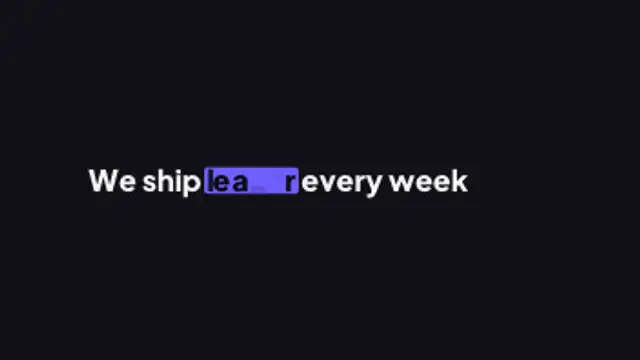
A sentence keeps one live slot word: as it swaps, the highlight marker stretches to the new word's width, the rest of the line reflows around it and letters the two words share glide to their new place.
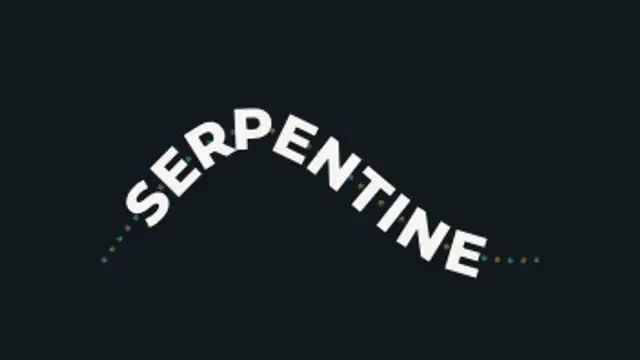
Oversized lettering rides an S-curve that pulls taut and springs back, every letter re-solving its position and tilt as the path deforms.

Your text flies in fast and shears, stretches and smears in exact proportion to its own velocity, then snaps back on a spring that overshoots and settles.
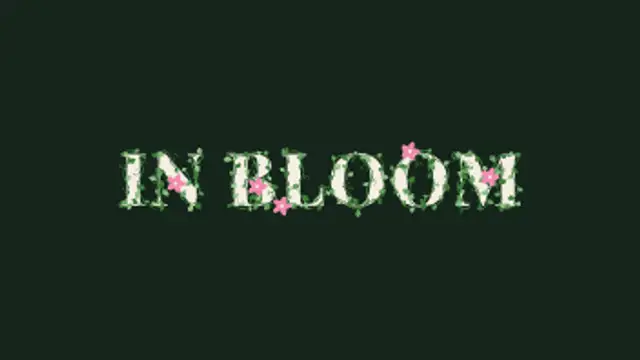
Vines creep along the outline of every letter, leaves bud one after another and curling tendrils spring out, then small flowers open at the tips.
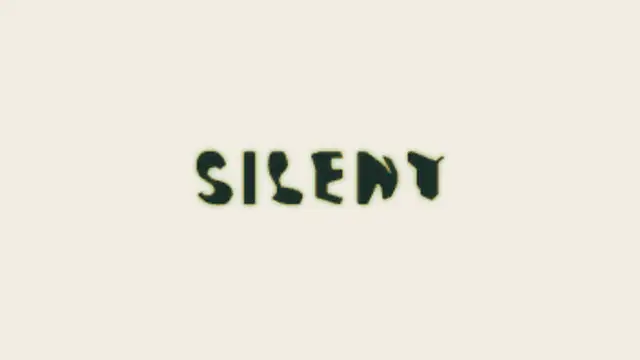
Two words made of the same letters trade places: each letterform travels to its new position and reshapes on the way, so one phrase becomes the other without a cut.