
Sand Storm
1.5sDense particles of sand sweep from right to left in a billowing storm front, obscuring the frame, then pass through.
Sand Pour Pile
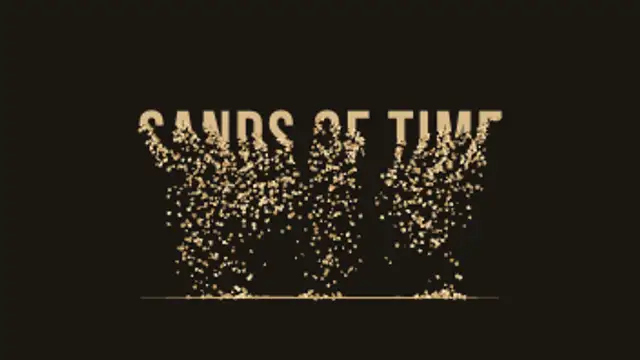
Your title drains away from the bottom up, grain by grain, and the sand falls and piles into a real heap that slumps at its natural angle.
Your text drains from the bottom up and every grain falls and piles into a real sand heap. Type your title, pick sand colors and export.
Part of Text Animations. New to this kind of graphic? Read How to Animate Text in a Video.
Transparent exports and editor imports are explained in the transparent video guide, and every download is free under the commercial license.
Content: text. Typography: font, weight, size, letter spacing, line height and align. Style: background, text color, primary, secondary and accent. Layout: aspect ratio. Motion: duration, easing and variation.
Sand Pour Pile runs 6 seconds by default, and you can set any length up to 15 seconds before you export. It plays once.
Use Sand Pour Pile for a countdown to a deadline, the last title in a desert travel film or a time-is-running-out message in a campaign video. The word drains away and the heap grows below it, so the exit itself tells the story.
Dense particles of sand sweep from right to left in a billowing storm front, obscuring the frame, then pass through.

Letters sharpen out of a dreamy blur from the center outward for elegant, cinematic titles.
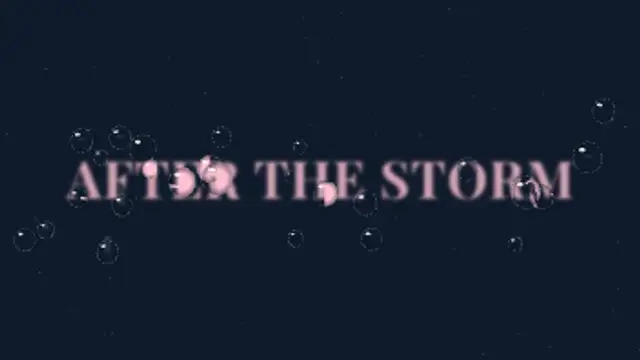
Raindrops land on the glass in front of your blurred title and each one refracts the words, flipped and magnified, before some slide away leaving wet trails.
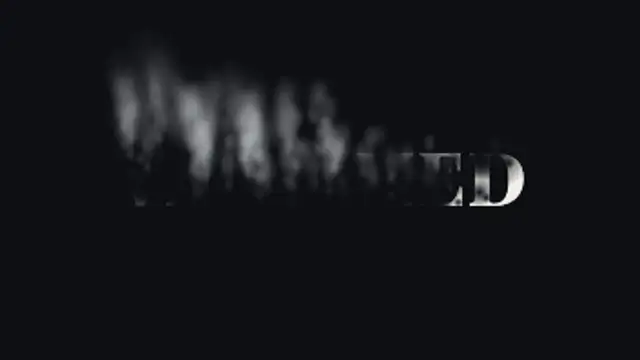
Soft holes eat through your title as it burns away into curling smoke that rises, sways and thins out into the air.

Your first word breaks into thousands of dots that sweep along curved paths and re-form as your second word. Put each word on its own line.
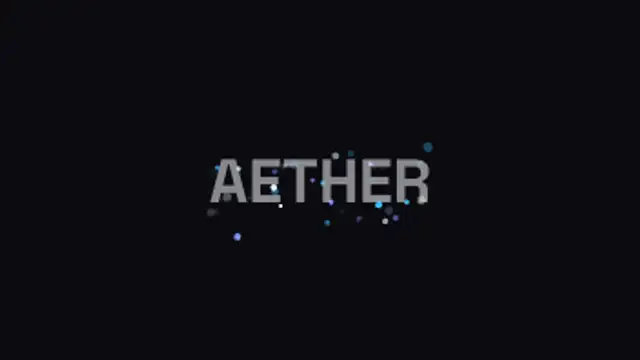
Sparks stream in from every edge, curving as they come, and gather on the mark until it settles into focus behind them.
Two words made of the same letters trade places: each letterform travels to its new position and reshapes on the way, so one phrase becomes the other without a cut.
Your title is rebuilt from a grid of ASCII characters that flicker through random symbols, then lock into dense marks that trace the real letter shapes.