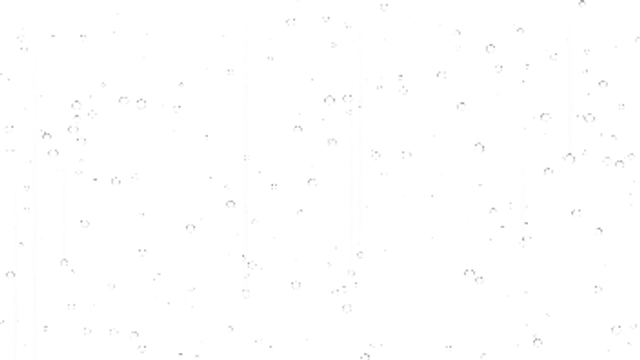
Raindrops bead across a window pane while heavier drops break loose and run down in stops and starts, leaving wet trails behind.
Rain Lens Text
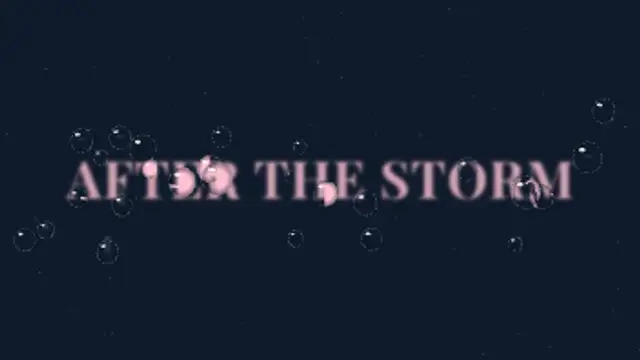
Raindrops land on the glass in front of your blurred title and each one refracts the words, flipped and magnified, before some slide away leaving wet trails.
Raindrops land on glass over your blurred title and refract it flipped and magnified, then slide down leaving trails. Type your text and export.
Part of Text Animations. New to this kind of graphic? Read How to Animate Text in a Video.
Transparent exports and editor imports are explained in the transparent video guide, and every download is free under the commercial license.
Content: text. Typography: font, weight, size, letter spacing, line height and align. Style: background, text color, primary, secondary and accent. Layout: aspect ratio. Motion: duration, easing and variation.
Rain Lens Text runs 6 seconds by default, and you can set any length up to 15 seconds before you export. It plays once.
Use Rain Lens Text for a lo-fi playlist cover, the title of a rainy city short or a reflective quote card. The title stays soft behind the glass while each drop shows it sharp and flipped, a mood piece more than a quick read.
Raindrops bead across a window pane while heavier drops break loose and run down in stops and starts, leaving wet trails behind.

Layered rain streaks fall at a slight angle with little splashes along the ground. A seamless moody rain loop.

Letters sharpen out of a dreamy blur from the center outward for elegant, cinematic titles.
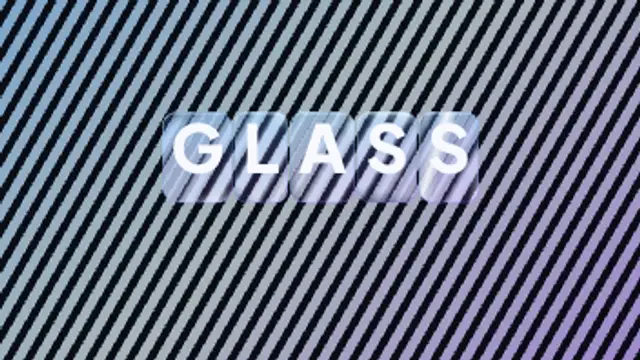
Every letter arrives inside its own rounded glass slab that bends and offsets the pattern behind it, with bright edge caustics and a specular highlight sweeping across the whole word.
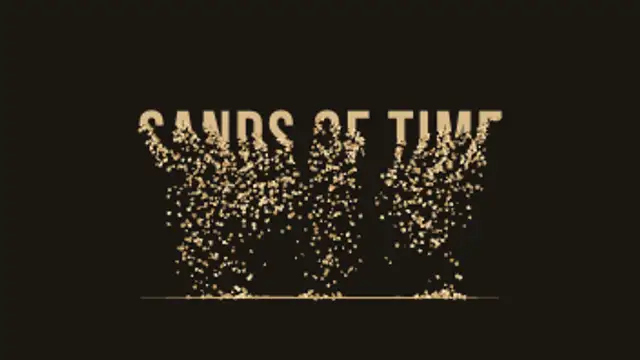
Your title drains away from the bottom up, grain by grain, and the sand falls and piles into a real heap that slumps at its natural angle.
An impact flashes on your title, cracks race out across the letters, then the glass breaks into real shards that tumble and fall away.
Soft holes eat through your title as it burns away into curling smoke that rises, sways and thins out into the air.
Rain lands on a puddle seen in perspective, each drop sending out a few overlapping elliptical rings that spread, catch a soft highlight and fade.