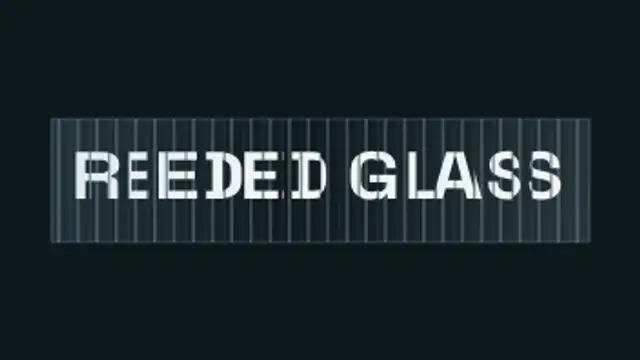
Your headline sits behind vertical fluted glass: every rib magnifies and slides its own slice of the letterforms, so the type scrambles into ribbons as the glass sweeps past and snaps back to perfectly readable.
Glass Panel Letters
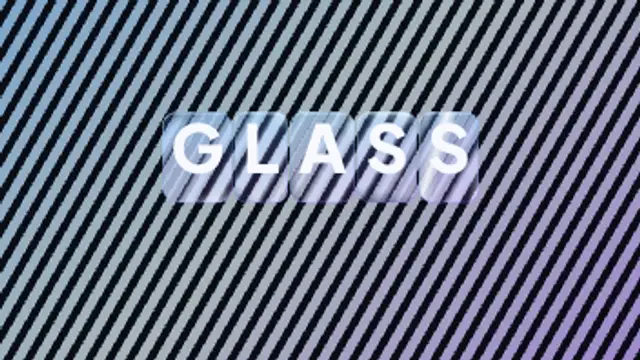
Every letter arrives inside its own rounded glass slab that bends and offsets the pattern behind it, with bright edge caustics and a specular highlight sweeping across the whole word.
Each letter sits in a glass slab that bends the pattern behind it, with lit edges and a sweeping highlight. Type your text, pick colors and export in 4K.
Part of Text Animations. New to this kind of graphic? Read How to Animate Text in a Video.
Transparent exports and editor imports are explained in the transparent video guide, and every download is free under the commercial license.
Content: text. Typography: font, weight, size, letter spacing, line height and align. Style: background, text color, primary, secondary and accent. Layout: aspect ratio. Motion: duration, easing and variation.
Glass Panel Letters runs 3.6 seconds by default, and you can set any length up to 15 seconds before you export. It plays once.
Use Glass Panel Letters for a product name in a tech launch video, a section title in an app showcase or a short word on a conference opener. Each slab bends the backdrop behind it, giving a premium interface look.
Your headline sits behind vertical fluted glass: every rib magnifies and slides its own slice of the letterforms, so the type scrambles into ribbons as the glass sweeps past and snaps back to perfectly readable.
Two words made of the same letters trade places: each letterform travels to its new position and reshapes on the way, so one phrase becomes the other without a cut.
Letters sharpen out of a dreamy blur from the center outward for elegant, cinematic titles.
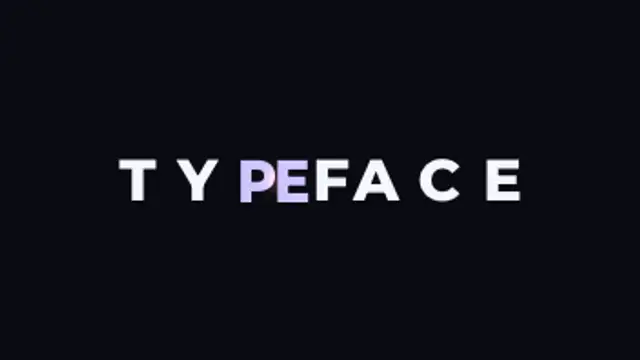
Letters slide together until their real letterform edges touch, compress against each other, then spring out to their final spacing.
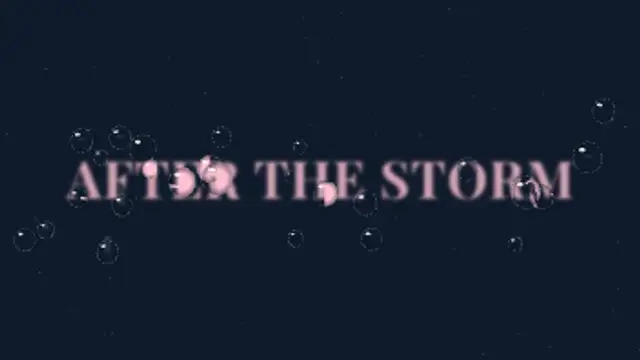
Raindrops land on the glass in front of your blurred title and each one refracts the words, flipped and magnified, before some slide away leaving wet trails.
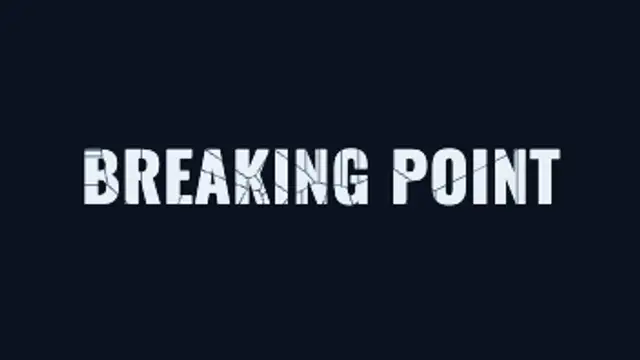
An impact flashes on your title, cracks race out across the letters, then the glass breaks into real shards that tumble and fall away.
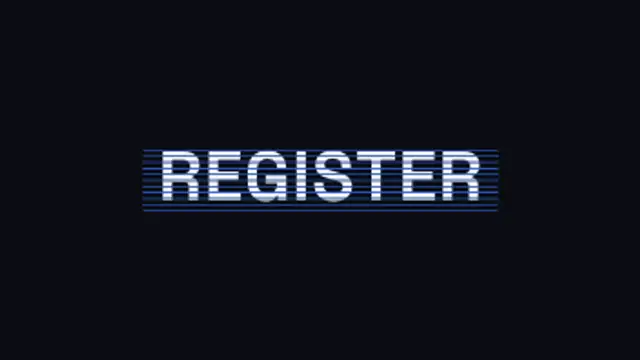
Your word is repeated once per band, every copy sliding at its own rate behind its own slice, until all of them land in register for a single legible instant and shear apart again.
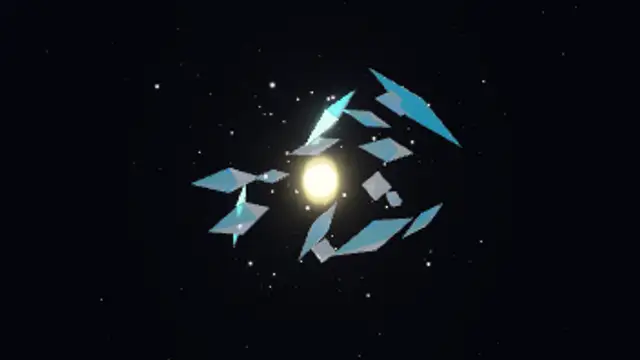
Sixteen refractive glass crystals with iridescent edges tumble and bob around a glowing core, with twinkling sparkles and drifting dust, rendered with real refraction and studio reflections.