
Your first word's letterforms stretch and flow directly into the second word's, contour by contour, with spare shapes growing in or collapsing away. Put each word on its own line.
Word Particle Morph
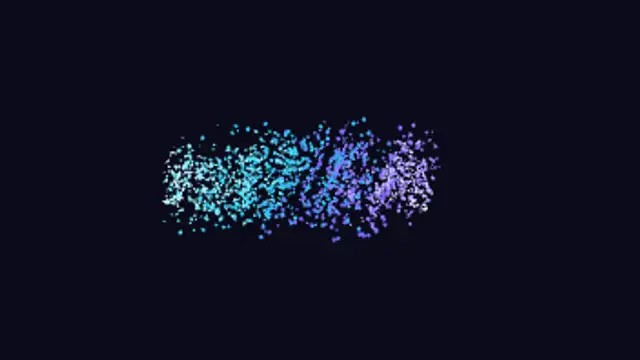
Your first word breaks into thousands of dots that sweep along curved paths and re-form as your second word. Put each word on its own line.
One word dissolves into flowing dots that re-form as a second word. Type both words on separate lines, pick colors and export your morph.
Part of Text Animations. New to this kind of graphic? Read How to Animate Text in a Video.
Transparent exports and editor imports are explained in the transparent video guide, and every download is free under the commercial license.
Content: text. Typography: font, weight, size, letter spacing, line height and align. Style: background, text color, primary, secondary and accent. Layout: aspect ratio. Motion: duration, easing and variation.
Word Particle Morph runs 5 seconds by default, and you can set any length up to 15 seconds before you export. It plays once.
Use Word Particle Morph to turn a problem into a solution, a before into an after or a question into an answer in an explainer or pitch video. Dots carry one word into the next, linking the two ideas visually.
Your first word's letterforms stretch and flow directly into the second word's, contour by contour, with spare shapes growing in or collapsing away. Put each word on its own line.
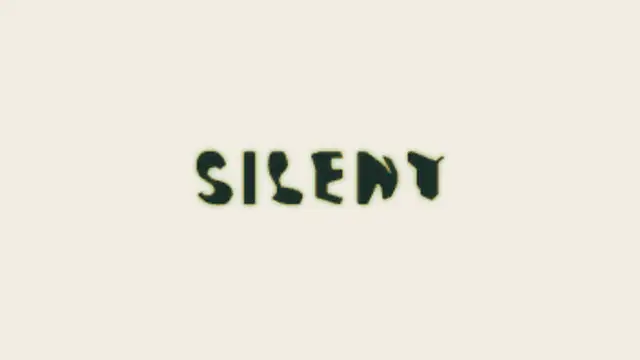
Two words made of the same letters trade places: each letterform travels to its new position and reshapes on the way, so one phrase becomes the other without a cut.
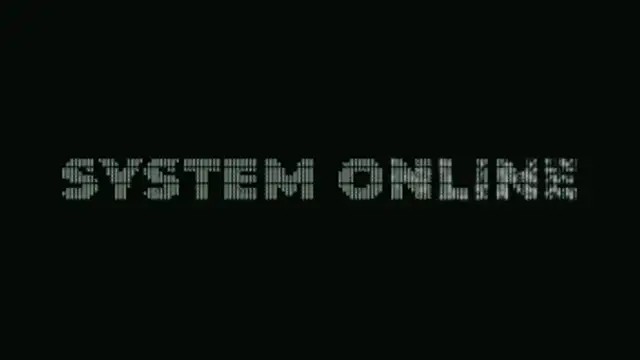
Your title is rebuilt from a grid of ASCII characters that flicker through random symbols, then lock into dense marks that trace the real letter shapes.

Letters glide together until their outlines bridge with a concave fillet and fuse into one liquid mass, then neck and snap apart as they separate.
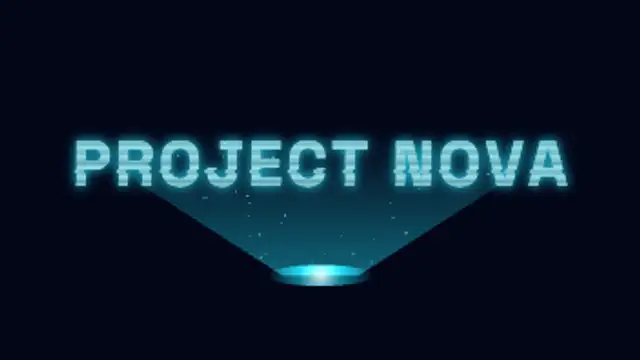
A projector beam builds your title band by band from the bottom up, with rolling scanlines, glitching slices, flicker and motes drifting through the light.
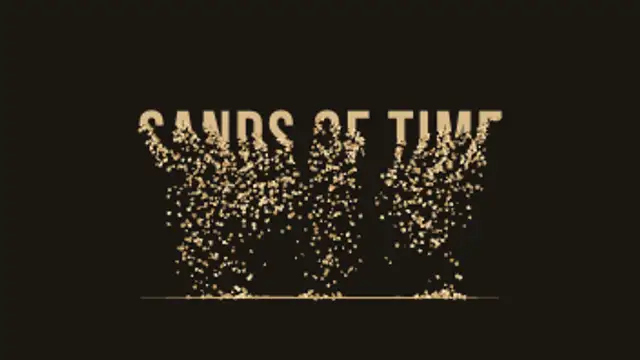
Your title drains away from the bottom up, grain by grain, and the sand falls and piles into a real heap that slumps at its natural angle.

Classic typing effect with a blinking cursor that writes your message and erases it again.
A geometric shape cycles through triangle, square, pentagon, hexagon and star forms with smooth vertex interpolation.