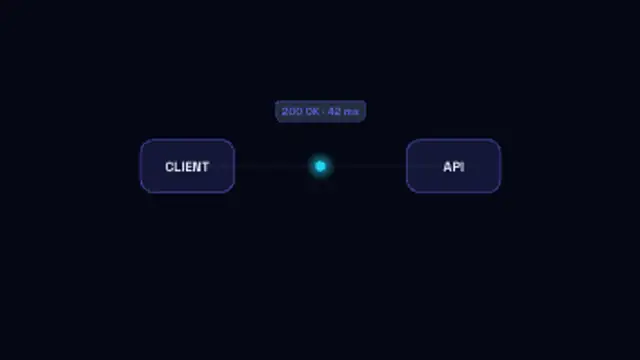
API Request Flow
7.5sA request packet carries the endpoint across to the API, the server pulses while it works, and the response returns with its status.
Deploy Log Stream
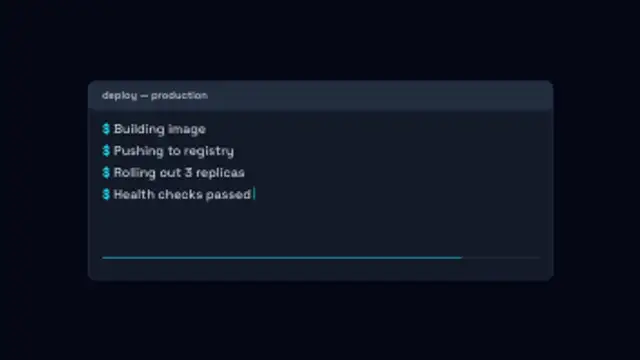
Your own log lines print one after another in a terminal panel with a blinking caret and a progress bar filling underneath.
Animate your own terminal log lines printing with a caret and progress bar, for deploy, build and developer tool videos.
Part of Networks & AI. New to this kind of graphic? Read How to Animate a Neural Network Diagram for a Video.
Transparent exports and editor imports are explained in the transparent video guide, and every download is free under the commercial license.
Content: title and messages. Typography: font. Style: background, text color, primary, secondary, accent and thickness. Layout: aspect ratio and scale. Motion: duration, speed and variation.
Deploy Log Stream runs 10 seconds by default, and you can set any length up to 60 seconds before you export. It plays once.
Deploy Log Stream gives changelog videos, release announcements and continuous delivery talks a real-looking terminal without exposing actual infrastructure output. The filling progress bar gives non-developers a way to follow along even when the log lines mean nothing to them.
A request packet carries the endpoint across to the API, the server pulses while it works, and the response returns with its status.
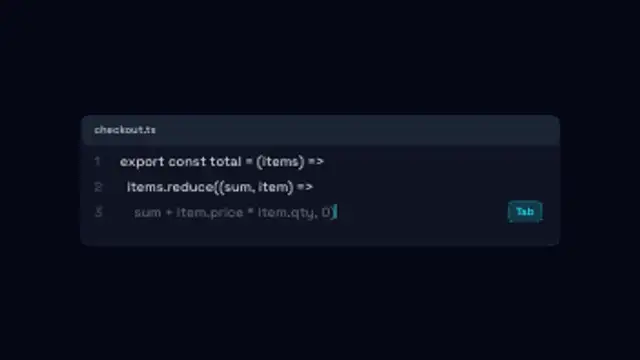
An editor panel types your lines, then a dimmed AI suggestion streams in after the caret and turns solid when it is accepted.
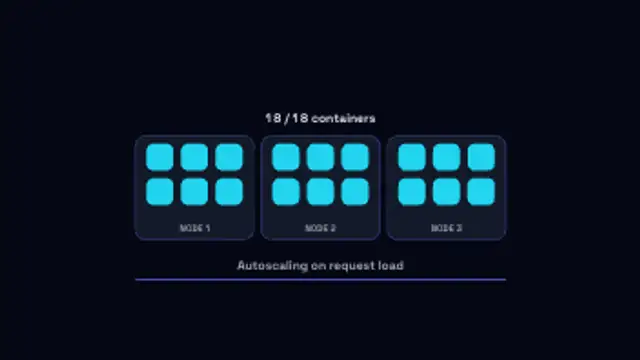
Containers pop into their nodes one by one as load climbs, the running count keeping pace, then drain away when it falls.
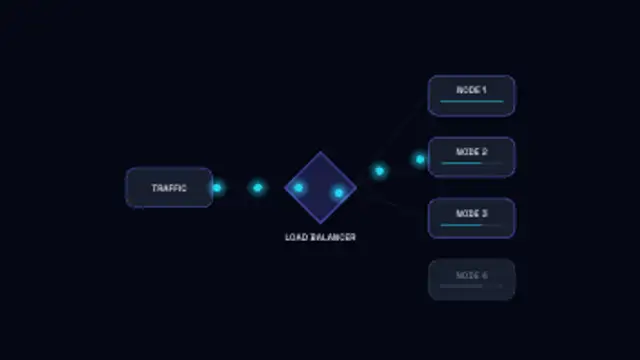
Requests stream into a balancer and fan out to backend nodes whose load bars fill, then one node drops and traffic reroutes around it.
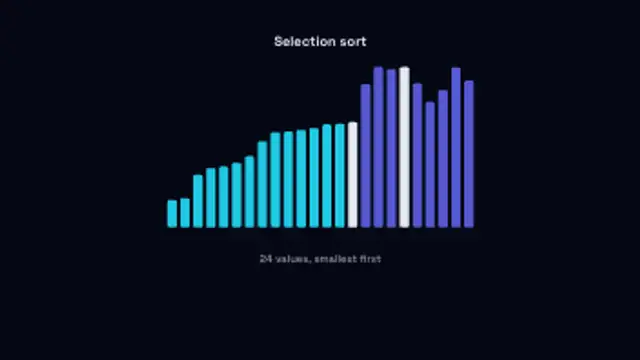
Bars of random heights hop into place as a selection sort runs, the sorted run filling in behind the moving bar.
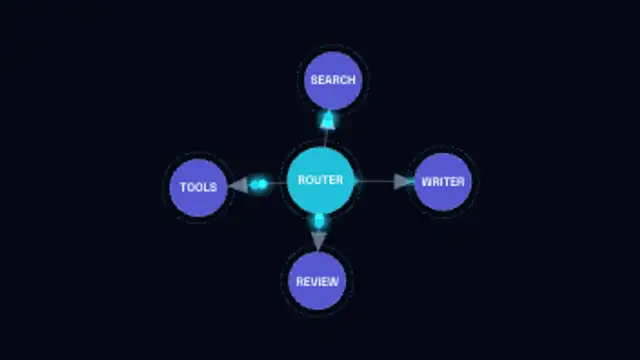
A labelled node graph builds itself edge by edge with arrowed links, then packets run the routes between agents.
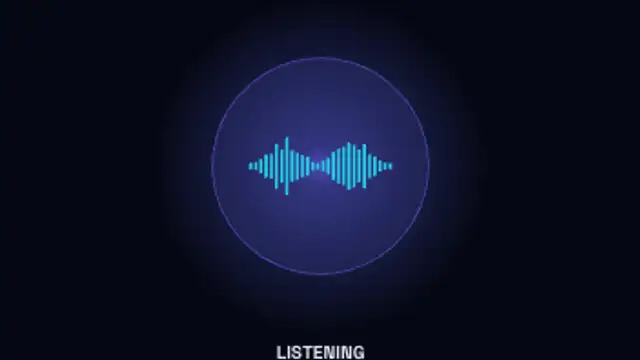
A glowing assistant orb moves through idle, listening, thinking and speaking, its waveform rising and falling with each state.
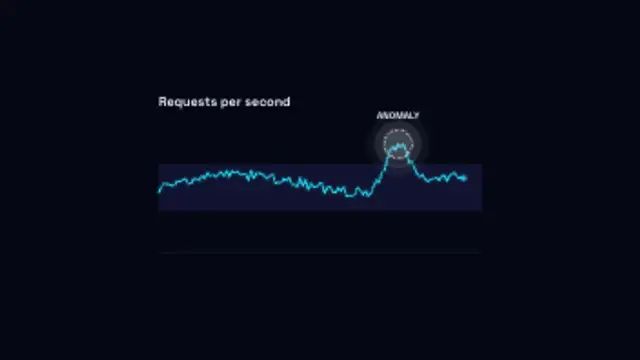
A metric traces along inside its normal band until one reading spikes clear of it and gets ringed and flagged.