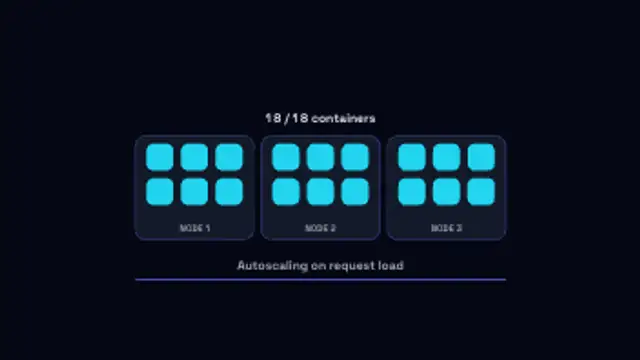
Containers pop into their nodes one by one as load climbs, the running count keeping pace, then drain away when it falls.
Load Balancer

Requests stream into a balancer and fan out to backend nodes whose load bars fill, then one node drops and traffic reroutes around it.
Animate a load balancer spreading requests across backend nodes and rerouting when one fails, for infrastructure and devops explainers.
Part of Networks & AI. New to this kind of graphic? Read How to Animate a Neural Network Diagram for a Video.
Transparent exports and editor imports are explained in the transparent video guide, and every download is free under the commercial license.
Content: title, subtitle and labels. Typography: font. Style: background, text color, primary, secondary, accent and thickness. Layout: aspect ratio and scale. Motion: duration, speed and variation.
Load Balancer runs 10 seconds by default, and you can set any length up to 60 seconds before you export. It plays once.
Load Balancer explains high availability to customers and new engineers. Traffic spreading across nodes, one node dropping and the stream rerouting tells the whole failover story in a single shot, which is useful in reliability pitches and incident review presentations.
Containers pop into their nodes one by one as load climbs, the running count keeping pace, then drain away when it falls.
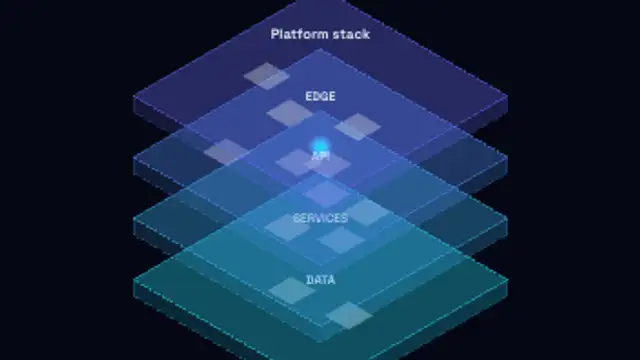
Isometric tiers drop into a stack one after another, each labelled with its layer, then a request runs down through them.

Your own log lines print one after another in a terminal panel with a blinking caret and a progress bar filling underneath.
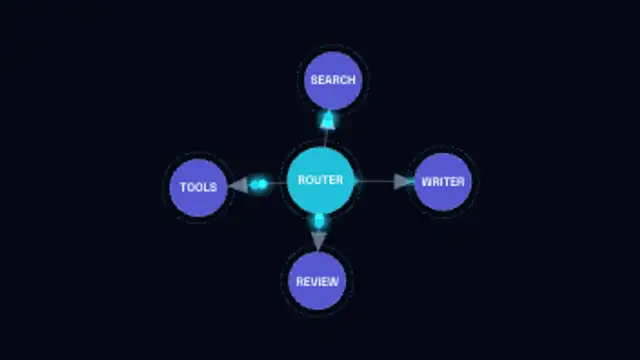
A labelled node graph builds itself edge by edge with arrowed links, then packets run the routes between agents.

A glowing assistant orb moves through idle, listening, thinking and speaking, its waveform rising and falling with each state.
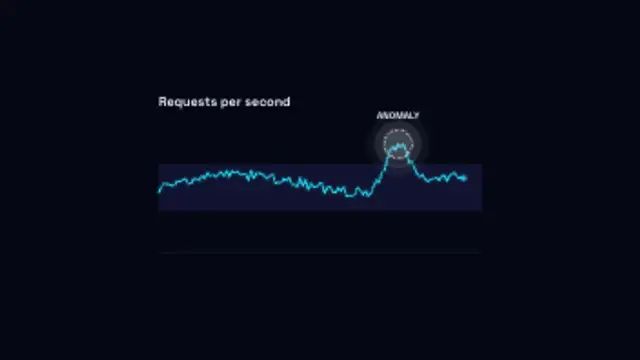
A metric traces along inside its normal band until one reading spikes clear of it and gets ringed and flagged.

A request packet carries the endpoint across to the API, the server pulses while it works, and the response returns with its status.
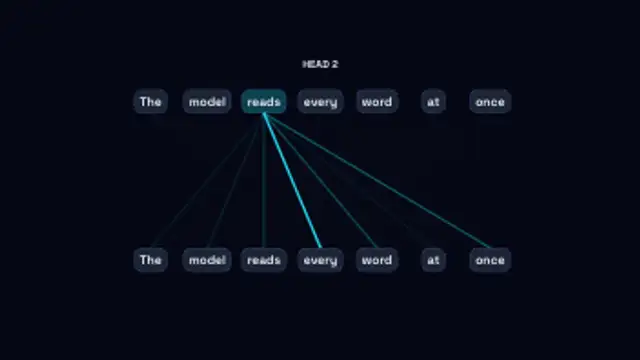
Each word in turn attends to the others, its links thickening with the weight it gives them as the heads cycle through.