velements

Networks & AI

AI and network graphics: neural nets, pipelines and servers

Updated September 18, 20263 min read

What visuals explain AI in a video?

Show structure rather than magic: a neural network firing layer by layer, a prompt streaming into tokens, an agent graph routing a task, a data pipeline moving records, or a rack serving requests. Each one gives narration something concrete to point at.

Tech content needs visuals that suggest a system without pretending to be a screenshot. These presets animate neural layers, plexus meshes, circuit traces, prompt streams, agent graphs, pipelines, racks and chips.

Five networks & ai presets to start from

Hover any card to play it. Opening one loads it in the editor with every control unlocked.

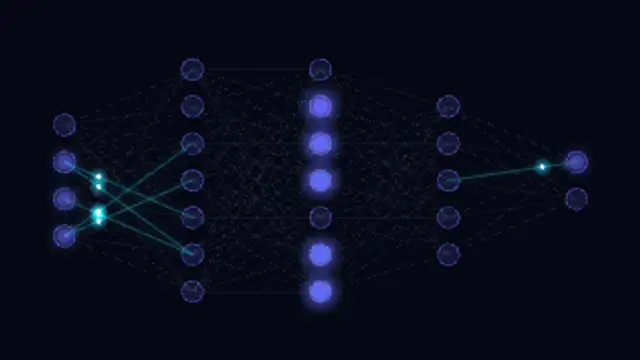
  • Input, hidden and output layers of glowing neurons fire activation pulses that travel edge by edge through the network.

  • Softly drifting points connect with fading lines whenever they come close, forming a living plexus mesh with depth.

  • A generated circuit board of chips, pads and angled copper traces carries glowing data pulses from pin to pin.

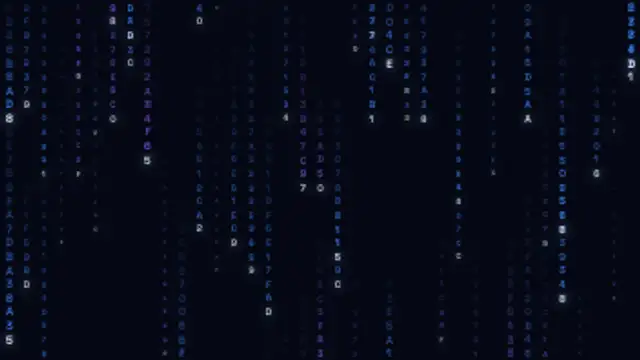
  • Columns of flickering hexadecimal glyphs stream down the screen at different speeds and depths behind bright leading characters.

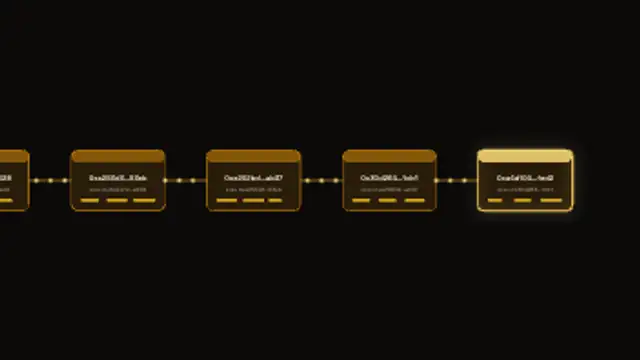
  • New blocks with hash labels slide in, pulse and chain onto a scrolling ledger while data flows through the links.

All networks & ai

How to make one in the browser

  1. 01Open a networks & ai presetBrowse the Networks & AI category and open the preset closest to what you need. It loads in the editor with every control unlocked.
  2. 02Make it yoursRewrite the text, set your brand colors and font, adjust easing and duration, and switch the aspect ratio for the platform you are posting to.
  3. 03Export the clipChoose MP4 for a normal track or transparent WebM for an overlay, pick a resolution up to 8K, and the file renders on your own machine.

Which format should you export?

Use MP4 when the clip sits on its own track or fills the frame. Use transparent WebM whenever it has to float over your own footage: the alpha channel is real, so no keying or blend mode is needed.

Format
MP4 H.264 · WebM VP9
Alpha
Transparent WebM
Resolution
720p to 8K
Aspect
16:9 · 9:16 · 1:1 · 4:5
License
Commercial use included

Three tips that make it look intentional

  • One concept per clip: the network, or the pipeline, not both.
  • Keep node counts low so individual connections stay visible.
  • A single accent color on a dark base reads as technical rather than decorative.

Frequently asked

Do these loop for background use?
Several of them are seamless, which suits looping behind a talking head or a title.
Can I change the labels?
Presets with readable text let you set your own labels, so the diagram matches your architecture.
  • Weather Graphics

    Weather graphics: forecasts, radar and alerts

    Use a forecast preset: enter the days, temperatures and conditions, set your colors, and export. Storm fronts, rain radar sweeps and severe weather alert bars cover the rest of a bulletin, and everything adapts to vertical for social clips.

    Read the guide
  • Paper Cutout

    Paper cutout animations: stop-motion charm without a camera

    It is a style where shapes look torn, layered and slightly imperfect, as if cut from paper and moved by hand. Torn paper transitions, layered parallax scenes and tape labels bring warmth to explainers and craft content that flat vector motion cannot.

    Read the guide
  • Cybersecurity

    Cybersecurity graphics: locks, scans and breach visuals

    Use the familiar vocabulary: a shield locking, text scrambling into ciphertext, a firewall blocking traffic, a fingerprint scanning, a 2FA code arriving, or an attack map lighting up. Each one gives a security claim something concrete on screen.

    Read the guide