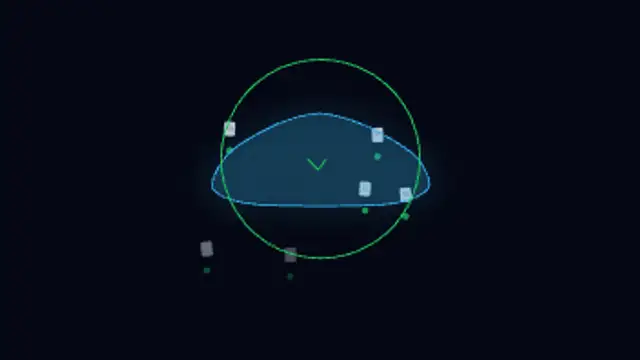
Cloud Sync
7.5sFiles rise into the cloud and back down while a progress ring closes and a check confirms the sync. Seamless loop.
AI Voice Orb
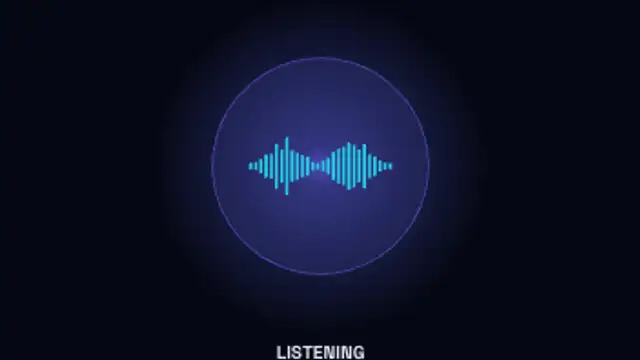
A glowing assistant orb moves through idle, listening, thinking and speaking, its waveform rising and falling with each state.
Animate a voice assistant orb cycling through listening, thinking and speaking states with a reactive waveform for voice AI demos.
Part of Networks & AI. New to this kind of graphic? Read How to Animate a Neural Network Diagram for a Video.
Transparent exports and editor imports are explained in the transparent video guide, and every download is free under the commercial license.
Content: labels. Typography: font. Style: background, text color, primary, secondary, accent and thickness. Layout: aspect ratio and scale. Motion: duration, speed and variation.
AI Voice Orb runs 10 seconds by default, and you can set any length up to 60 seconds before you export. It plays once.
AI Voice Orb represents a voice assistant in product demos where there is no screen to show. Sync its listening, thinking and speaking states with recorded dialogue in a concept video, or loop it on a kiosk or app mockup as the assistant's face.
Files rise into the cloud and back down while a progress ring closes and a check confirms the sync. Seamless loop.
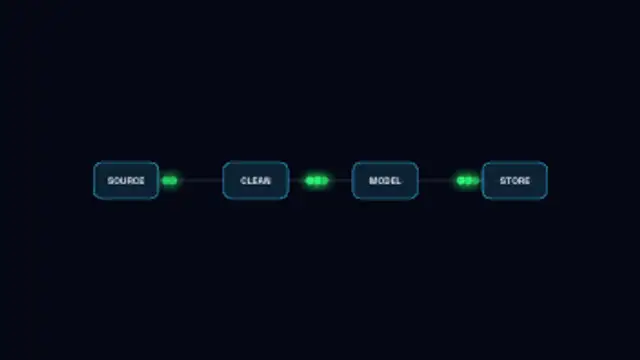
Labelled pipeline stages sit in a row while data packets stream from source to destination along the links.
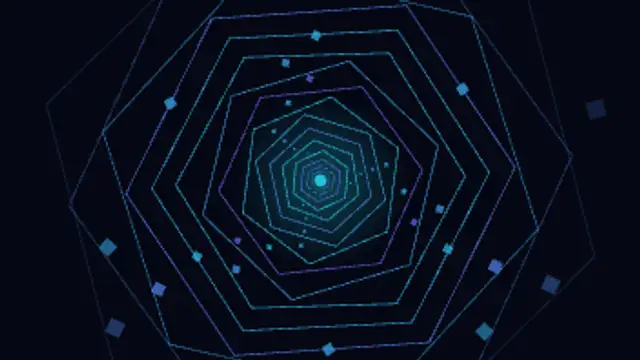
Rings of light rush past the camera out of a glowing core, twisting as they go. Seamless loop for intros and transitions.

A bundle of glass strands drifts across the frame while pulses of light run the length of each one. Seamless loop.
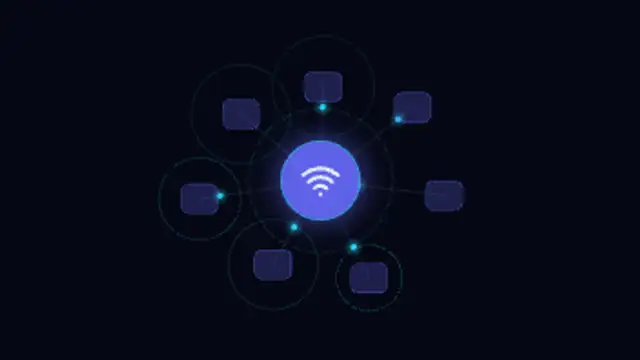
Devices ring a glowing hub, packets run out and back along the links and pings ripple from each node. Seamless loop.
Softly drifting points connect with fading lines whenever they come close, forming a living plexus mesh with depth.
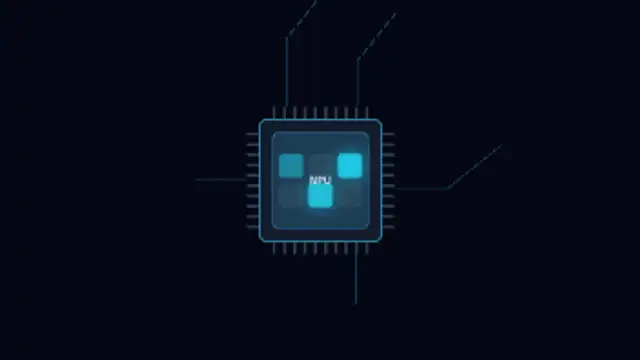
A chip package holds a die whose cores light in turn while trace pulses run out through the pins.
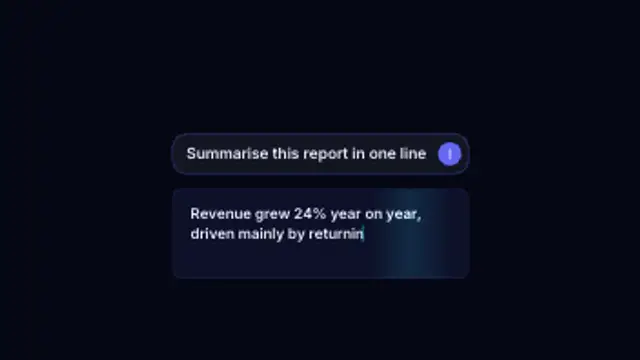
A prompt types into the input box, the send button taps and the answer streams back token by token under a moving shimmer.