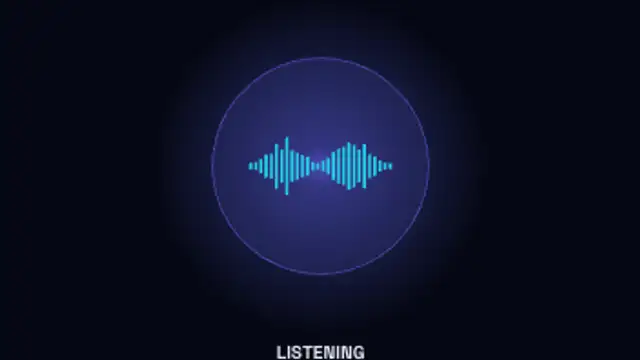
AI Voice Orb
10sA glowing assistant orb moves through idle, listening, thinking and speaking, its waveform rising and falling with each state.
Prompt to Answer
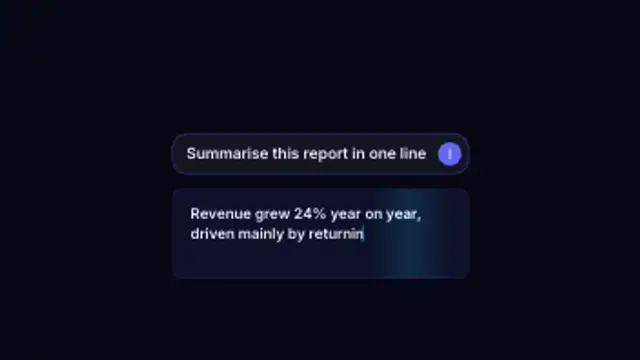
A prompt types into the input box, the send button taps and the answer streams back token by token under a moving shimmer.
Part of Networks & AI. New to this kind of graphic? Read How to Animate a Neural Network Diagram for a Video.
A prompt types into the input box, the send button taps and the answer streams back token by token under a moving shimmer. It belongs to the Networks & AI category on velements, where you edit it in the browser and download it as a finished video file.
Every control in the editor, grouped the same way there. Content: title and subtitle. Typography: font. Style: background, text color, primary, secondary, accent and thickness. Layout: aspect ratio and scale. Motion: duration, speed and variation. Each change appears in the live preview straight away, and editing is free.
Prompt to Answer runs 7.5 seconds by default, and you can set any length up to 60 seconds before you export. It plays once from start to finish, so it drops straight onto a cut or an opening.
Yes. Set the background to Transparent, then export a PNG sequence for Premiere Pro, After Effects, DaVinci Resolve, Final Cut Pro or Figma: import the first frame as an image sequence and it drops onto a track above your footage with a straight alpha channel. Export WebM with a VP9 alpha channel for the web and for CapCut. MP4 has no alpha channel, so it keeps a solid color or image behind the animation.
Yes. Each download comes with a perpetual commercial license in your name for client work, ads and products, and you may sell the edited clip on stock footage sites. Reselling the preset itself as an editable template is not allowed.
A glowing assistant orb moves through idle, listening, thinking and speaking, its waveform rising and falling with each state.
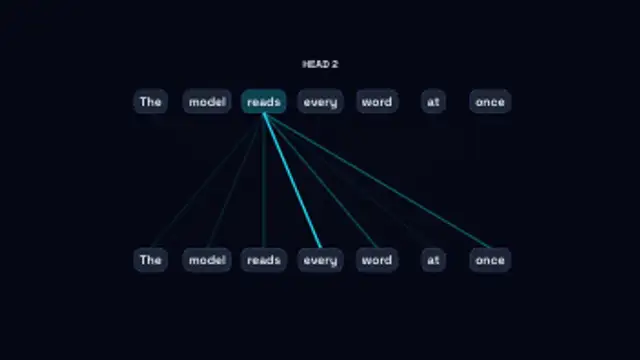
Each word in turn attends to the others, its links thickening with the weight it gives them as the heads cycle through.
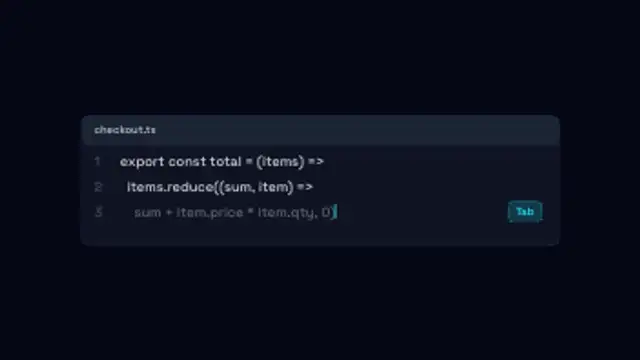
An editor panel types your lines, then a dimmed AI suggestion streams in after the caret and turns solid when it is accepted.
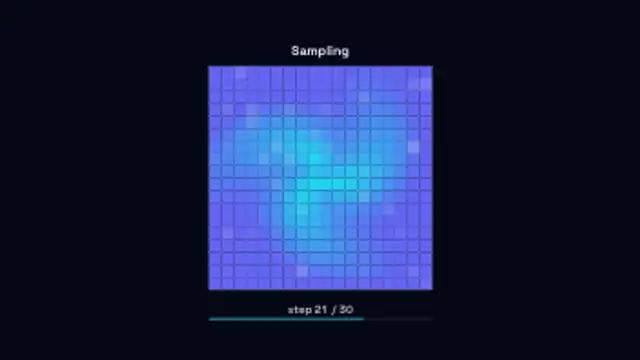
A field of static clears patch by patch across the sampling steps until the picture underneath is fully resolved.
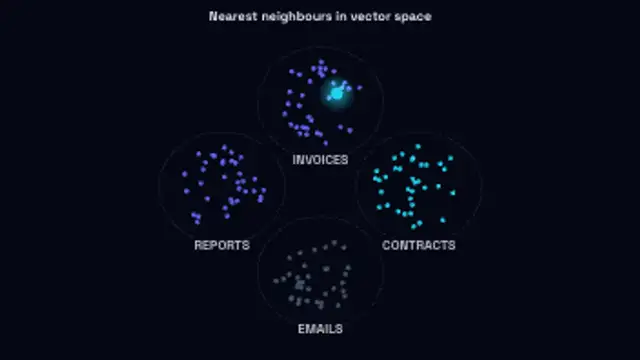
Scattered vectors migrate into labelled clusters, then a query point drops in and links to its nearest neighbours.
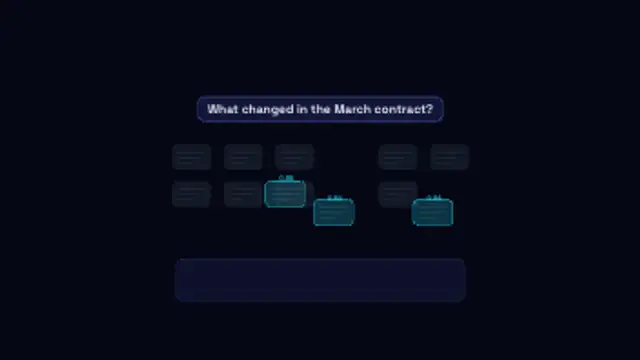
A question scans a shelf of documents, the best matching chunks light up with their scores and fly down into the answer.
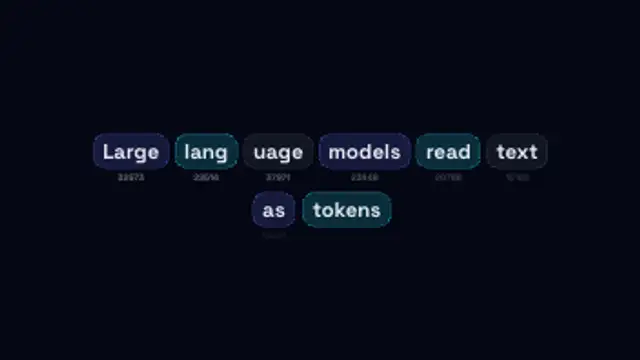
A sentence breaks apart into coloured token chips that settle into rows, each labelled with its own token id.
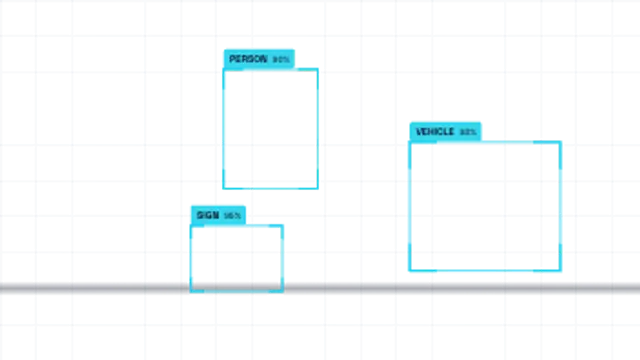
Detection boxes snap onto drifting subjects with class labels and confidence scores while a scan band sweeps the frame.