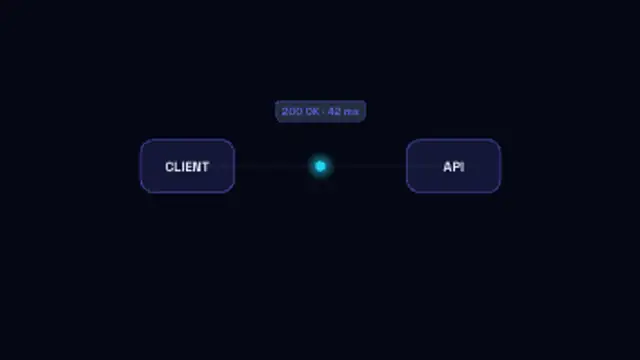
API Request Flow
7.5sA request packet carries the endpoint across to the API, the server pulses while it works, and the response returns with its status.
Code Completion
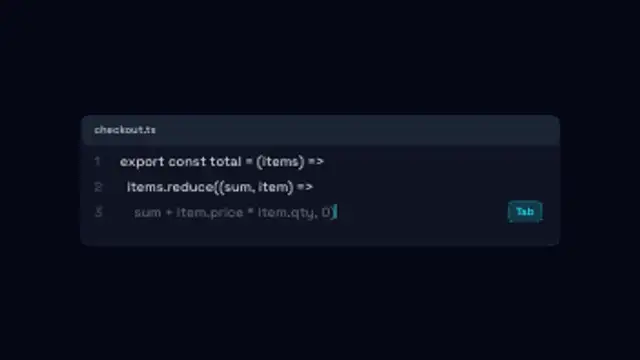
An editor panel types your lines, then a dimmed AI suggestion streams in after the caret and turns solid when it is accepted.
Animate an AI coding assistant suggesting a line of code as dimmed ghost text and accepting it, for developer tool demos and explainers.
Part of Networks & AI. New to this kind of graphic? Read How to Animate a Neural Network Diagram for a Video.
Transparent exports and editor imports are explained in the transparent video guide, and every download is free under the commercial license.
Content: title and messages. Typography: font. Style: background, text color, primary, secondary, accent and thickness. Layout: aspect ratio and scale. Motion: duration, speed and variation.
Code Completion runs 7.5 seconds by default, and you can set any length up to 60 seconds before you export. It plays once.
Code Completion shows an AI coding assistant at work without capturing a real editor session. Use it in developer tool launch videos, conference talk intros or social clips, where the ghost text turning solid communicates accepting a suggestion in one glance.
A request packet carries the endpoint across to the API, the server pulses while it works, and the response returns with its status.
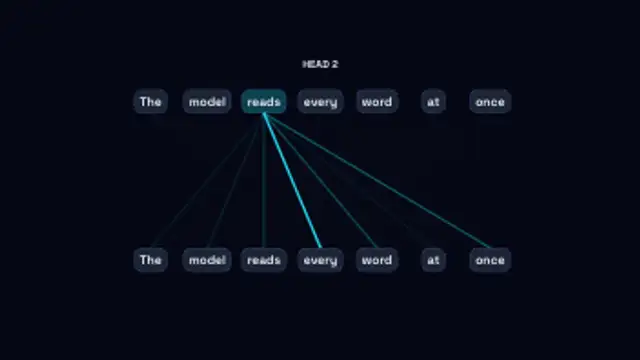
Each word in turn attends to the others, its links thickening with the weight it gives them as the heads cycle through.
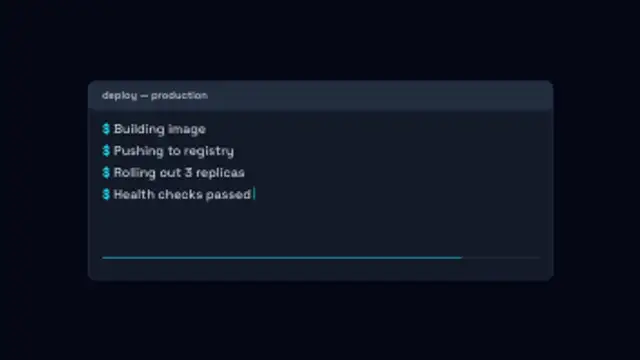
Your own log lines print one after another in a terminal panel with a blinking caret and a progress bar filling underneath.
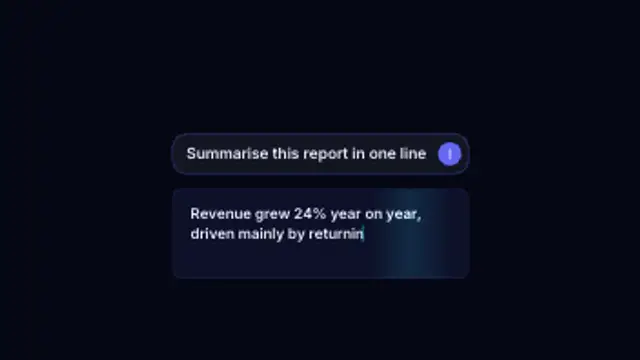
A prompt types into the input box, the send button taps and the answer streams back token by token under a moving shimmer.
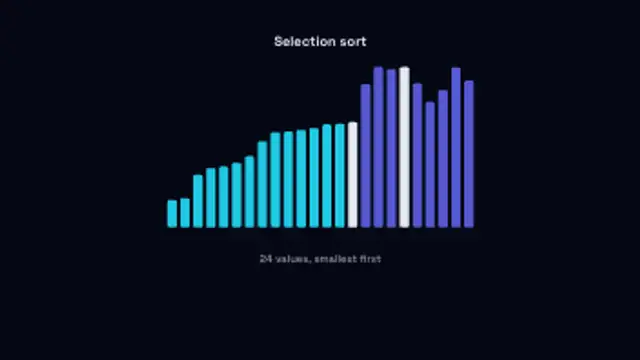
Bars of random heights hop into place as a selection sort runs, the sorted run filling in behind the moving bar.
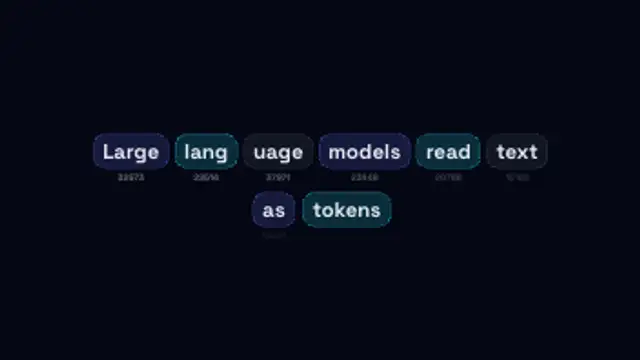
A sentence breaks apart into coloured token chips that settle into rows, each labelled with its own token id.
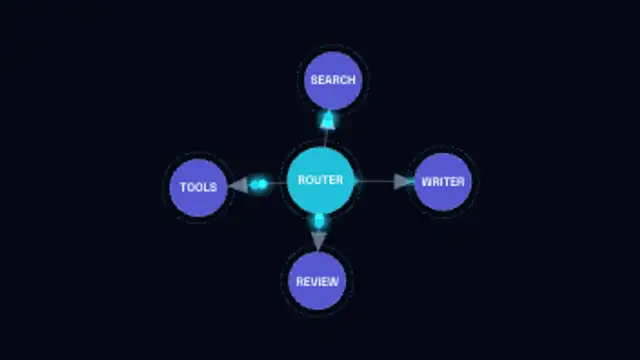
A labelled node graph builds itself edge by edge with arrowed links, then packets run the routes between agents.
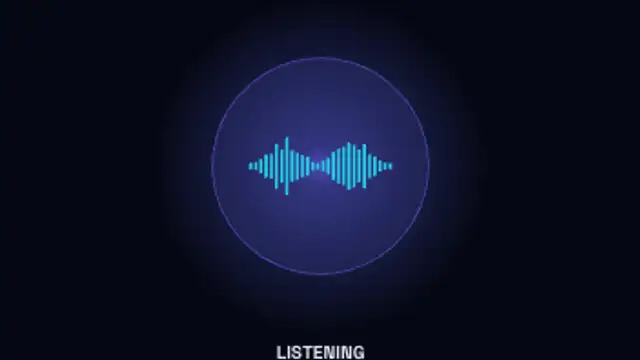
A glowing assistant orb moves through idle, listening, thinking and speaking, its waveform rising and falling with each state.