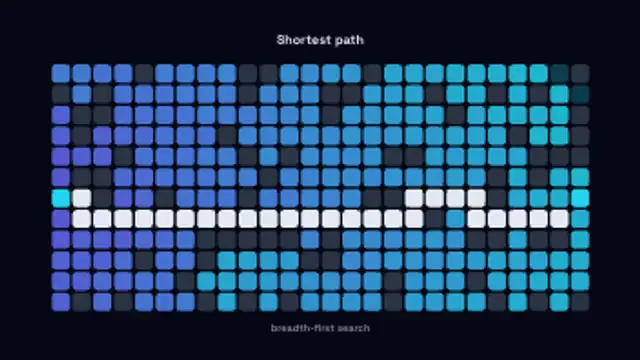
A search wavefront floods a walled grid cell by cell, then the shortest route between the two endpoints draws itself.
Sorting Visualizer
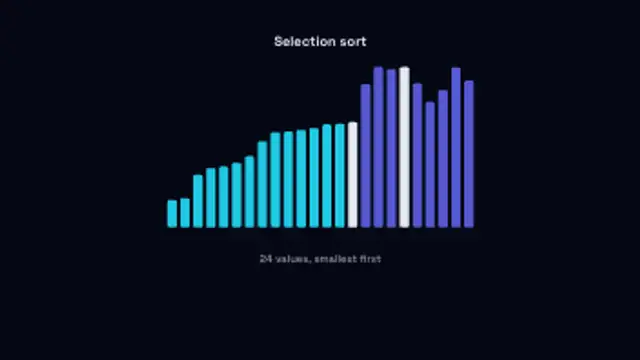
Bars of random heights hop into place as a selection sort runs, the sorted run filling in behind the moving bar.
Animate a sorting algorithm with bars hopping into place and a sorted run filling in, for computer science and developer explainer videos.
Part of Networks & AI. New to this kind of graphic? Read How to Animate a Neural Network Diagram for a Video.
Transparent exports and editor imports are explained in the transparent video guide, and every download is free under the commercial license.
Content: title and subtitle. Typography: font. Style: background, text color, primary, secondary, accent and thickness. Layout: aspect ratio and scale. Motion: duration, speed and variation.
Sorting Visualizer runs 10 seconds by default, and you can set any length up to 60 seconds before you export. It plays once.
Sorting Visualizer supports computer science lessons, interview preparation channels and coding bootcamp ads. Watching bars hop into order while the sorted run grows makes selection sort easy to narrate one pass at a time, and it also loops well as a programming themed backdrop.
A search wavefront floods a walled grid cell by cell, then the shortest route between the two endpoints draws itself.

A request packet carries the endpoint across to the API, the server pulses while it works, and the response returns with its status.
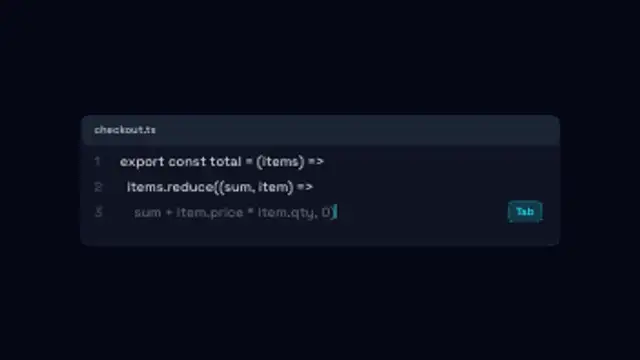
An editor panel types your lines, then a dimmed AI suggestion streams in after the caret and turns solid when it is accepted.

Your own log lines print one after another in a terminal panel with a blinking caret and a progress bar filling underneath.
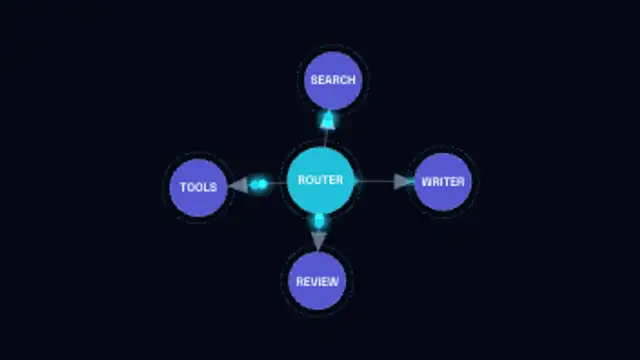
A labelled node graph builds itself edge by edge with arrowed links, then packets run the routes between agents.

A glowing assistant orb moves through idle, listening, thinking and speaking, its waveform rising and falling with each state.
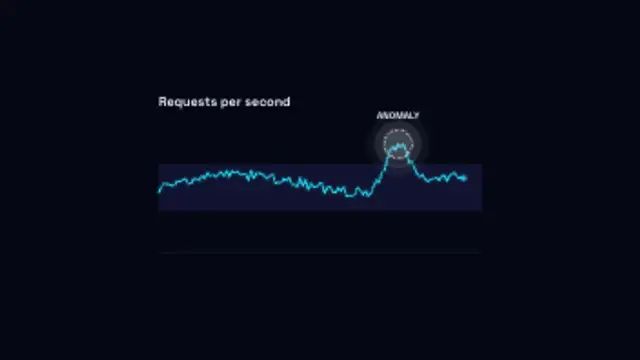
A metric traces along inside its normal band until one reading spikes clear of it and gets ringed and flagged.
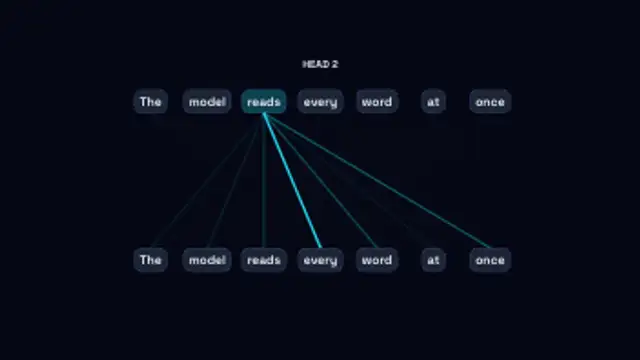
Each word in turn attends to the others, its links thickening with the weight it gives them as the heads cycle through.