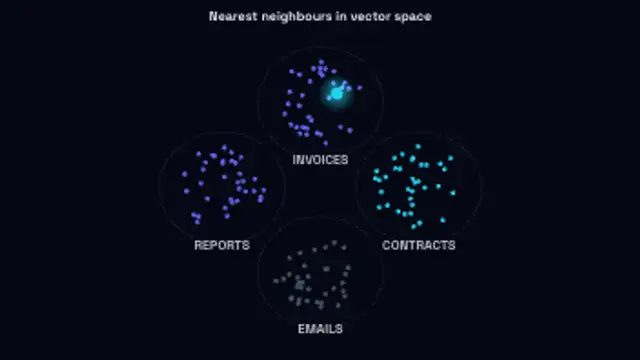
Scattered vectors migrate into labelled clusters, then a query point drops in and links to its nearest neighbours.
Diffusion Denoise
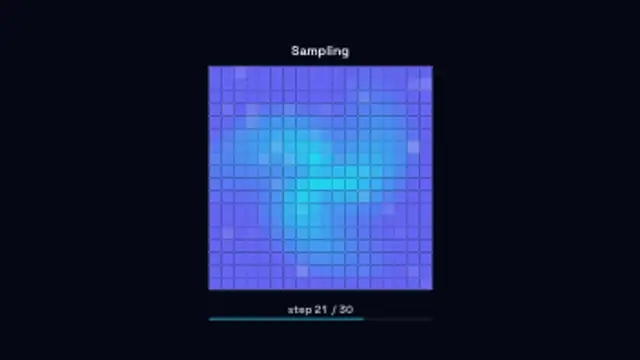
A field of static clears patch by patch across the sampling steps until the picture underneath is fully resolved.
Animate a diffusion model denoising static into a finished picture across sampling steps, for generative AI explainer videos.
Part of Networks & AI. New to this kind of graphic? Read How to Animate a Neural Network Diagram for a Video.
Transparent exports and editor imports are explained in the transparent video guide, and every download is free under the commercial license.
Content: title and subtitle. Typography: font. Style: background, text color, primary, secondary, accent and thickness. Layout: aspect ratio and scale. Motion: duration, speed and variation.
Diffusion Denoise runs 7.5 seconds by default, and you can set any length up to 60 seconds before you export. It plays once.
Diffusion Denoise shows how image generators work for general audiences: static resolving step by step into a picture. Use it in generative AI explainers and course intros at the point where you describe sampling, before cutting to real generated images.
Scattered vectors migrate into labelled clusters, then a query point drops in and links to its nearest neighbours.
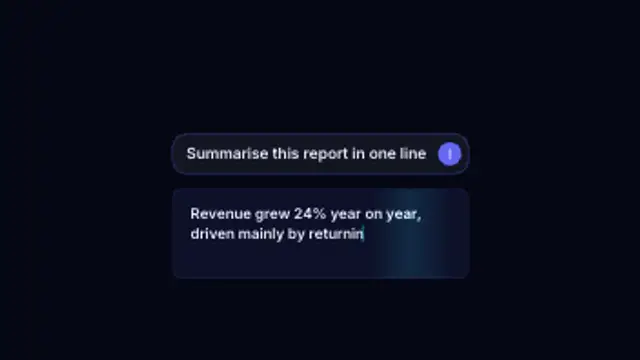
A prompt types into the input box, the send button taps and the answer streams back token by token under a moving shimmer.
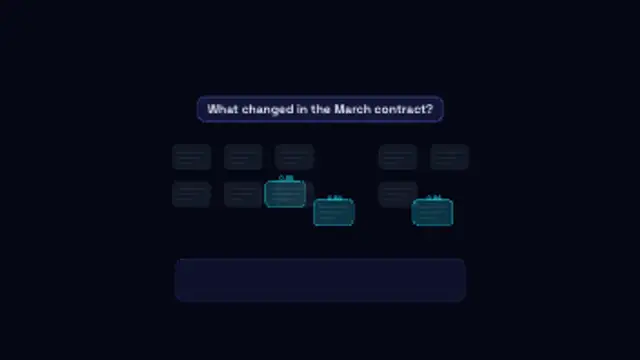
A question scans a shelf of documents, the best matching chunks light up with their scores and fly down into the answer.
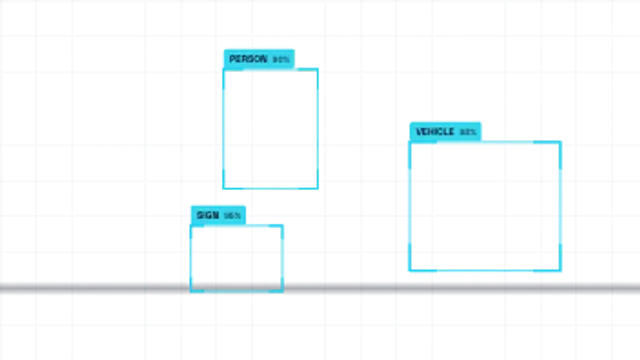
Detection boxes snap onto drifting subjects with class labels and confidence scores while a scan band sweeps the frame.
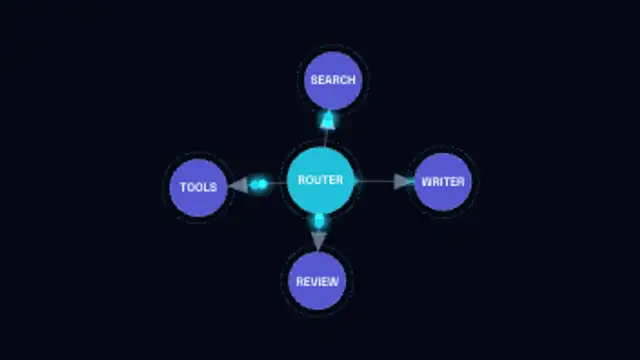
A labelled node graph builds itself edge by edge with arrowed links, then packets run the routes between agents.
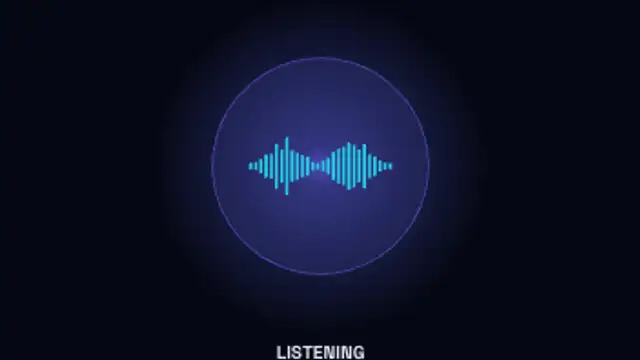
A glowing assistant orb moves through idle, listening, thinking and speaking, its waveform rising and falling with each state.
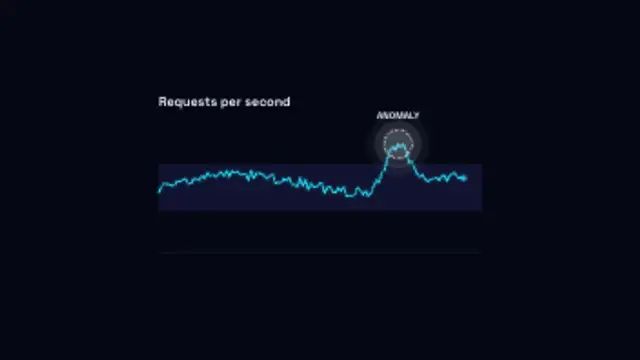
A metric traces along inside its normal band until one reading spikes clear of it and gets ringed and flagged.
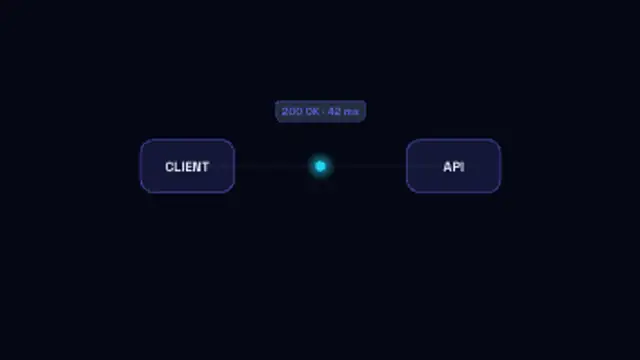
A request packet carries the endpoint across to the API, the server pulses while it works, and the response returns with its status.