velements

Badges & Stickers

Sale badges: stickers that make an offer land

Updated September 18, 20263 min read

How do you add a sale badge to a video?

Pick a badge preset, type the offer, set the colors, and export a transparent WebM. Drop it in a corner over your product shot and trim it to a couple of seconds. A pop or slam entrance reads better than a fade for anything price related.

A badge is a price tag with a heartbeat. These presets pop tags, slam stamps, unfold ribbons and swing price labels, with your own wording and brand colors.


Five badges & stickers presets to start from

Hover any card to play it. Opening one loads it in the editor with every control unlocked.

  • A scalloped sale badge bounces in with a cheeky wiggle. Built for discounts, launches and flash deals.

  • A classic starburst with an inner outline slowly rotates behind your headline. Loud, retro and eye-catching.

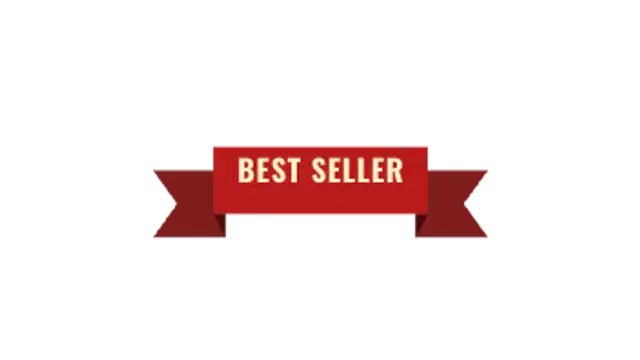
  • A folded ribbon banner unrolls from the center with tails snapping out. Elegant for awards and events.

  • A rubber stamp slams onto the frame with a punchy shake. Approved, verified, sold out, you name it.

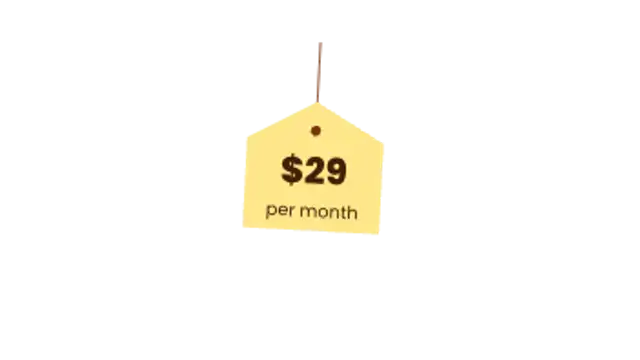
  • A price tag drops from above on its string and swings to a natural stop. Charming for product showcases.

All badges & stickers

How to make one in the browser

  1. 01Open a badges & stickers presetBrowse the Badges & Stickers category and open the preset closest to what you need. It loads in the editor with every control unlocked.
  2. 02Make it yoursRewrite the text, set your brand colors and font, adjust easing and duration, and switch the aspect ratio for the platform you are posting to.
  3. 03Export the clipChoose MP4 for a normal track or transparent WebM for an overlay, pick a resolution up to 8K, and the file renders on your own machine.

Which format should you export?

Use MP4 when the clip sits on its own track or fills the frame. Use transparent WebM whenever it has to float over your own footage: the alpha channel is real, so no keying or blend mode is needed.

Format
MP4 H.264 · WebM VP9
Alpha
Transparent WebM
Resolution
720p to 8K
Aspect
16:9 · 9:16 · 1:1 · 4:5
License
Commercial use included

Three tips that make it look intentional

  • Say one thing: the discount or the deadline, not both.
  • Angle the sticker slightly so it reads as applied rather than rendered.
  • Keep it in a corner where it cannot cover the product.

Frequently asked

Can I write my own offer text?
Yes, every badge takes your own copy and resizes the shape around it.
Will it work in vertical ads?
Switch the aspect ratio to 9:16 or 4:5 and the badge repositions rather than crops.
  • Captions & Subtitles

    Animated captions: keep viewers watching on mute

    Most social video is watched without sound, so captions carry the message. Word-by-word styles also hold attention by giving the eye something to follow, which lifts retention on Shorts, Reels and TikTok compared with a static subtitle block.

    Read the guide
  • Audio Visualizers

    Audio visualizers: turn a podcast clip into something watchable

    Export an audio visualizer preset, place it over your artwork or video, and lay your audio underneath in your editor. Spectrum bars, waveforms and pulsing orbs give a static episode clip the movement social platforms reward.

    Read the guide
  • Countdowns & Timers

    Countdown timers: build urgency without a stopwatch

    Pick a countdown preset, set the starting time and format, choose the colors, and export at the exact duration you need. Flip clocks, ring timers and deadline boxes all count down in real time, so the clip length matches the countdown itself.

    Read the guide