velements

HUD & Sci-Fi Interface

HUD overlays: sci-fi interface graphics that read clearly

Updated September 18, 20263 min read

What is a HUD overlay in video?

A HUD overlay is a heads-up display graphic, a radar sweep, a target lock, a scanning frame or a telemetry readout, that sits over footage to suggest a machine is watching. Export it transparent and it composites over any shot without a matte.

Sci-fi interfaces are believable when they look functional rather than decorative. These presets sweep radar, lock targets, scan faces, boot systems and read out telemetry, in your own accent color.
Five hud & sci-fi interface presets to start from

Hover any card to play it. Opening one loads it in the editor with every control unlocked.

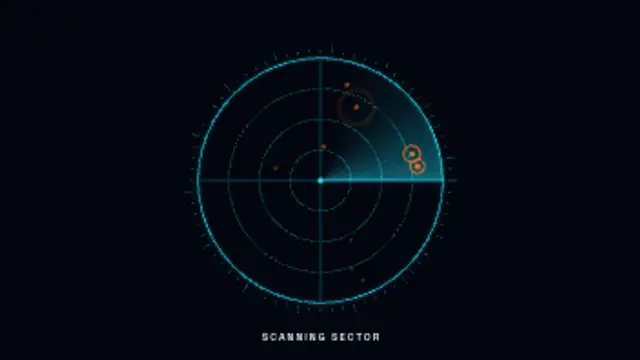
  • A glowing radar beam sweeps a ringed scope, lighting up targets that flash and fade in a seamless sci-fi loop.

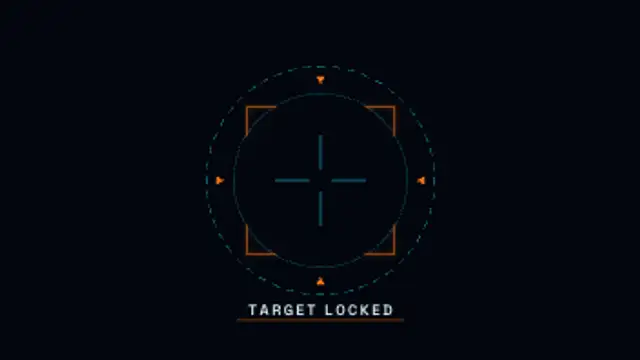
  • Brackets snap onto a target, the reticle blinks locked and a status label types itself out below.

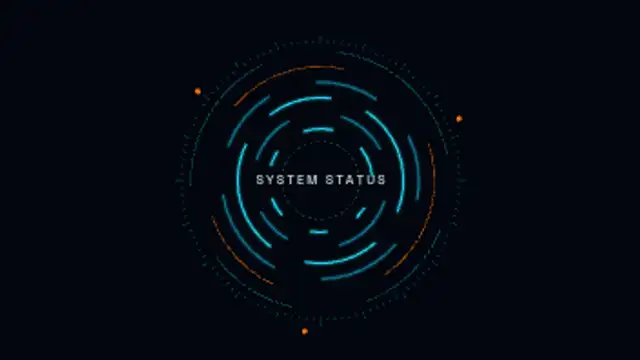
  • Layered segmented rings spin at different speeds around a central readout, a classic holographic interface loop.

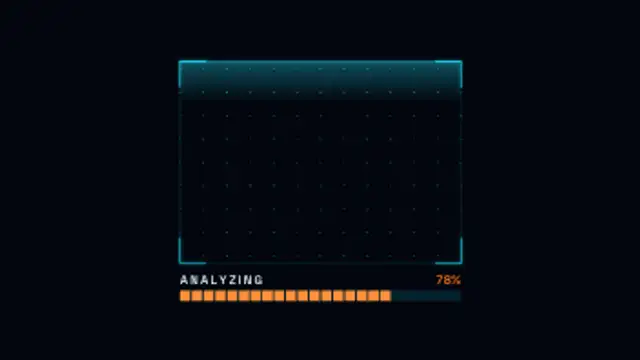
  • A glowing scan line sweeps a bracketed grid while a segmented progress bar counts up to one hundred percent.

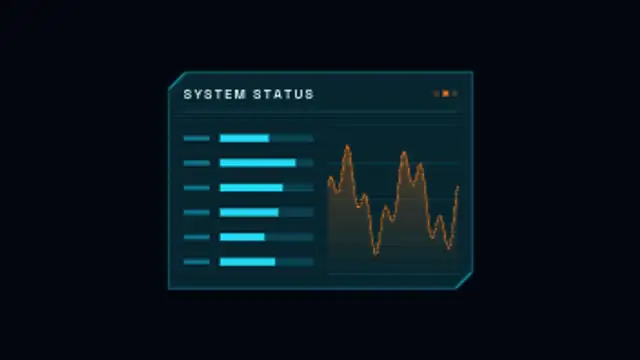
  • A cut-corner holographic panel flickers on, then loops live bar readouts and a scrolling signal graph.

All hud & sci-fi interface

How to make one in the browser

  1. 01Open a hud & sci-fi interface presetBrowse the HUD & Sci-Fi Interface category and open the preset closest to what you need. It loads in the editor with every control unlocked.
  2. 02Make it yoursRewrite the text, set your brand colors and font, adjust easing and duration, and switch the aspect ratio for the platform you are posting to.
  3. 03Export the clipChoose MP4 for a normal track or transparent WebM for an overlay, pick a resolution up to 8K, and the file renders on your own machine.

Which format should you export?

Use MP4 when the clip sits on its own track or fills the frame. Use transparent WebM whenever it has to float over your own footage: the alpha channel is real, so no keying or blend mode is needed.

Format
MP4 H.264 · WebM VP9
Alpha
Transparent WebM
Resolution
720p to 8K
Aspect
16:9 · 9:16 · 1:1 · 4:5
License
Commercial use included

Three tips that make it look intentional

  • One HUD element per corner; a full screen of readouts becomes noise.
  • Cyan and amber read as machine; brand colors read as UI.
  • Keep the label text short so it stays legible at small sizes.

Frequently asked

Do HUD elements loop?
Many of them do, so you can hold a scanning frame over a longer shot without a visible restart.
Can I change the readout text?
Yes, labels and values are editable, which keeps the overlay specific to your scene.
  • Film & Retro Textures

    Film and VHS effects: analog texture over digital footage

    Lay a grain, burn or tracking overlay on the track above your footage and set it to a low opacity. Real analog artifacts are inconsistent, so short bursts of tracking error or a single burn between scenes read better than a constant filter.

    Read the guide
  • Cartoon FX

    Cartoon FX: hand-drawn energy for cuts and reactions

    Cartoon FX are hand-drawn style elements, smoke puffs, speed lines, impact stars and comic captions, that exaggerate a moment. They are exported with transparency and placed over footage, usually for two to eight frames on the beat of the action.

    Read the guide
  • Science & Medical

    Science and medical animations for explainers

    Instead of licensing stock, edit a preset: a DNA helix, an ECG monitor, a beating heart, dividing cells or a lab flask. You set the colors, speed and labels, and export MP4 or transparent WebM with a commercial license included.

    Read the guide