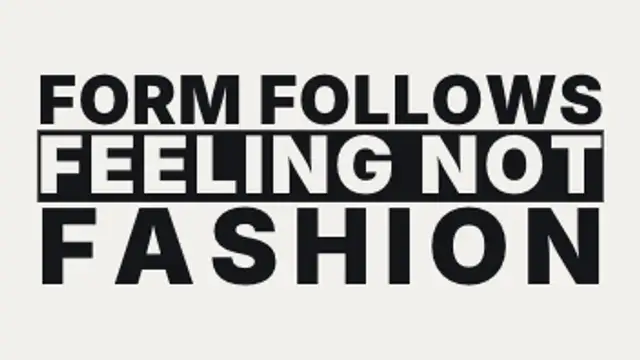
Each line is scaled and tracked until it sits flush with both edges of the measure, so a two-word line and a five-word line carry wildly different weight.
Word Packing Collage
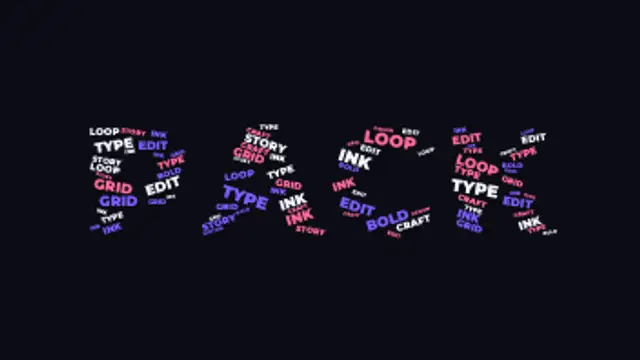
A giant headline word is packed full of dozens of smaller words measured to fit its letterforms exactly, then the whole crowd scatters apart and flies back in.
A giant word fills up with dozens of smaller words packed inside its letterforms, then scatters and flies back. Type your words, pick a font, export.
Part of Text Animations. New to this kind of graphic? Read How to Animate Text in a Video.
Transparent exports and editor imports are explained in the transparent video guide, and every download is free under the commercial license.
Content: text and labels. Typography: font and weight. Style: background, text color, primary, secondary and accent. Layout: aspect ratio. Motion: duration, easing and variation.
Word Packing Collage runs 4.2 seconds by default, and you can set any length up to 15 seconds before you export. It plays once.
Use Word Packing Collage for a brand values slide, a conference theme reveal or a year-in-words recap. Small words fill the big word's letterforms, so one frame carries both a headline and its supporting ideas.
Each line is scaled and tracked until it sits flush with both edges of the measure, so a two-word line and a five-word line carry wildly different weight.
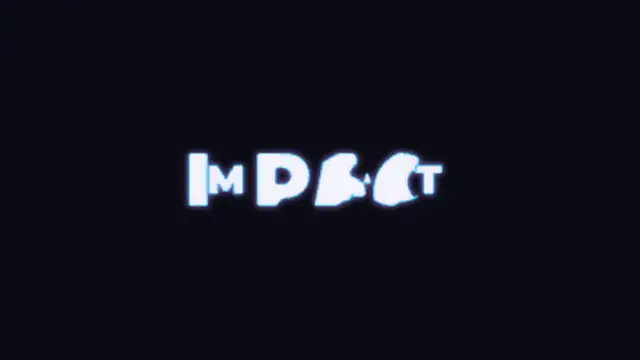
Your first word's letterforms stretch and flow directly into the second word's, contour by contour, with spare shapes growing in or collapsing away. Put each word on its own line.
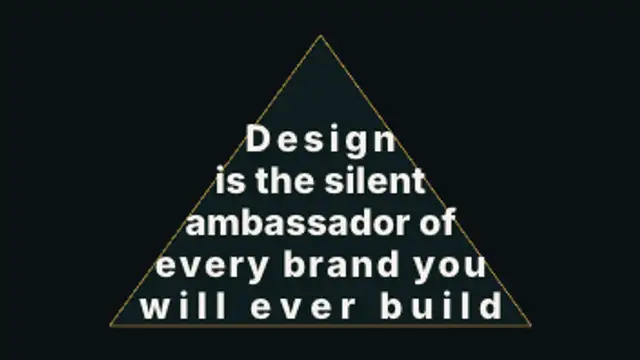
A paragraph pours itself into a silhouette, rewrapping and resizing line by line so the type itself becomes the shape, then reveals row by row.
Words rise into place one after another with a soft fade, then lift away. Perfect for captions and hooks.
Two words made of the same letters trade places: each letterform travels to its new position and reshapes on the way, so one phrase becomes the other without a cut.
Your title is rebuilt from a grid of ASCII characters that flicker through random symbols, then lock into dense marks that trace the real letter shapes.
Letters sharpen out of a dreamy blur from the center outward for elegant, cinematic titles.
Letters slide together until their real letterform edges touch, compress against each other, then spring out to their final spacing.