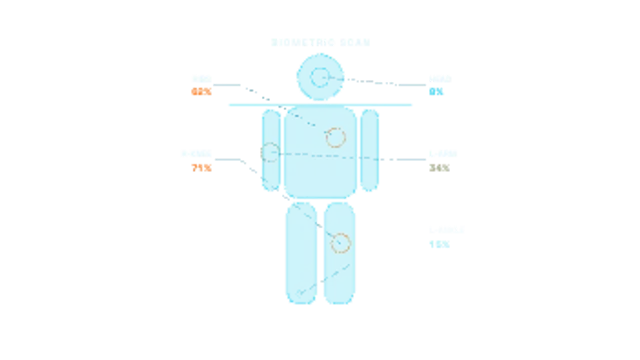
A scan line sweeps down a full-body wireframe, filling it as it passes, and injury markers pulse on with leader lines to severity readouts.
Incoming Transmission
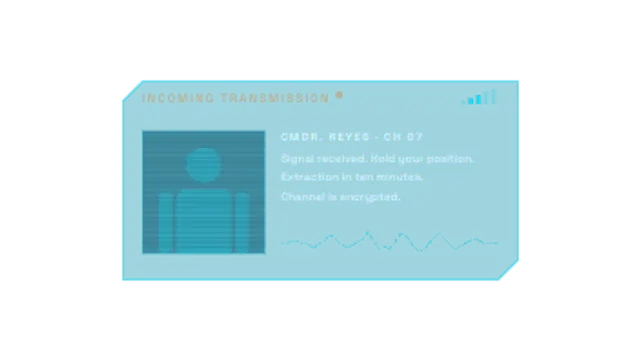
A comms panel unfolds with a blinking incoming-transmission header, signal bars fluctuating, a glitching portrait slot, a live voice waveform and the message typing out line by line.
A sci-fi comms panel with a blinking header, signal bars, glitching portrait, voice waveform and typed message lines. Add a photo and your own dialogue.
Part of HUD & Sci-Fi Interface. New to this kind of graphic? Read How to Add a Sci-Fi HUD Overlay to Footage.
Transparent exports and editor imports are explained in the transparent video guide, and every download is free under the commercial license.
Content: title, subtitle, messages and photo. Typography: font. Style: background, text color, primary, secondary, accent and thickness. Layout: aspect ratio, scale and position. Motion: duration, speed and variation.
Incoming Transmission runs 8 seconds by default, and you can set any length up to 60 seconds before you export. It plays once.
Incoming Transmission delivers dialogue from an off-screen character: a mission briefing in a game video, a message from a sponsor or guest, or a narrative beat in a sci-fi short. The typing lines pace the message so viewers read along with the voice.
A scan line sweeps down a full-body wireframe, filling it as it passes, and injury markers pulse on with leader lines to severity readouts.
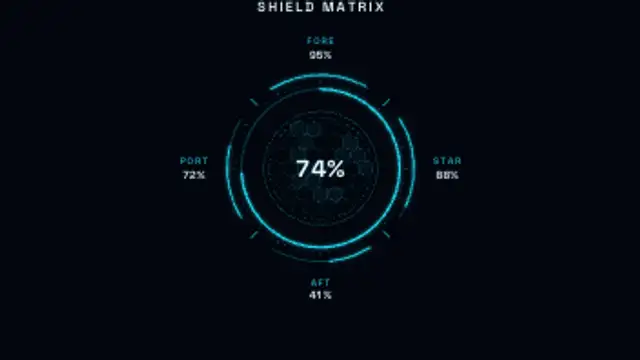
A sci-fi shield status panel: a glowing radial gauge over a hex grid with fore, aft, port and starboard readouts. Mid-loop a quadrant takes a hit, flashes, drops and regenerates.
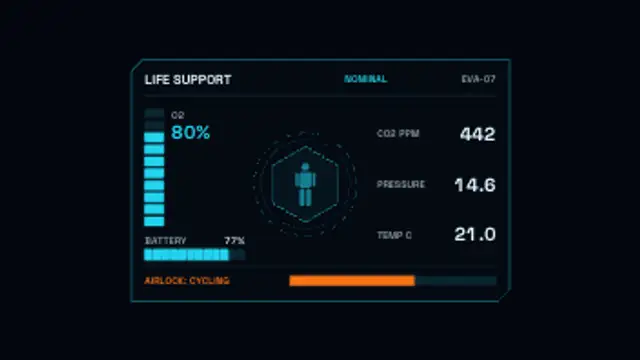
An astronaut life-support panel with O₂, battery, CO₂ and pressure readouts, segmented bars that deplete over the clip and a CAUTION alert state.
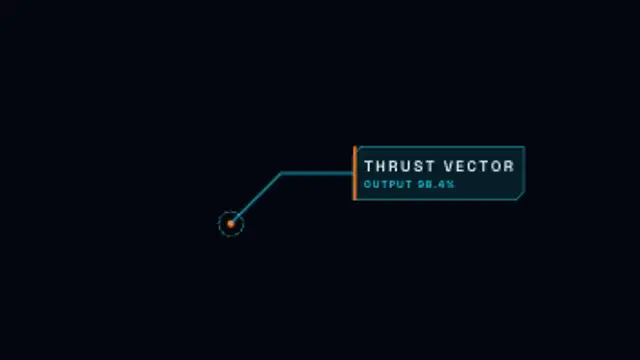
A reticle marks a point, a glowing leader line draws out and a cut-corner label opens with a typed title and readout.
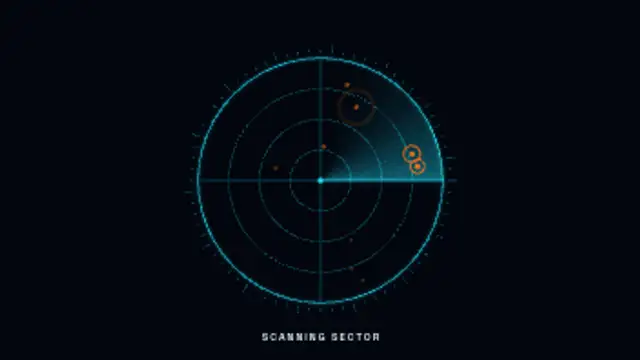
A glowing radar beam sweeps a ringed scope, lighting up targets that flash and fade in a seamless sci-fi loop.

A drone flight display over your aerial shot: GPS bars, battery, altitude and speed readouts ticking live, a gently tilting horizon, a gimbal pitch bar and a home-direction compass.
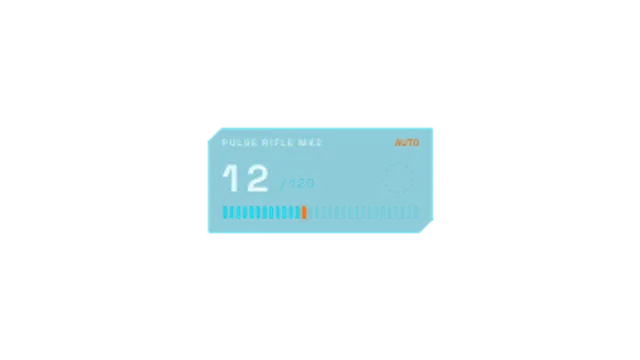
A game-style ammo panel: the magazine ticks down in bursts, RELOAD blinks, a reload arc spins, the reserve drops and firing resumes.
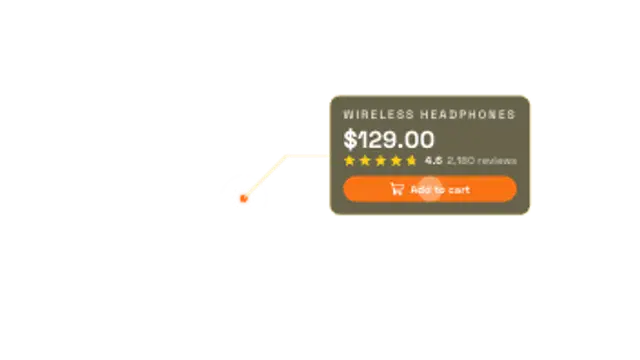
An augmented reality shopping tag: a ping lands on the product, a leader line draws out and a glass card unfolds with name, price, star rating and an Add to cart chip.