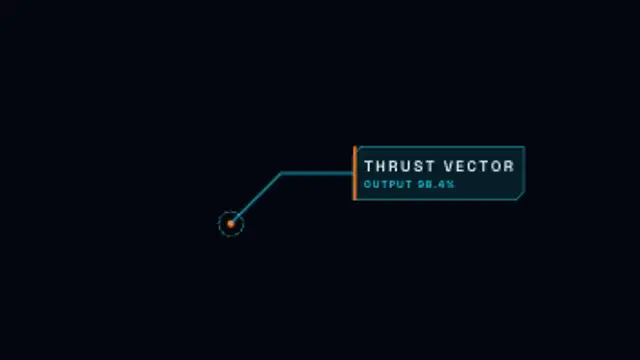
A reticle marks a point, a glowing leader line draws out and a cut-corner label opens with a typed title and readout.
AR Product Tag
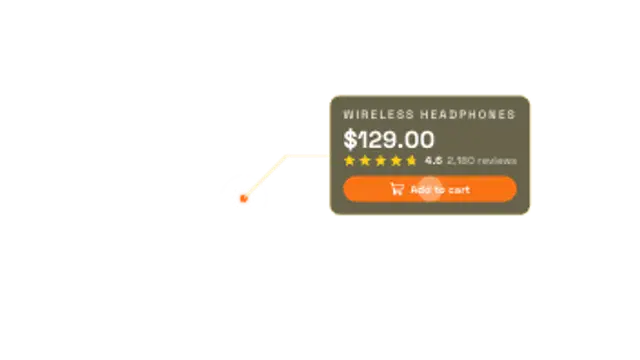
An augmented reality shopping tag: a ping lands on the product, a leader line draws out and a glass card unfolds with name, price, star rating and an Add to cart chip.
An AR shopping tag that pings a product, draws a leader line and unfolds a card with price, star rating and an Add to cart chip. Fully editable.
Part of HUD & Sci-Fi Interface. New to this kind of graphic? Read How to Add a Sci-Fi HUD Overlay to Footage.
Transparent exports and editor imports are explained in the transparent video guide, and every download is free under the commercial license.
Content: title, subtitle, labels, values and icon. Typography: font. Style: background, text color, primary, secondary, accent and thickness. Layout: aspect ratio, scale, target x and target y. Motion: duration and speed.
AR Product Tag runs 6 seconds by default, and you can set any length up to 60 seconds before you export. It plays once.
AR Product Tag pins shopping details to an item in lifestyle footage: outfit breakdowns, desk-setup tours, product-placement moments and shoppable-video concepts. The glass card opens from a ping on the product, so viewers know exactly which item is meant.
A reticle marks a point, a glowing leader line draws out and a cut-corner label opens with a typed title and readout.
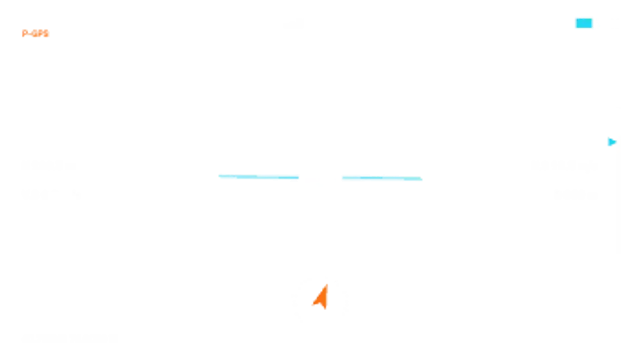
A drone flight display over your aerial shot: GPS bars, battery, altitude and speed readouts ticking live, a gently tilting horizon, a gimbal pitch bar and a home-direction compass.
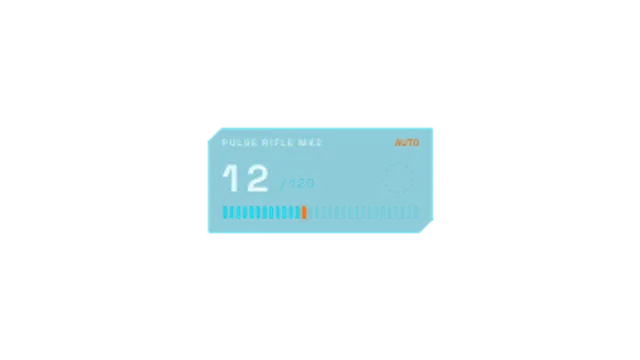
A game-style ammo panel: the magazine ticks down in bursts, RELOAD blinks, a reload arc spins, the reserve drops and firing resumes.
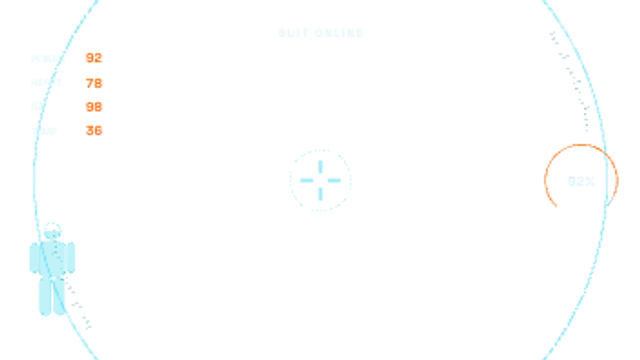
Curved visor arcs sweep in at the edges of the frame, a suit silhouette fills with power, vitals slide in and a centre reticle locks on.

A body camera overlay with a bold timestamp block in the corner that ticks real seconds, a unit ID and a fisheye-style vignette for POV storytelling.
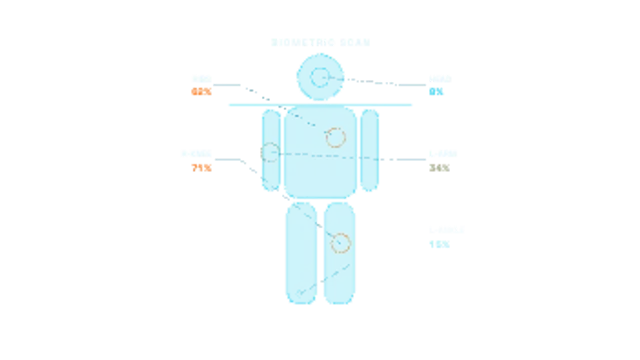
A scan line sweeps down a full-body wireframe, filling it as it passes, and injury markers pulse on with leader lines to severity readouts.

A mirrorless camera viewfinder: the focus box hunts then locks green, exposure settings sit along the top, a live histogram breathes, the level gauge settles and the shot count ticks down.
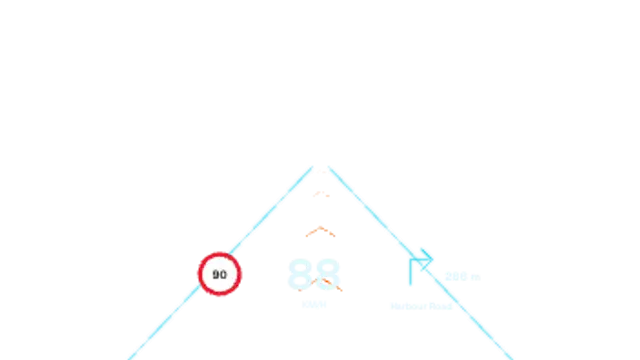
Lane lines glow onto the road, navigation chevrons stream toward the horizon, and a projected speed, speed-limit sign and next-turn distance float over the dash.