
A spinning star bursts out from the center to fill the frame, then twists open a star-shaped window onto the next shot.
Gravity Letter Pile
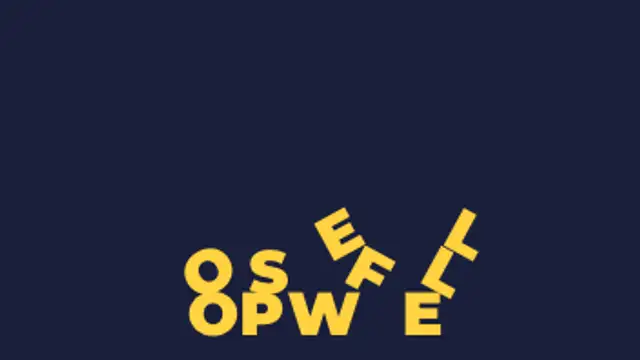
Each letter loses its footing in turn, drops, bounces and tumbles, then settles on the floor or on the letters that landed before it.
Letters drop one by one, bounce, tumble and pile on top of each other with real stacking. Type your text, set the bounce and export.
Part of Text Animations. New to this kind of graphic? Read How to Animate Text in a Video.
Transparent exports and editor imports are explained in the transparent video guide, and every download is free under the commercial license.
Content: text. Typography: font, weight, size, letter spacing, line height and align. Style: background, text color, primary, secondary and accent. Layout: aspect ratio. Motion: duration, easing and variation.
Gravity Letter Pile runs 5 seconds by default, and you can set any length up to 15 seconds before you export. It plays once.
Use Gravity Letter Pile for a blooper reel title, an error message in a comedy sketch or a sale banner where prices are falling. Letters drop one by one and stack up, turning a word into a small physical gag.
A spinning star bursts out from the center to fill the frame, then twists open a star-shaped window onto the next shot.
Two words made of the same letters trade places: each letterform travels to its new position and reshapes on the way, so one phrase becomes the other without a cut.
Your title is rebuilt from a grid of ASCII characters that flicker through random symbols, then lock into dense marks that trace the real letter shapes.
Letters sharpen out of a dreamy blur from the center outward for elegant, cinematic titles.
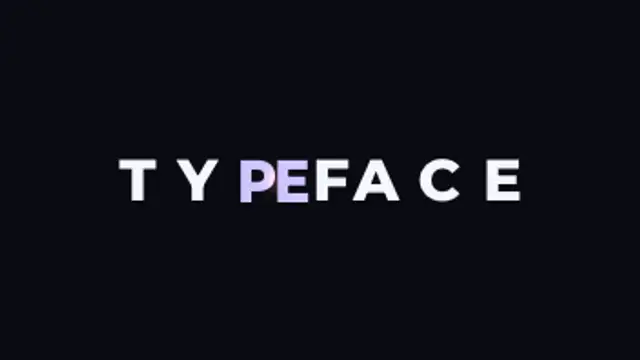
Letters slide together until their real letterform edges touch, compress against each other, then spring out to their final spacing.
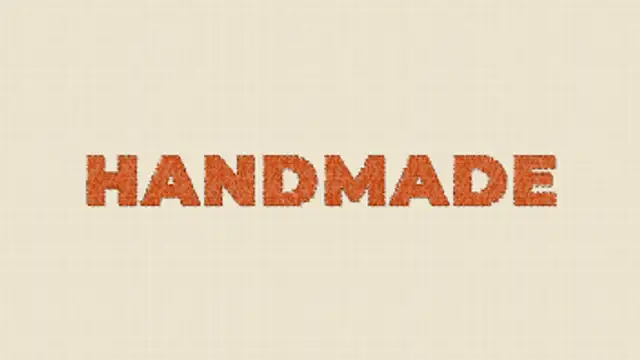
A needle sews your title into linen stitch by stitch, filling each letter with shaded satin thread before a running stitch traces the outline.
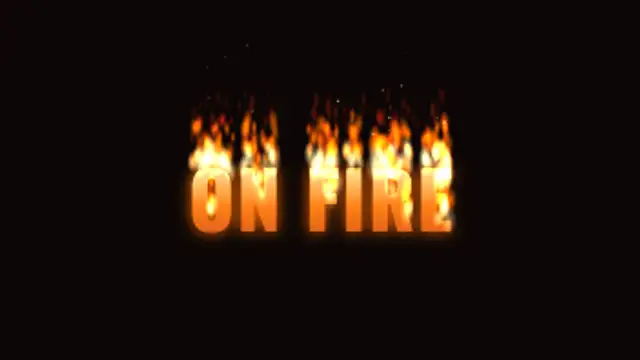
Flames catch along the tops of your letters and keep burning, licking upward in layered tongues while the letters glow hot and embers drift away.
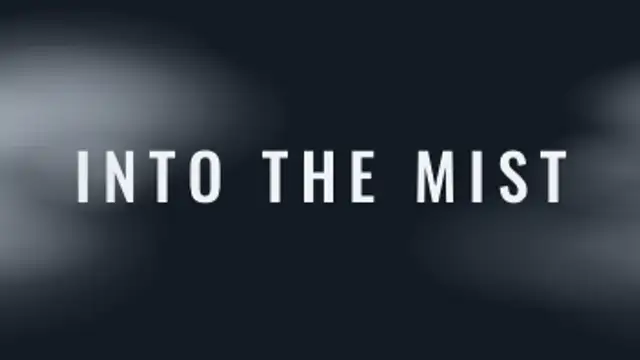
Layered banks of fog drift across the frame, part to either side to reveal your title in the clearing, then roll back in and swallow it again.