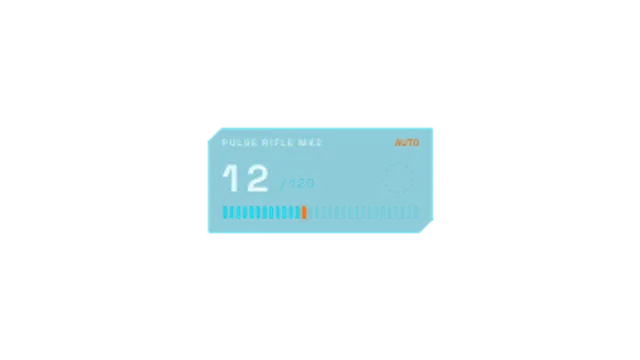
A game-style ammo panel: the magazine ticks down in bursts, RELOAD blinks, a reload arc spins, the reserve drops and firing resumes.
XP Level Up
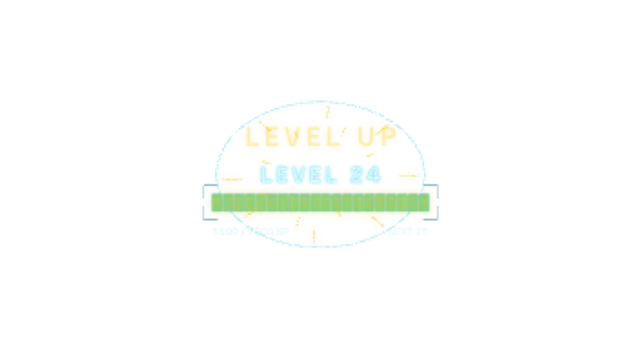
A segmented XP bar fills to the brim, LEVEL UP flashes in with a radial burst of rays and sparks, and the new level pops in as the bar resets.
Animate a game XP bar filling up, a flashing LEVEL UP title with a radial burst and the new level popping in. Edit level, XP and colours. Transparent export.
Part of HUD & Sci-Fi Interface. New to this kind of graphic? Read How to Add a Sci-Fi HUD Overlay to Footage.
Transparent exports and editor imports are explained in the transparent video guide, and every download is free under the commercial license.
Content: title, labels and values. Typography: font. Style: background, text color, primary, secondary, accent and thickness. Layout: aspect ratio, scale and position. Motion: duration, speed and variation.
XP Level Up runs 5 seconds by default, and you can set any length up to 60 seconds before you export. It plays once.
XP Level Up celebrates progress: a subscriber milestone, a skill unlocked in a learning vlog, a fitness personal best or a real in-game level. The burst arrives as the bar fills, giving the clip one clear high point to sync a sound effect with.
A game-style ammo panel: the magazine ticks down in bursts, RELOAD blinks, a reload arc spins, the reserve drops and firing resumes.
A game kill feed where rows slide in from the right with killer name, a kill symbol and victim, stacking up with a glow highlight on arrival.
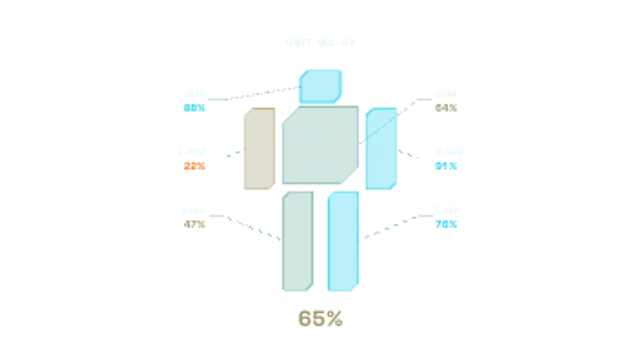
A wireframe mech draws itself, then each part takes a hit, flashes and settles to green, amber or red while integrity ticks down and leader lines report the damage.
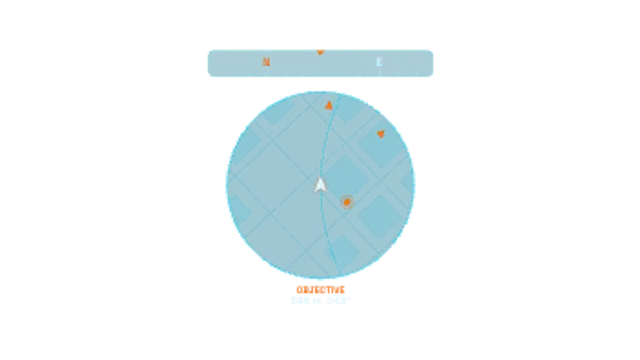
A game-style circular minimap that rotates with the player arrow, with pulsing objective pings, edge arrows, a scrolling compass tape and a live distance readout.
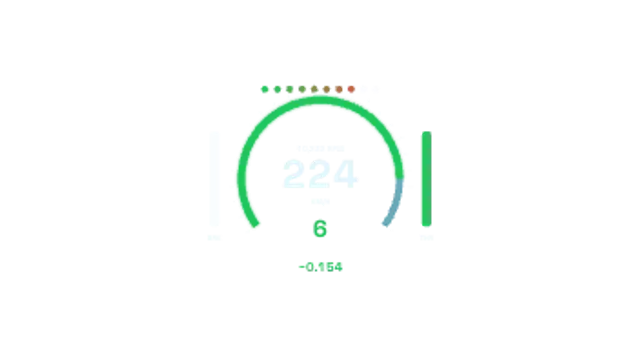
A motorsport telemetry cluster: big speed digits, a glowing RPM arc with shift lights, gear number, throttle and brake bars and a flashing lap delta.
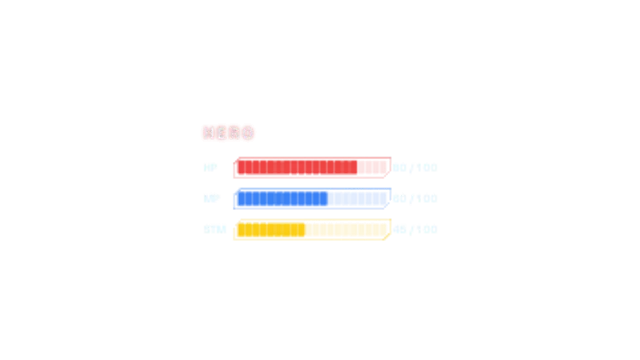
Game-style HP, MP and stamina bars fill segment by segment in chamfered frames, then the HP bar takes a hit, flashes and drains while its readout counts down.
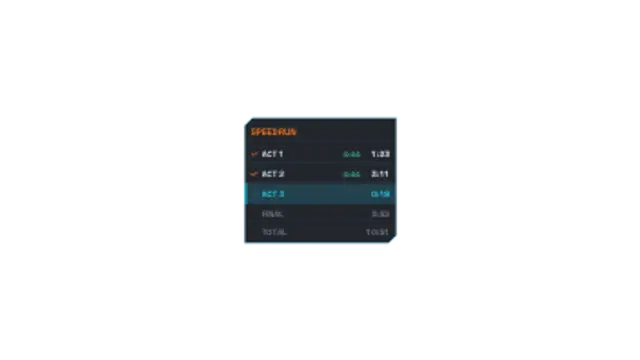
A game speedrun split tracker with staggered row slide-ins, the current split pulsing with a live timer, and signed delta times that flash green for ahead or red for behind.
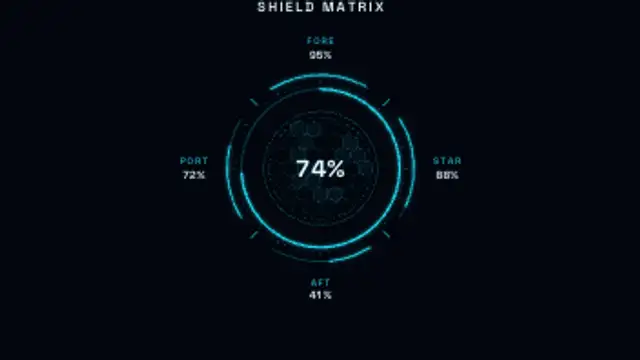
A sci-fi shield status panel: a glowing radial gauge over a hex grid with fore, aft, port and starboard readouts. Mid-loop a quadrant takes a hit, flashes, drops and regenerates.