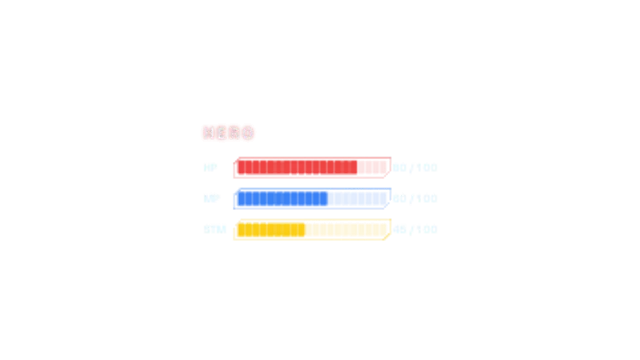
Game-style HP, MP and stamina bars fill segment by segment in chamfered frames, then the HP bar takes a hit, flashes and drains while its readout counts down.
Mech Damage Diagram
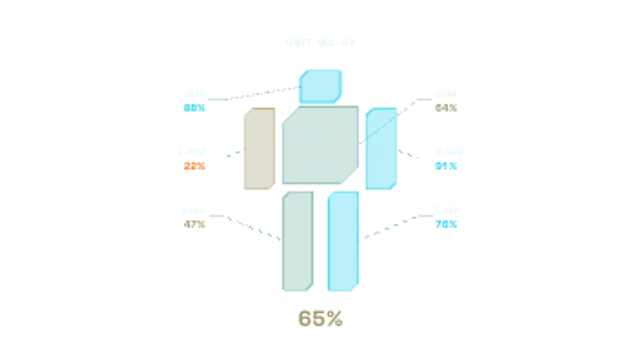
A wireframe mech draws itself, then each part takes a hit, flashes and settles to green, amber or red while integrity ticks down and leader lines report the damage.
A wireframe mech takes hits part by part, flashing to green, amber or red while integrity ticks down. Set part names and values for gaming or sci-fi edits.
Part of HUD & Sci-Fi Interface. New to this kind of graphic? Read How to Add a Sci-Fi HUD Overlay to Footage.
Transparent exports and editor imports are explained in the transparent video guide, and every download is free under the commercial license.
Content: title, labels and values. Typography: font. Style: background, text color, primary, secondary, accent and thickness. Layout: aspect ratio, scale and position. Motion: duration, speed and variation.
Mech Damage Diagram runs 7.5 seconds by default, and you can set any length up to 60 seconds before you export. It plays once.
Mech Damage Diagram reports the state of a machine part by part: a robot-combat recap, a game loadout review, or a playful take on a car inspection. Parts settle to green, amber or red according to their numbers, so the result is readable at a glance.
Game-style HP, MP and stamina bars fill segment by segment in chamfered frames, then the HP bar takes a hit, flashes and drains while its readout counts down.
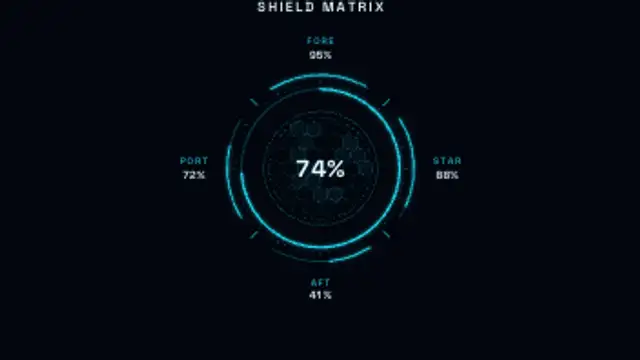
A sci-fi shield status panel: a glowing radial gauge over a hex grid with fore, aft, port and starboard readouts. Mid-loop a quadrant takes a hit, flashes, drops and regenerates.
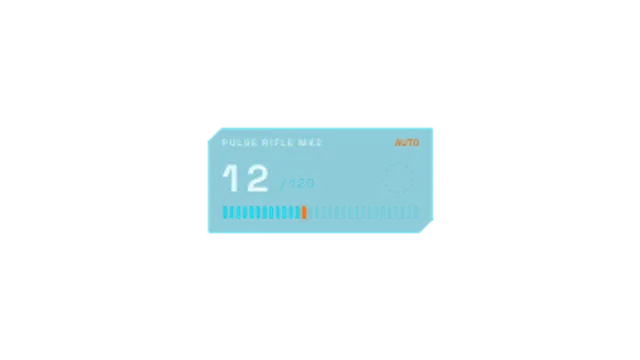
A game-style ammo panel: the magazine ticks down in bursts, RELOAD blinks, a reload arc spins, the reserve drops and firing resumes.
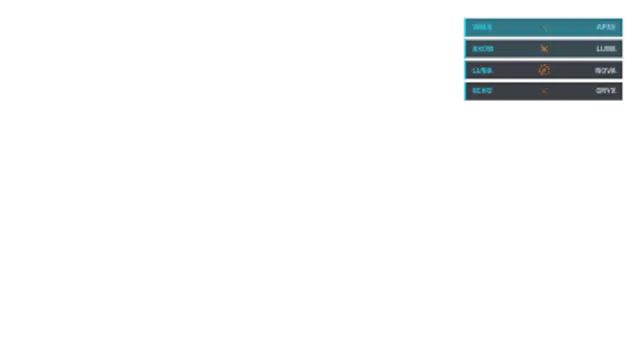
A game kill feed where rows slide in from the right with killer name, a kill symbol and victim, stacking up with a glow highlight on arrival.
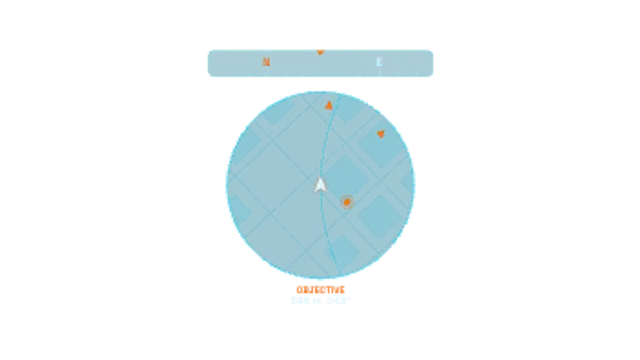
A game-style circular minimap that rotates with the player arrow, with pulsing objective pings, edge arrows, a scrolling compass tape and a live distance readout.
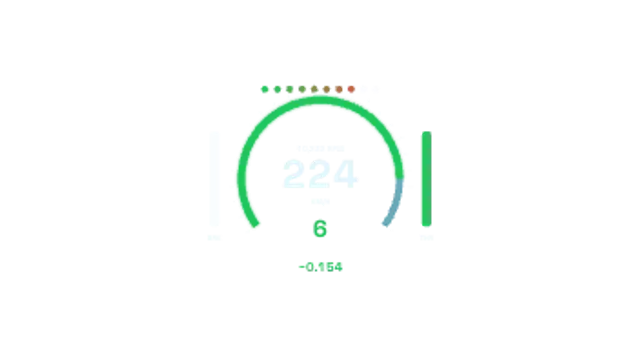
A motorsport telemetry cluster: big speed digits, a glowing RPM arc with shift lights, gear number, throttle and brake bars and a flashing lap delta.
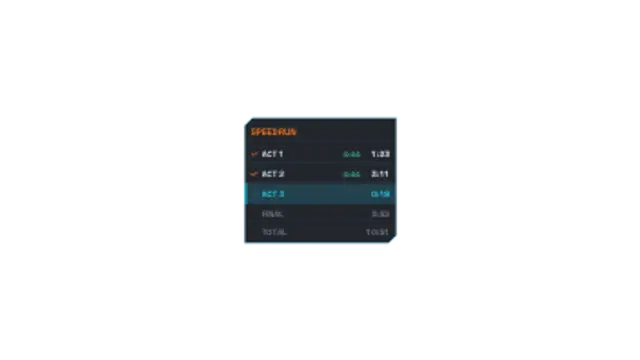
A game speedrun split tracker with staggered row slide-ins, the current split pulsing with a live timer, and signed delta times that flash green for ahead or red for behind.

A segmented XP bar fills to the brim, LEVEL UP flashes in with a radial burst of rays and sparks, and the new level pops in as the bar resets.