
Mixed balls lift out of the jumbled tubes one by one, arc over the row and drop into the empty tube that matches their colour, then scatter back to start.
Rolling Polygons

A triangle, a square and their bigger cousins roll along their own lanes, each tipping corner over corner at the exact angle its shape demands.
Polygons tipping corner over corner along their lanes on a seamless loop. Set the lane count, shapes and colors, then export MP4 for maths explainers.
Part of Kinetic & Satisfying Loops. New to this kind of graphic? Read How to Make Satisfying Loop Videos Without 3D Software.
Transparent exports and editor imports are explained in the transparent video guide, and every download is free under the commercial license.
Style: background, primary, secondary, accent and thickness. Layout: aspect ratio and count. Motion: duration and speed.
Rolling Polygons runs 10 seconds by default, and you can set any length up to 20 seconds before you export. It loops seamlessly.
Rolling Polygons supports a geometry lesson on sides and angles, where students compare how a triangle lurches and a many-sided shape nearly glides. It also makes a quirky loop for the intro of a maths channel.
Mixed balls lift out of the jumbled tubes one by one, arc over the row and drop into the empty tube that matches their colour, then scatter back to start.

Blocks ride a segmented belt past a row of pushers, each one punching its own colour down a drop hole, and the bins below rise as they fill.
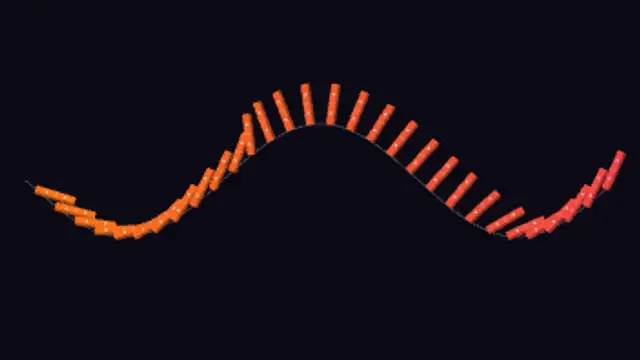
A line of dominoes topples along a rolling ground line, each tile tipping into the next, and stands itself back up behind the wave.

Cut gears mesh tooth for tooth along a zig-zag shaft line, each wheel turning the other way at the ratio its tooth count demands.
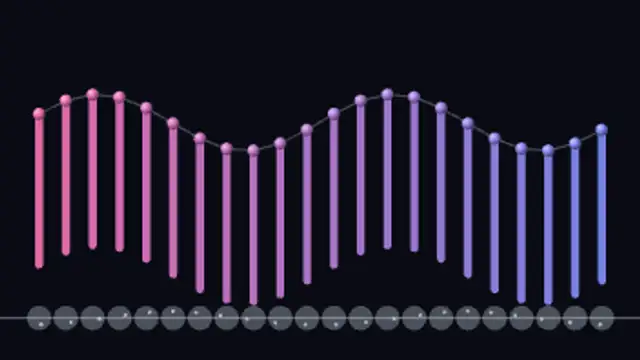
A bank of cams on one shaft lifts a row of rods slightly out of step, so their tips carry a smooth wave along the machine and back again.
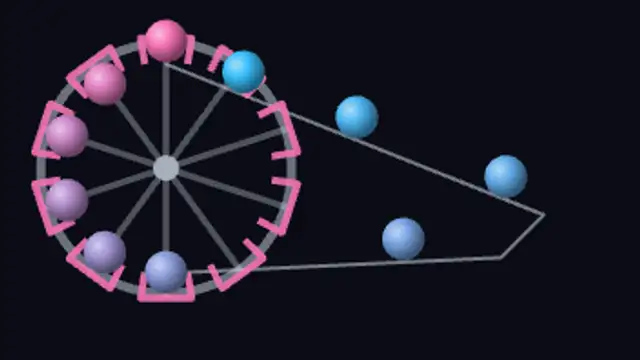
A scoop wheel picks marbles out of the pit, carries them up and over the top, and tips each one onto the return rail to roll all the way back.
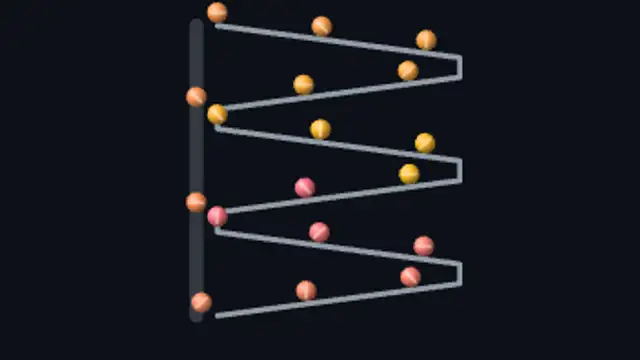
Marbles roll down a stack of zig-zag ramps, drop to the rail below and ride a side lift back to the top, so the run never empties.
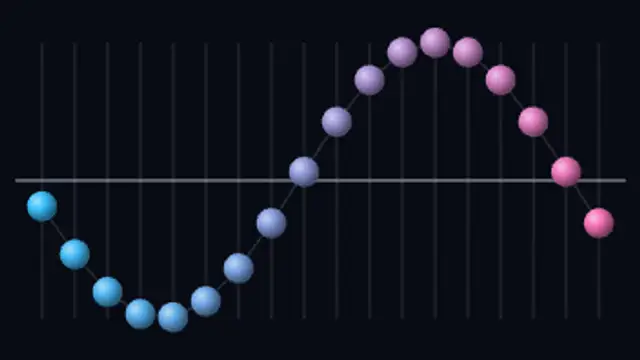
Seen from above, a row of pendulums swings across the rail at rising frequencies, drifting out of phase into snakes and braids before snapping back into one straight line.