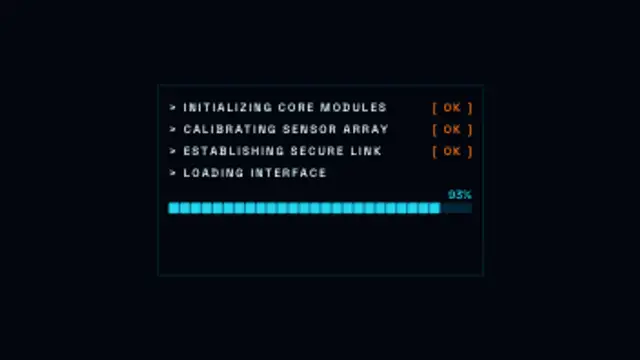
Boot Sequence
7.5sTerminal status lines type in and check off while a segmented loading bar fills, then the system online message flashes.
Retro Wrist Terminal
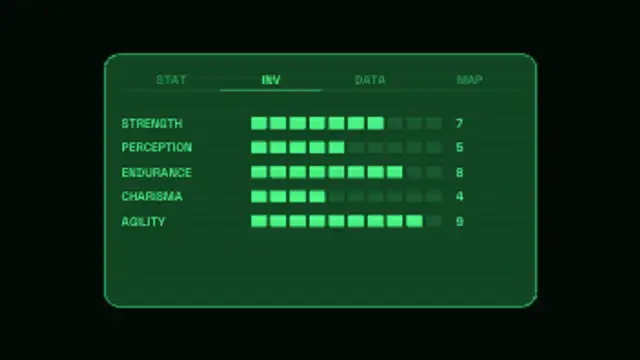
A green phosphor terminal boots with typed system checks, then its tabs switch while pixel stat bars refill under scanlines and a faint CRT flicker.
A green phosphor terminal that boots with typed checks, switches tabs and refills pixel stat bars under scanlines. Type your own tabs, stats and values.
Part of HUD & Sci-Fi Interface. New to this kind of graphic? Read How to Add a Sci-Fi HUD Overlay to Footage.
Transparent exports and editor imports are explained in the transparent video guide, and every download is free under the commercial license.
Content: title, labels and values. Typography: font. Style: background, text color, primary, secondary, accent and thickness. Layout: aspect ratio, scale and position. Motion: duration, speed and variation.
Retro Wrist Terminal runs 10 seconds by default, and you can set any length up to 60 seconds before you export. It plays once.
Retro Wrist Terminal brings a green-phosphor computer screen to post-apocalyptic game content, character-build breakdowns and retro-tech videos. The pixel stat bars make it a natural way to present five attributes of a character, product or team member.
Terminal status lines type in and check off while a segmented loading bar fills, then the system online message flashes.
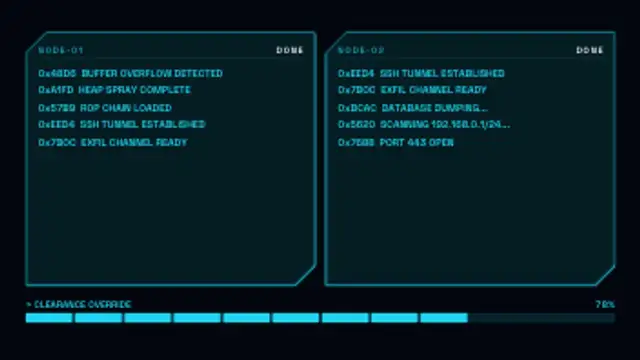
Multi-panel terminal windows with scrolling code output, a segmented progress bar and cycling messages, ending with an ACCESS GRANTED flash.
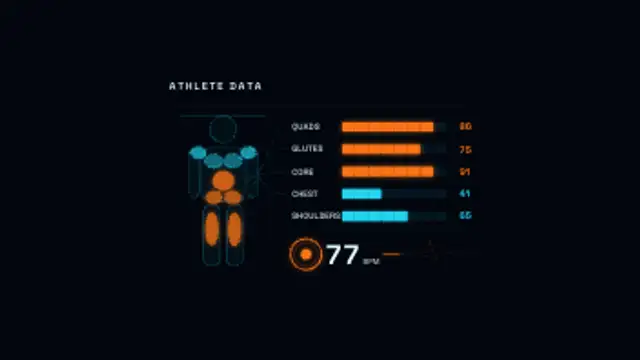
A body silhouette with colour-coded muscle zone overlays, 8-segment activation bars per zone and a heartbeat pulse that syncs with a live heart rate readout.
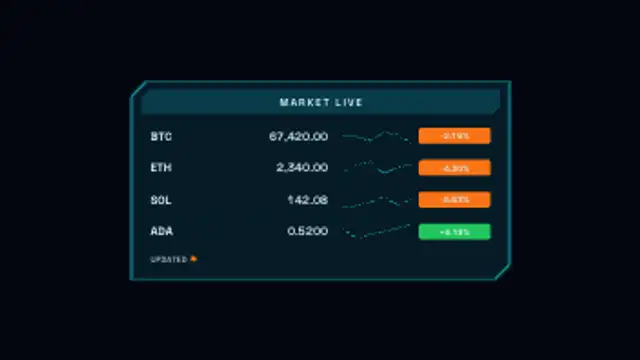
A live market feed panel with symbol, price, percentage change badges and mini sparklines for each row, with occasional price tick updates.
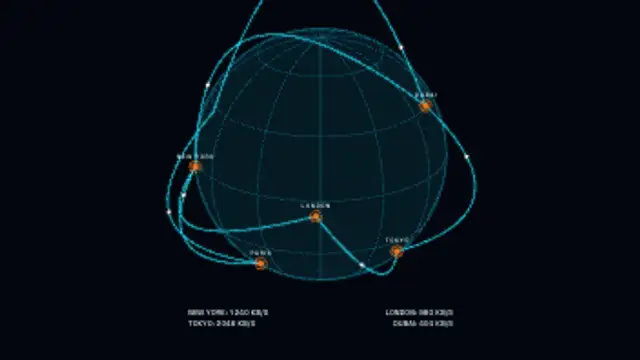
A wireframe globe spins with city nodes and arcing data connections, glowing packet dots travelling the routes as a live readout counts transmissions.
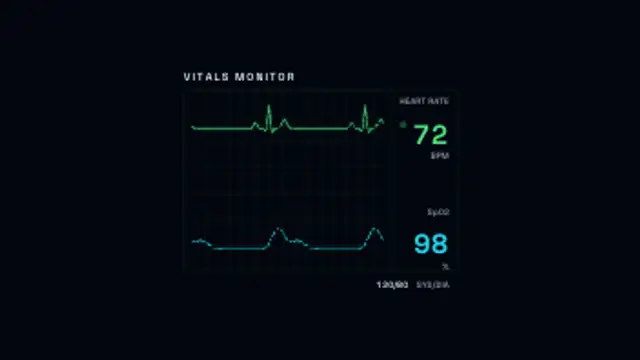
A patient monitor with a scrolling ECG heartbeat trace and a pulse oximetry wave over a grid, with a flashing beat marker and heart rate, SpO2 and blood pressure readouts.
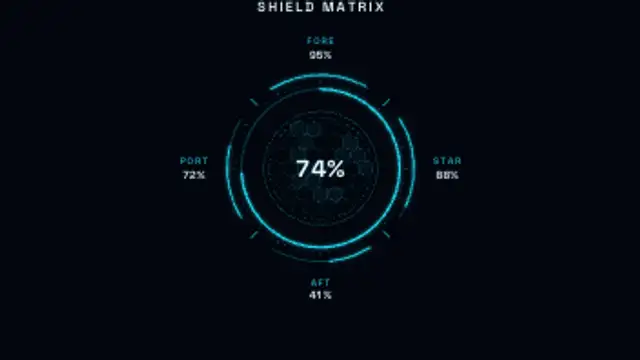
A sci-fi shield status panel: a glowing radial gauge over a hex grid with fore, aft, port and starboard readouts. Mid-loop a quadrant takes a hit, flashes, drops and regenerates.
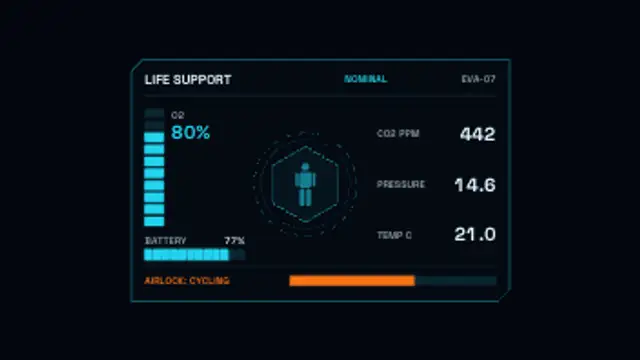
An astronaut life-support panel with O₂, battery, CO₂ and pressure readouts, segmented bars that deplete over the clip and a CAUTION alert state.